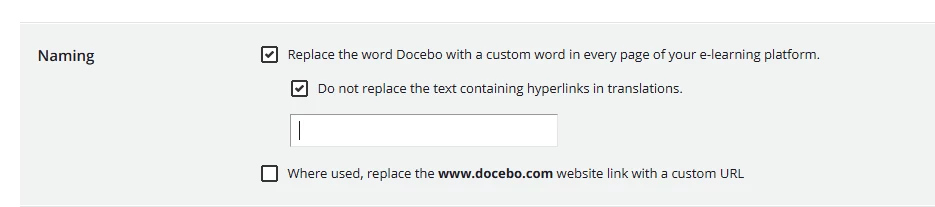
How can I modify or hide the text on the sign in page banner? I want to modify the text “ Browse Docebo’s courses and learning plans” on the sign in page banner.

How can I modify or hide the text on the sign in page banner? I want to modify the text “ Browse Docebo’s courses and learning plans” on the sign in page banner.
Enter your email address or username and password below to log in to Docebo Community. No account yet? Create an account
Enter your E-mail address. We'll send you an e-mail with instructions to reset your password.