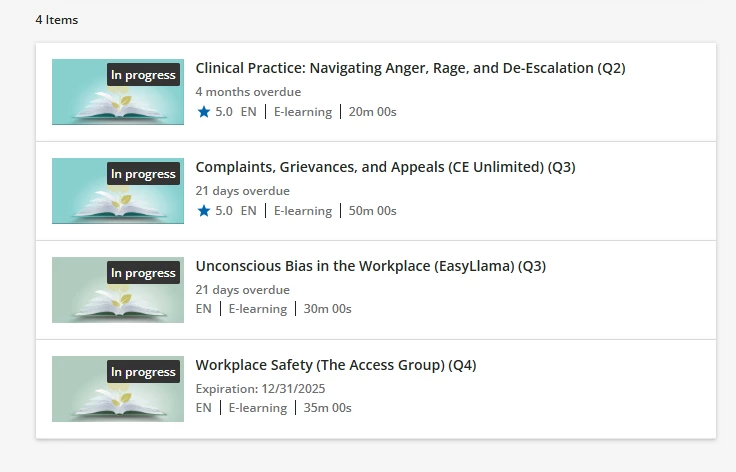
I am confused. I wear the “4 months overdue” and so on used to be red in color, which would make the overdue courses stand out; now they seem to be gray. Is there a way to change that? Did I make up that it was red before?
 +1
+1I am confused. I wear the “4 months overdue” and so on used to be red in color, which would make the overdue courses stand out; now they seem to be gray. Is there a way to change that? Did I make up that it was red before?
Enter your email address or username and password below to log in to Docebo Community. No account yet? Create an account
Enter your E-mail address. We'll send you an e-mail with instructions to reset your password.