

Report not available

  • October 28, 2022
  • 7 replies
  • 169 views

captainzelda
Helper II
Forum|alt.badge.img

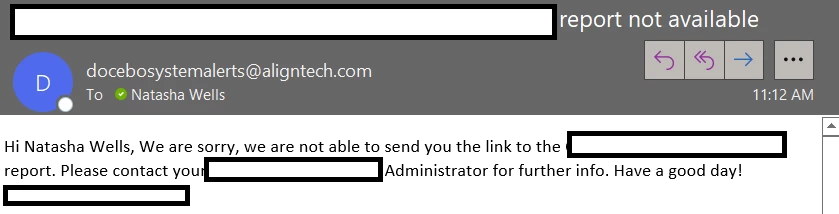
A couple of days ago, a scheduled CSV report just started throwing an error. I continue to receive the following message regardless of it’s scheduled or I try to push it manually. Anyone know what setting is causing this, some filter I have set? It was previously working and I’ve made no changes.

Because I can’t get an actual inventory report from Docebo, I assign everything to myself as a super admin and run a report to put into my PWBI. It should only be about 1250 rows, I’m not exporting any of my user attributes, just course details such as course category, etc. 

I am the system administrator, so not sure where to take this next. 
 

7 replies

lrnlab
Hero III
Forum|alt.badge.img+10
  • Hero III
  • October 28, 2022

Hi @captainzelda I encountered this as well and was told it was related to the report refresh process…

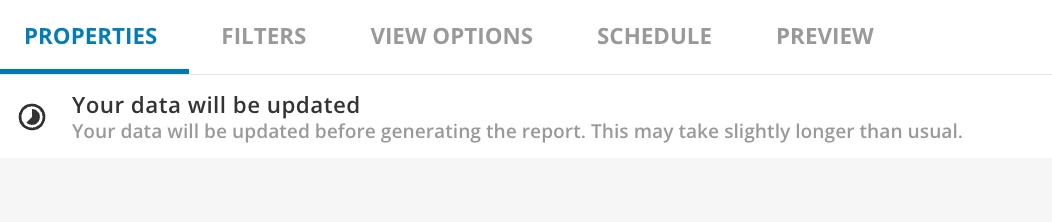
Since they only recently implemented the switch to a Data Lake for reports, and are pushing out the changes over time, it may be that you are being affected…?? Can you see if the data refresh is still going on or completed? You can see this on the report screen


captainzelda
Helper II
Forum|alt.badge.img
  • Author
  • Helper II
  • October 28, 2022

It’s complete. I hate that I can’t schedule the time a report kicks off, all of my reports fire almost immediately after this update takes place. And all my other daily scheduled reports come through, just not this specific one. I haven’t heard if anyone else in my org is having this issue but this is day 2 without this report and it doesn’t come through when I manually try to pull it. 


Does it show you any data in Preview mode?  If not, this would suggest there is still a data refresh ongoing. 

Also, do you have any Background jobs running. What status does the report show in there?


captainzelda
Helper II
Forum|alt.badge.img
  • Author
  • Helper II
  • October 28, 2022

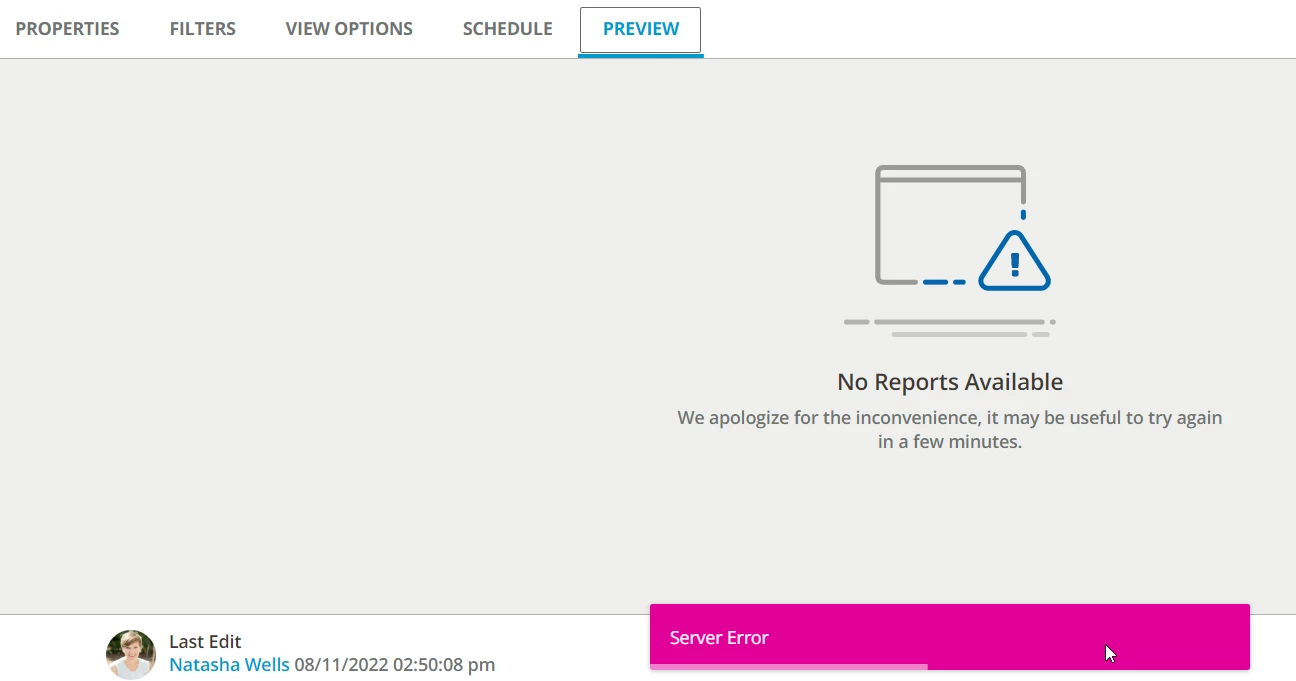
Server error on the Preview Mode, odd. When I preview other reports, I get a preview just not on this one - 

No additional background jobs running at the moment. This specific report shows aborted every time I try to run it. Wonder if I should just try to rebuild it? To reports get corrupted?


lrnlab
Hero III
Forum|alt.badge.img+10
  • Hero III
  • October 28, 2022

@captainzelda if you;’re in a rush, you might just try rebuilding the report to see if that helps...thankfully you can just duplicate the report.


captainzelda
Helper II
Forum|alt.badge.img
  • Author
  • Helper II
  • November 1, 2022

As an update here, I confirmed it is a bug regarding esignature- 

“Hello Natasha,
 
Interesting difference there, I have confirmed that the e-signature field has been narrowed down as an issue in reports.
 
The development team has identified this issue and there is currently a task to investigate further. I will attach this ticket to the related development task so you will receive automatic updates as they are available. I will continue to manage this ticket and will also provide you with additional information as soon as I receive it.”


lrnlab
Hero III
Forum|alt.badge.img+10
  • Hero III
  • November 1, 2022

@captainzelda interesting...thanks for the update