Does anyone know if there is CSS to hide the boxes that automatically form around the HTML widget when you add it it pages?

Thanks!!

Does anyone know if there is CSS to hide the boxes that automatically form around the HTML widget when you add it it pages?
Thanks!!
Best answer by Bfarkas
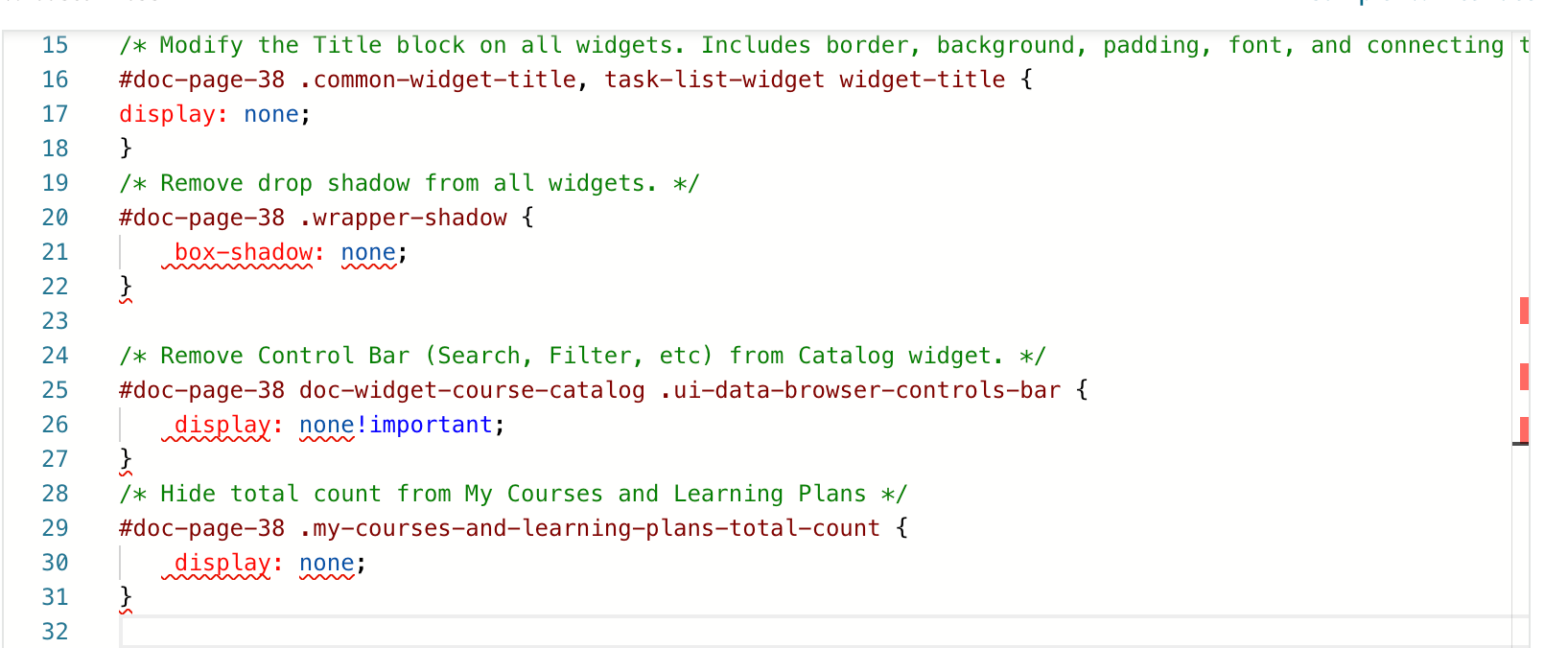
Think you mean the drop shadow on them?
Broadly it is:
.wrapper-shadow {
    box-shadow: none;
}
You can make it widget or page specific by adding
#doc-page-[number] or #doc-widget-[number] in front of the .wrapper-shadow above.
I know you have this triggered on a profile on Fark.Tools too, that is my preferred method :)
Enter your email address or username and password below to log in to Docebo Community. No account yet? Create an account
Enter your E-mail address. We'll send you an e-mail with instructions to reset your password.