


Question

Mandatory Training Display for Users

  • May 26, 2026
  • 4 replies
  • 32 views

Forum|alt.badge.img

Hello,


I’m looking for some advice on how others manage and display mandatory training for users.
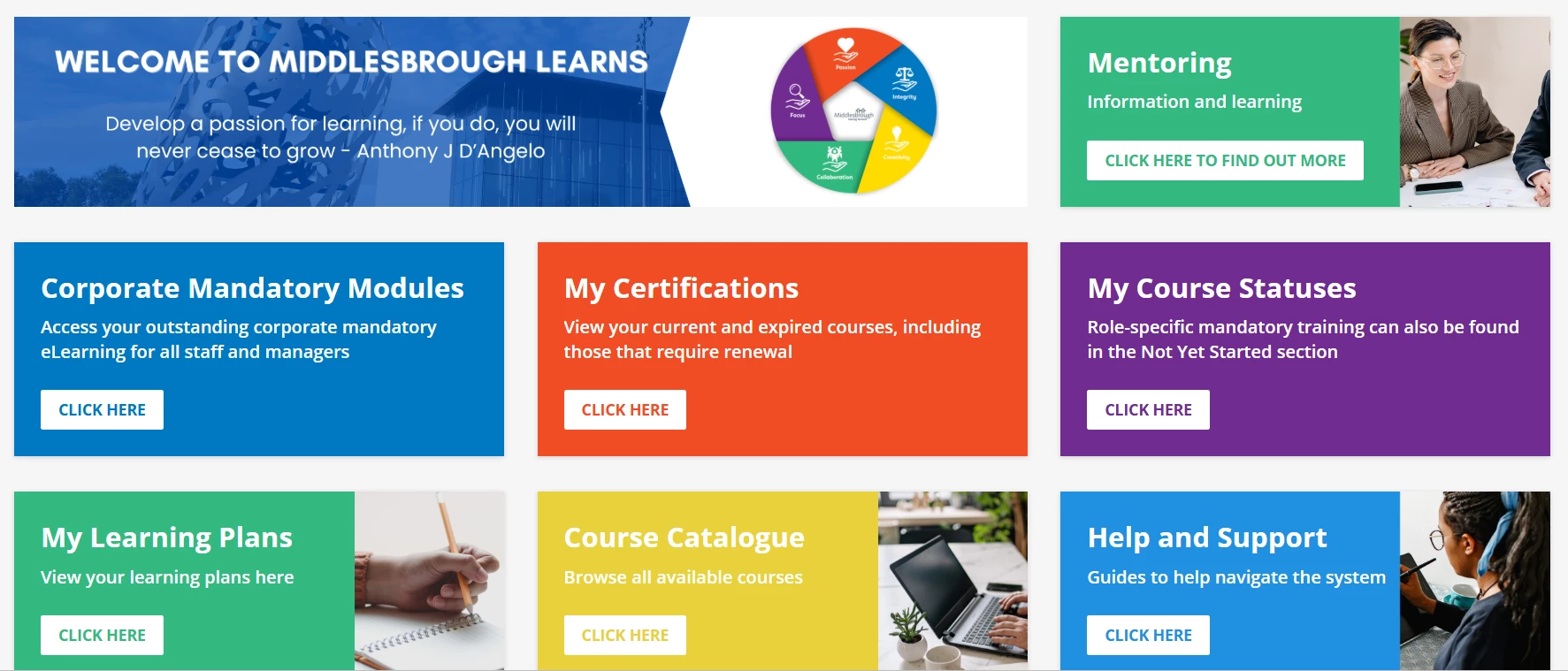
We currently use a custom content box on our homepage called Mandatory eLearning, and we assign a specific code to courses so they automatically appear there. This works well for training that applies to everyone, but as more courses are becoming mandatory for specific groups only, it’s becoming less effective—because those courses end up appearing on everyone’s homepage.


I’m interested to know how others handle this in a way that makes it clear and easy for users. We’ve found that users don’t always check their certifications or learning plans (some courses are stand alone so learning plans don’t always work) We do use the My Courses status box but I'm not a big fan for this kind of thing as all training that users haven’t started fall into here so it doesn't make it very clear for users as some have booked/viewed a lot of training and then forget they did it themselves which we get a lot!


Ideally, it would be great if we could assign or flag courses as mandatory for specific individuals or groups which then falls into a mandatory box for them users.


Thanks in advance!


Picture of our home page
 

4 replies

lrnlab
Hero III
Forum|alt.badge.img+10
  • Hero III
  • May 26, 2026

You might look to add the Task Widget to your pages. You can configure what tabs you want to display and in what order. I find it very useful and it’s dynamic to the user assignments so it can be used by all your groups/branches and will only show the user what they need to focus on, etc.


Forum|alt.badge.img
  • Author
  • Contributor I
  • May 27, 2026

Great thank you! i will have a look into this.


Mirza
Contributor I
Forum|alt.badge.img
  • Contributor I
  • May 27, 2026

@lrnlab  wouldn’t the Task Widget surface all assigned training though, including things that may not truly be compliance/mandatory from an org perspective?

For example, some training may be “mandatory” from a team or leader standpoint but not necessarily required from a compliance or regulatory perspective.

In scenarios like that, I’d almost consider separating true compliance-required training from broader department “required” learning so users can more clearly distinguish between the two.

Curious how you’ve seen the Task Widget handled in those cases.


Forum|alt.badge.img
  • Author
  • Contributor I
  • May 27, 2026

Although I do like the task widget it was showing the same information that we already have on the home screen which would just cause duplication for us.

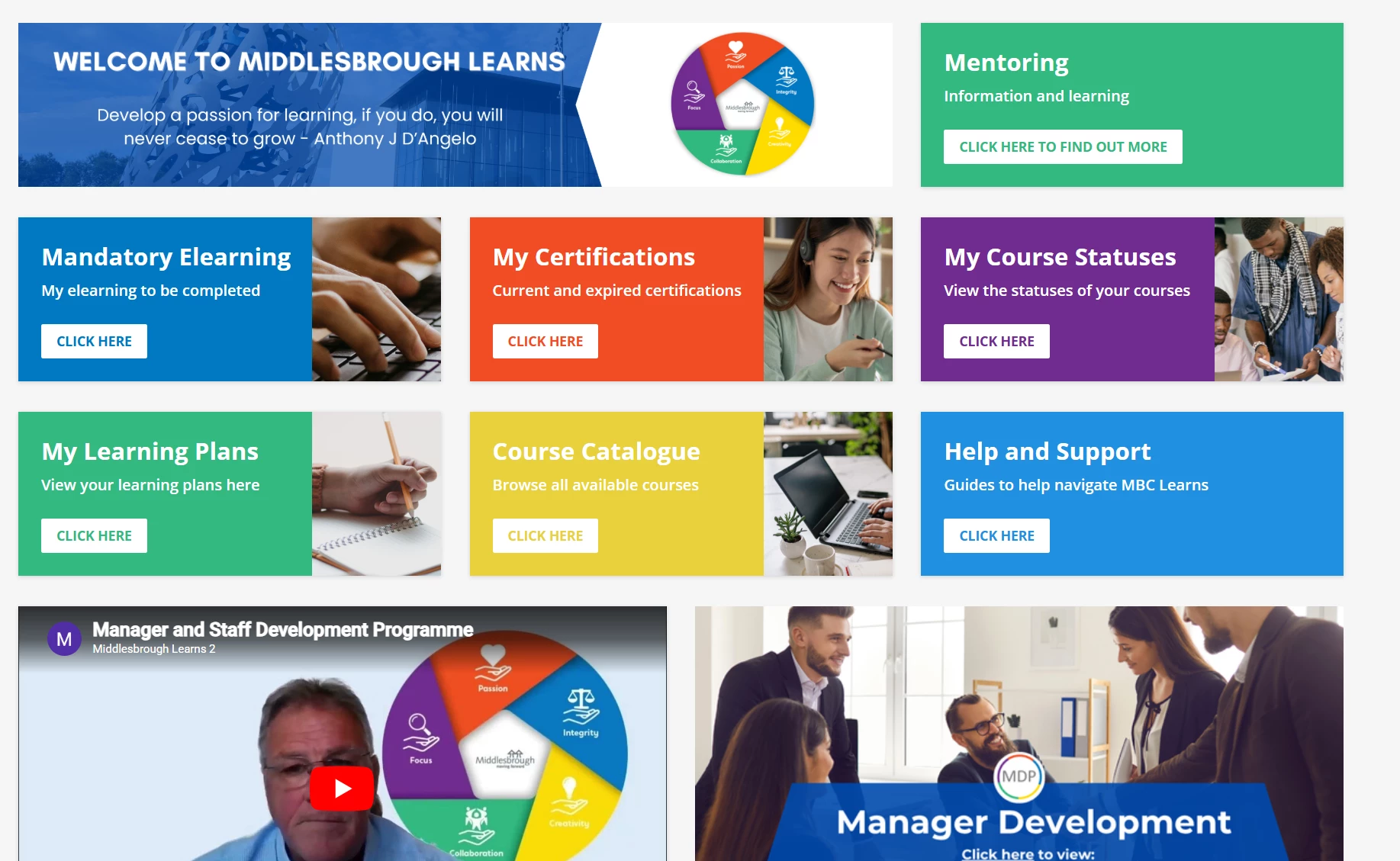
@Mirza like you have mentioned we have identified corporate compliance training for all staff and set our home screen out like the below as I think this way works best with what we have.