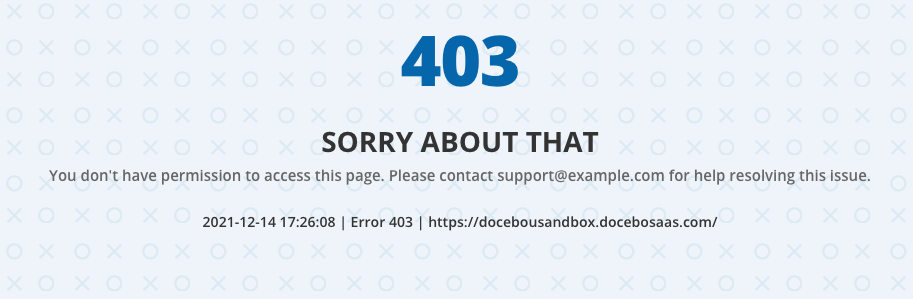
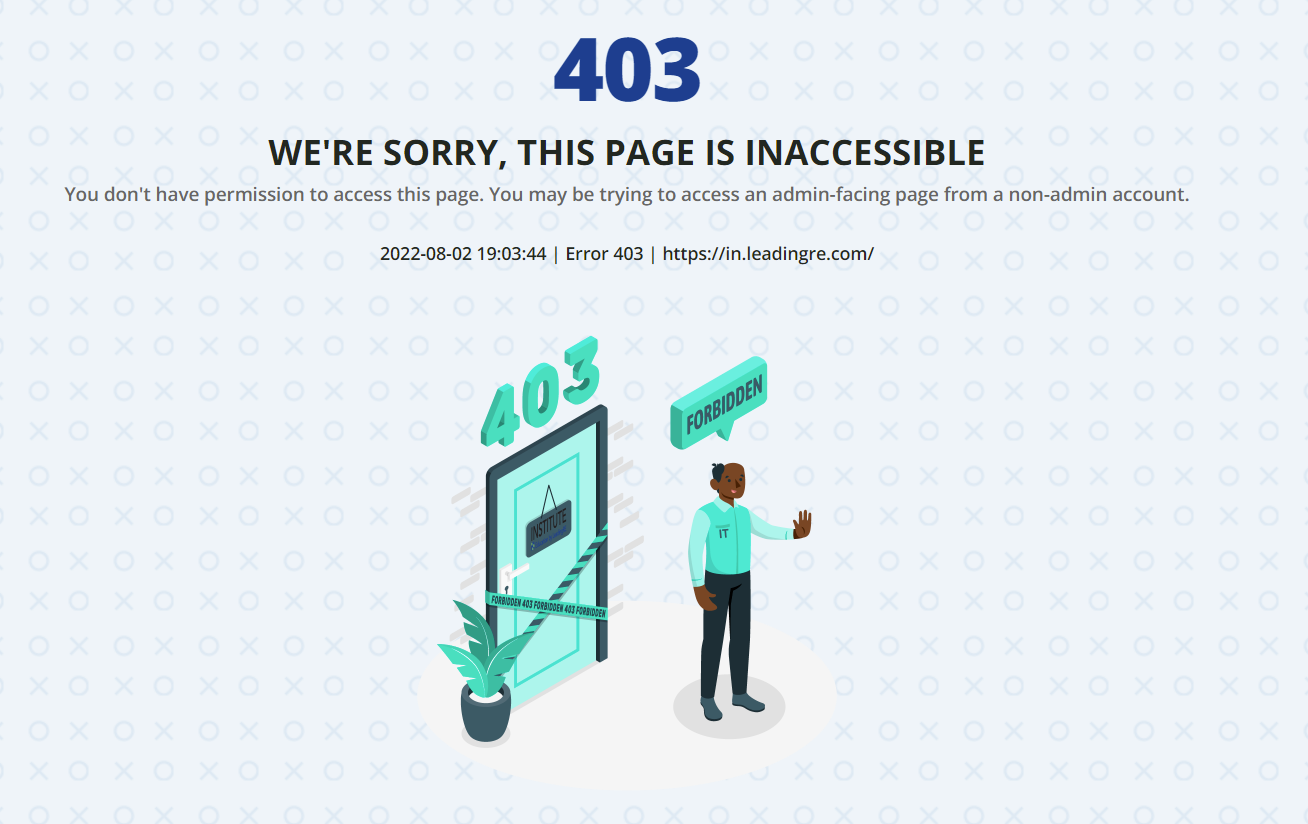
This default page is ominous, any way we can provide better information to a user, like adding our own support contact info? How do I overhaul this 403 page?
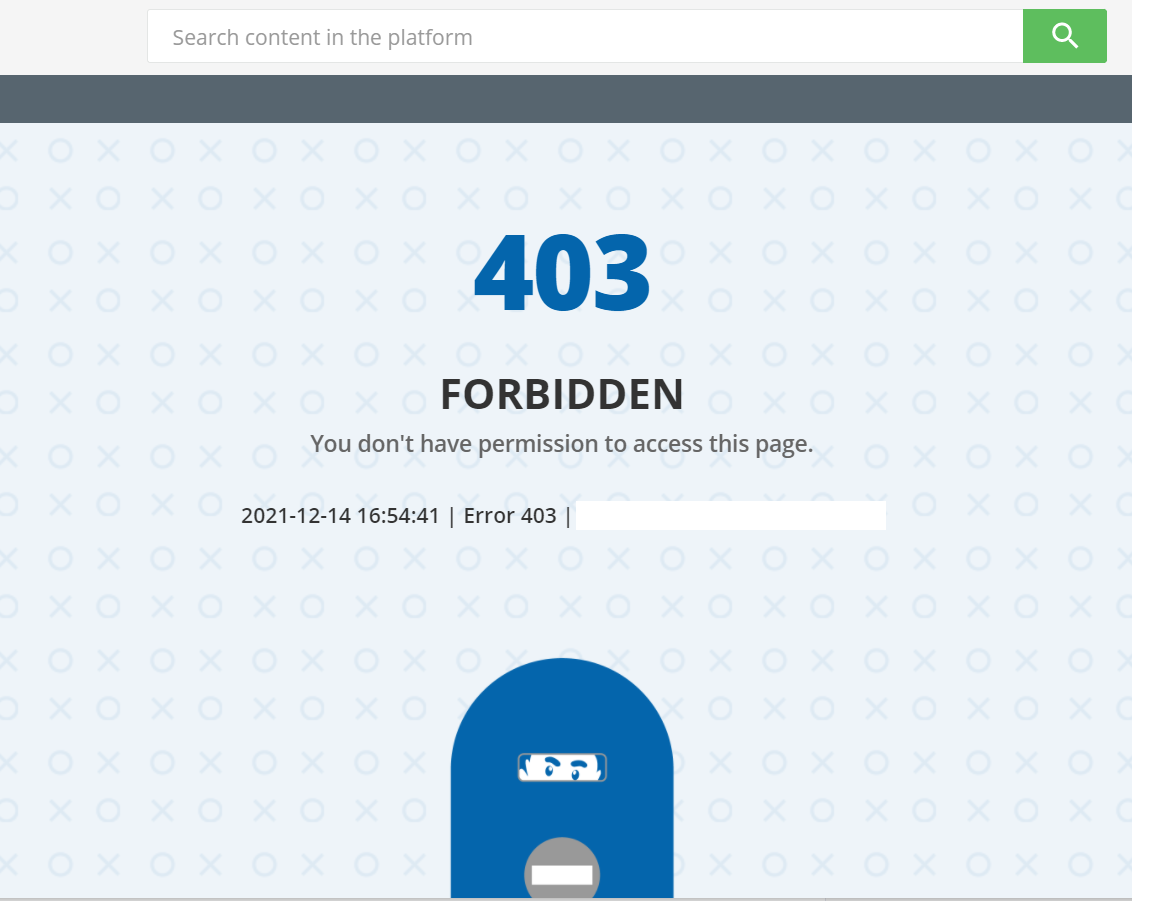




This default page is ominous, any way we can provide better information to a user, like adding our own support contact info? How do I overhaul this 403 page?
Best answer by nick.tosto
You can use the Localization Tool to look for the words “Forbidden” and “You don’t have permission to access this page” and change it to something more illuminating.
If you’d also like to change the image that appears there you can do so with CSS:
.internal-error-content .error_image {
background: url(https://pics.clipartpng.com/midle/Cat_PNG_Clip_Art-2690.png) no-repeat;
    height: 300px;
    background-size: contain;
    max-width: 200px;
    background-position: top;
    margin: 0 auto;
}

.internal-error-content .error_image img {
    visibility: hidden;
}
Just paste that code in the custom styles area of the Configure Branding & Look page. You may or may not want to replace the image I chose as the replacement- but if you do, you can just change the image link in the background: url() property. Docebo can also be used to host images.
Enter your email address or username and password below to log in to Docebo Community. No account yet? Create an account
Enter your E-mail address. We'll send you an e-mail with instructions to reset your password.