
Answer

Hide courses and catalogs showing on login page

  • May 9, 2022
  • 5 replies
  • 231 views

abhijeet.dalvi
Contributor II

Hello Everyone,

Has anyone customize the login page?
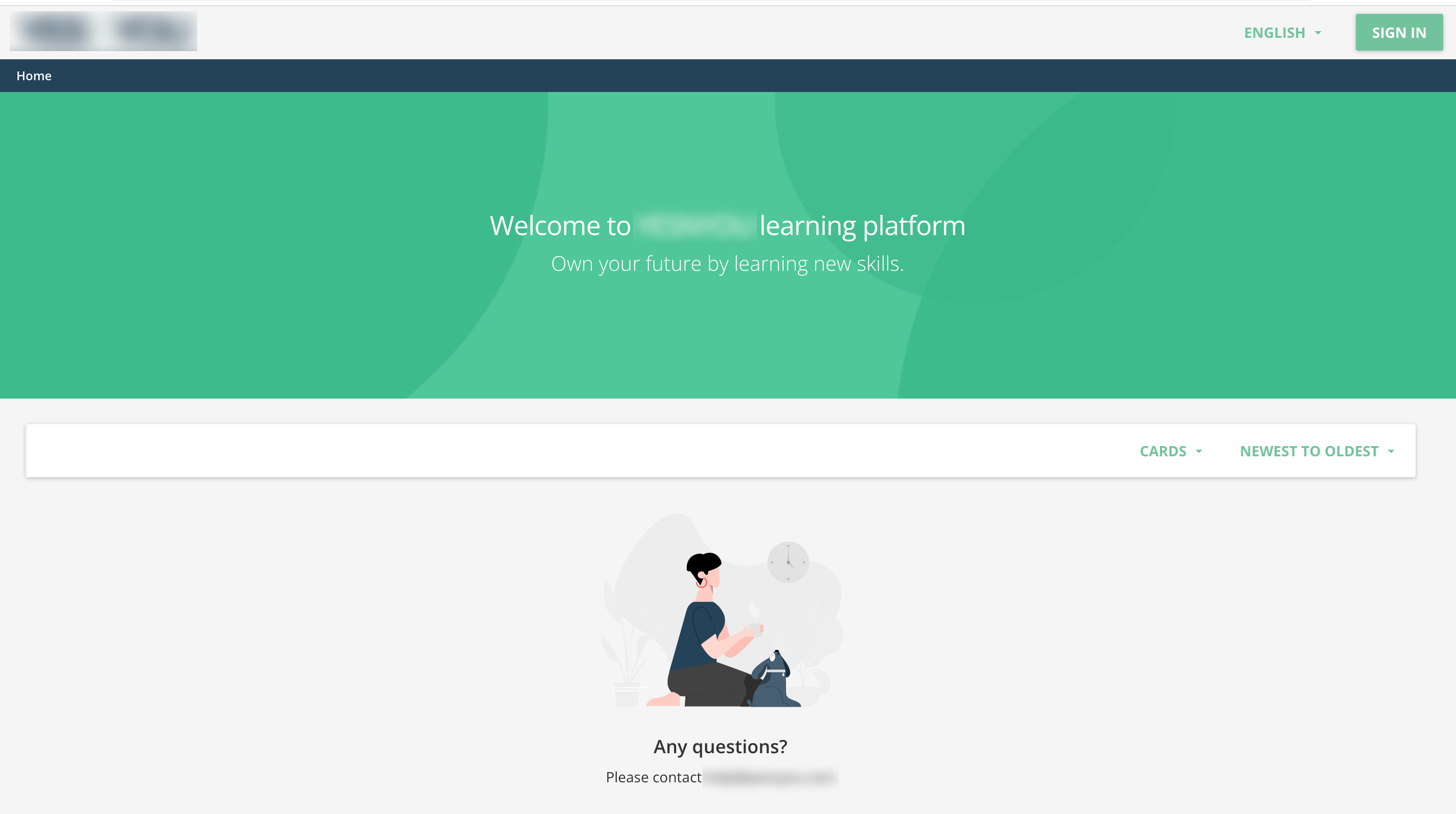
 

Apart from custom css option, is there any other way to customize this page?

if yes, can you share your login page and how did you do it?

It could be great if you can share here with the community.

Thank you,
Best answer by gstager

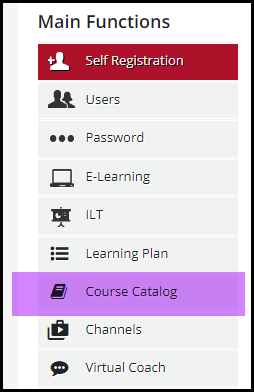
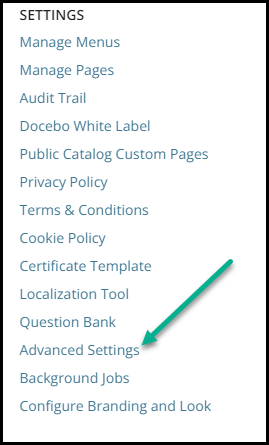
You’ll go to Advanced Settings » Course Catalog 

Then uncheck the box for the public catalog.


5 replies

gstager
Hero III
Forum|alt.badge.img+8
  • Hero III
  • May 9, 2022

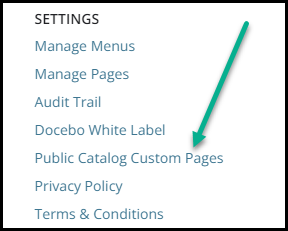
Looks like you have the public catalog showing.

Have you taken a look at what can be done with the Public Catalog Custom Pages?


abhijeet.dalvi
Contributor II
  • Author
  • Contributor II
  • May 9, 2022

Ok. Thank you for pointing that.

How can I disable this public catalog page? We do not have any public catalogs actually.


gstager
Hero III
Forum|alt.badge.img+8
  • Hero III
  • Answer
  • May 9, 2022

You’ll go to Advanced Settings » Course Catalog 

Then uncheck the box for the public catalog.


abhijeet.dalvi
Contributor II
  • Author
  • Contributor II
  • May 9, 2022

Thank you. It’s good now.


gstager
Hero III
Forum|alt.badge.img+8
  • Hero III
  • May 9, 2022

You’re welcome.