



Hi community,
We’ve come across an issue and I’m wondering if anyone else has experienced the issue. I’ve noticed that the Theater Mode and Course Syllabus view settings are inconsistent across multiple courses in our production and sandbox.
Let’s look at two courses: Course A (in production) and Course B (in sandbox).
Each course consist of multiple SCORM Training Materials (either SCORM 1.2 or SCORM 2004, 3rd Edition). For the most part, the course settings are identical for each course. The view modes for the SCORM Training Materials in question are set to Theater view mode.
When viewing Course A (production), I’m unable to Show/Close the course syllabus when viewing the Training Materials. Screenshots below.
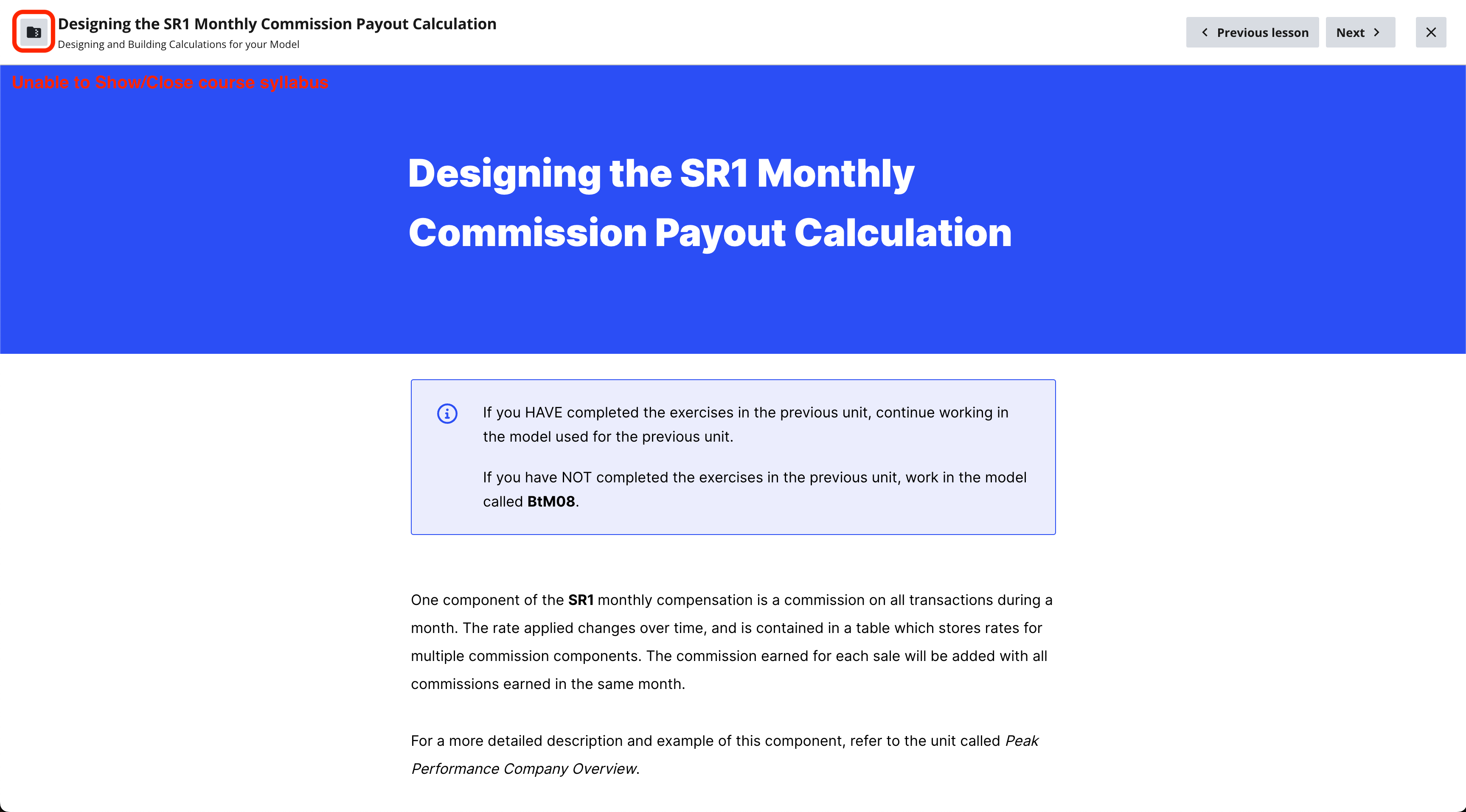
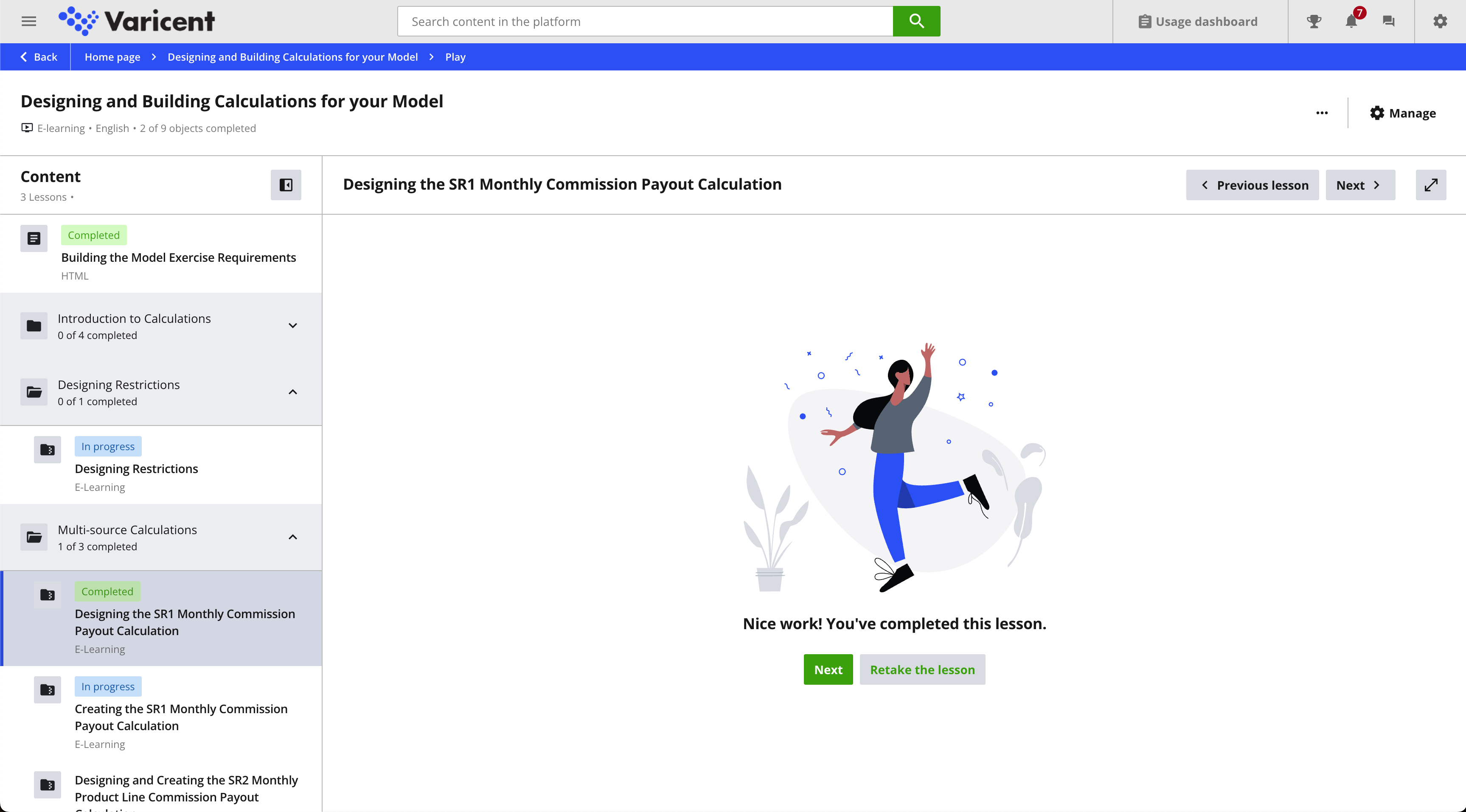
When viewing Course B (sandbox), I’m able to Show/Close the course syllabus when viewing the Training Materials.
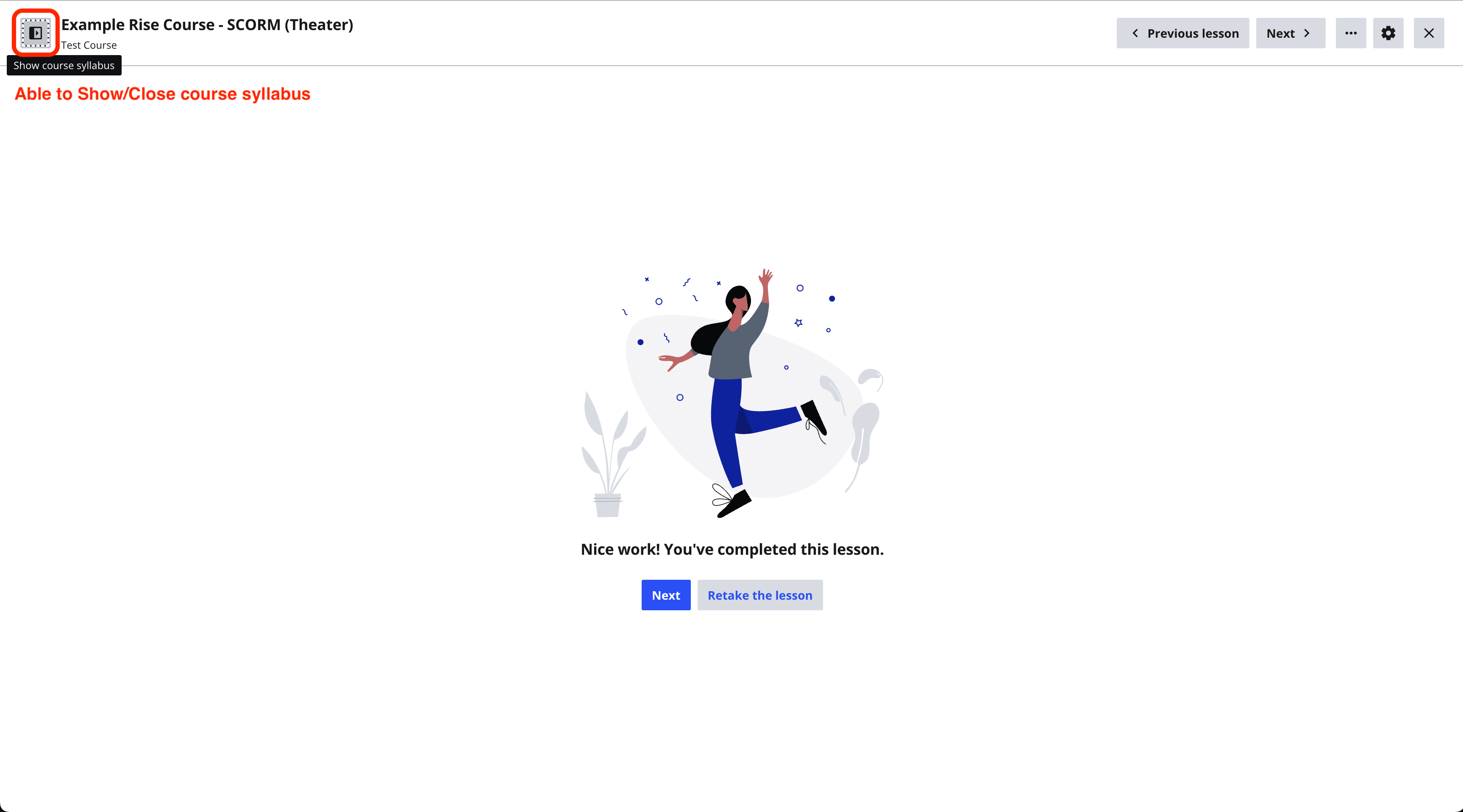
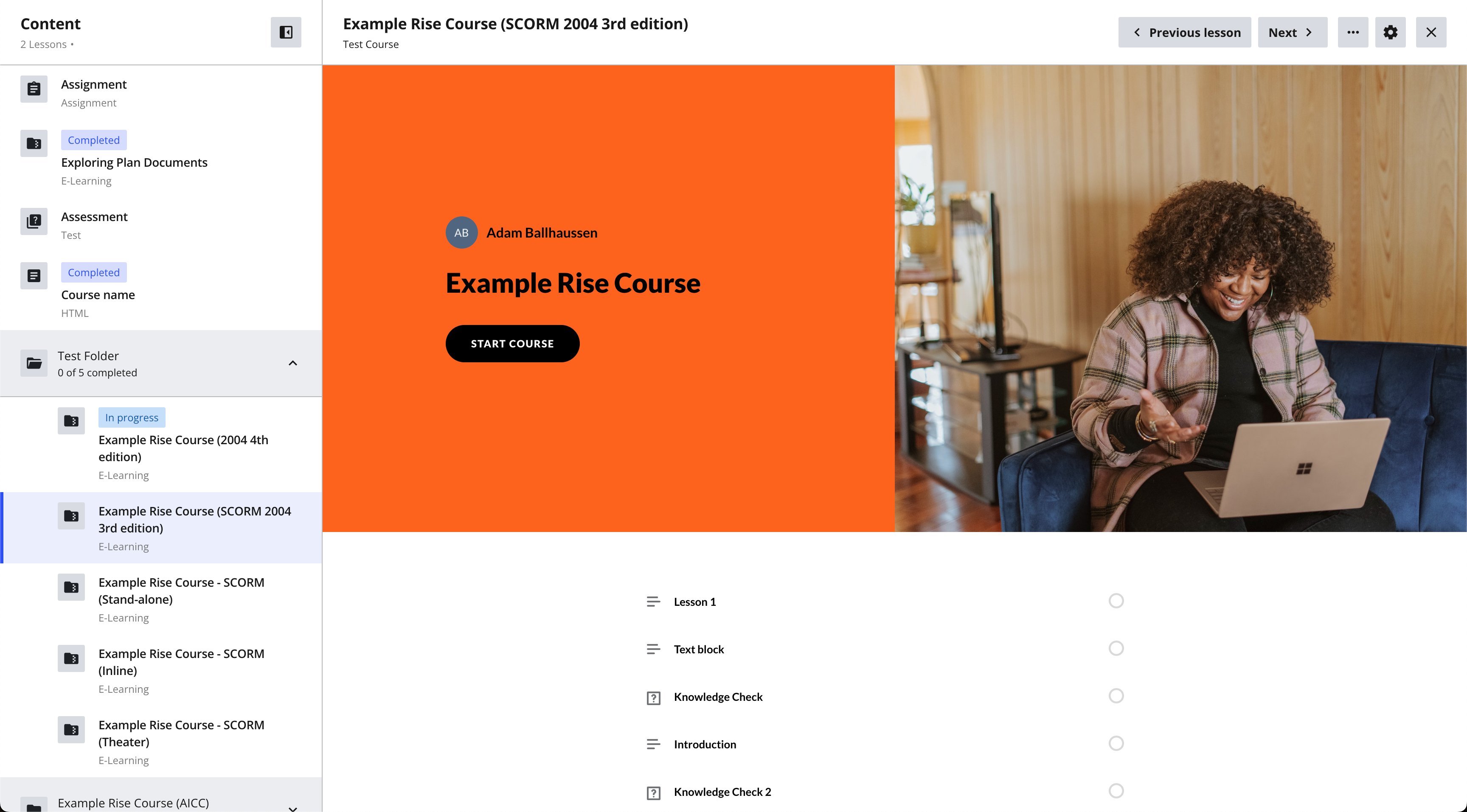
Does anyone have any theories as to why we might be seeing this issue? Has anyone ever come across this? Any recommendations to solve it?
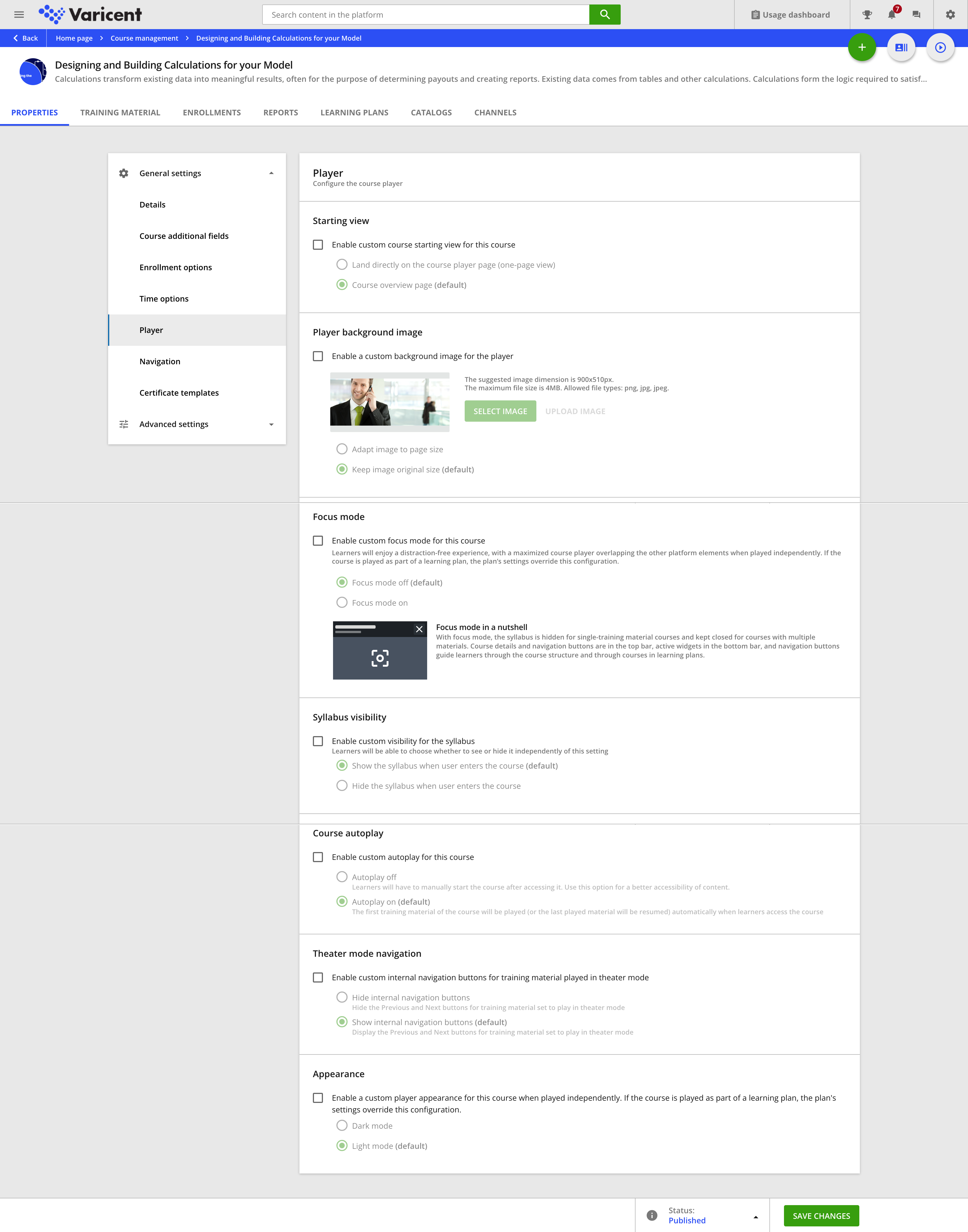
Here’s a screenshot of our Player settings for both courses:
Thanks in advance!


