Uploading Training Materials Error

  • February 15, 2024
  • 5 replies
  • 141 views

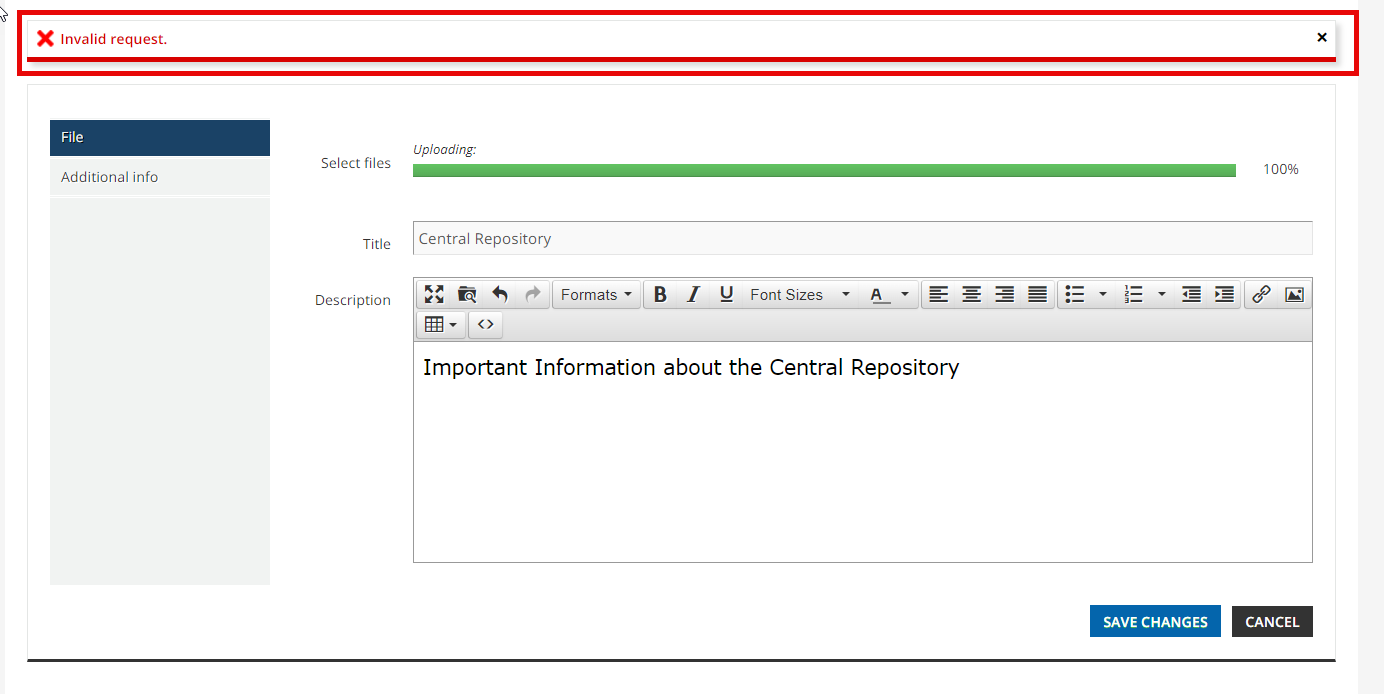
I am trying to upload a file training material to the Central Repository and continue to get this Invalid Request error.
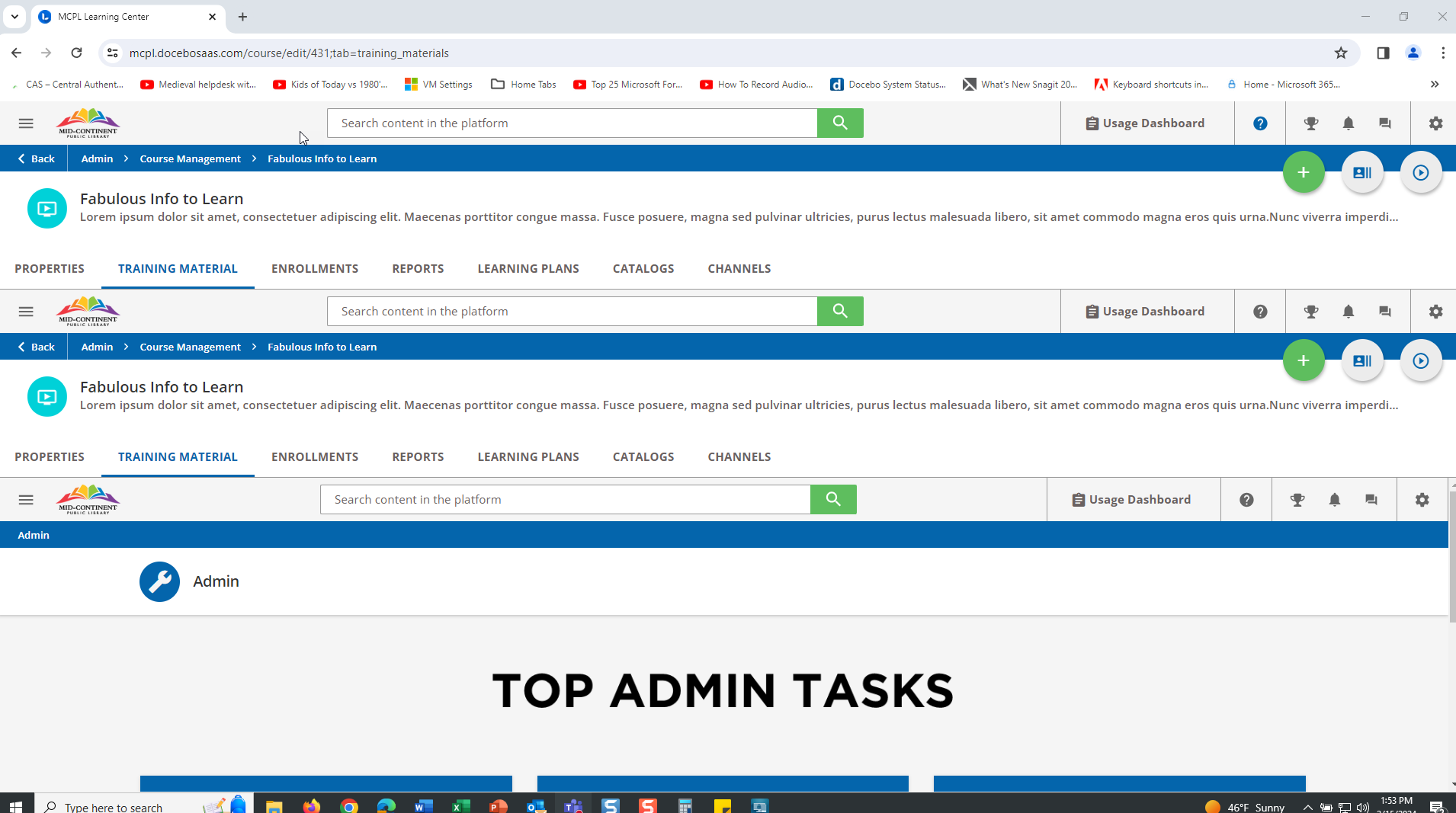
 I then tried to upload the file training material directly to a course and instead of the Training Material tab displaying again with the uploaded files, the homepage is begin rendered in the Training Material tab. I tried several times and it just keeps layering one screen on top of the other.
 

I have tried different browsers, logins, and I also cleared my browser history and cache. I appreciate any assistance on this.


5 replies

  • Author
  • Novice III
  • February 15, 2024

This has been resolved. Thank you.


lrnlab
Hero III
Forum|alt.badge.img+10
  • Hero III
  • February 15, 2024

just so you know, I have seen this odd behaviour at times so what you did, clearing cache, etc. is the best first option. Cant recall if I looked a ticket in all cases but I know I did for at least one and support was able to confirm there was an issue


  • Author
  • Novice III
  • February 15, 2024

Thank you for your reply. In this case the document file path was too long so the files could not be retrieved. The issue was resolved once I moved my files up to a different folder in File Explorer.


lrnlab
Hero III
Forum|alt.badge.img+10
  • Hero III
  • February 15, 2024

ah yes...have seen that type of issue before and not just on the Docebo products. Thx for the update.


  • Newcomer
  • February 16, 2024

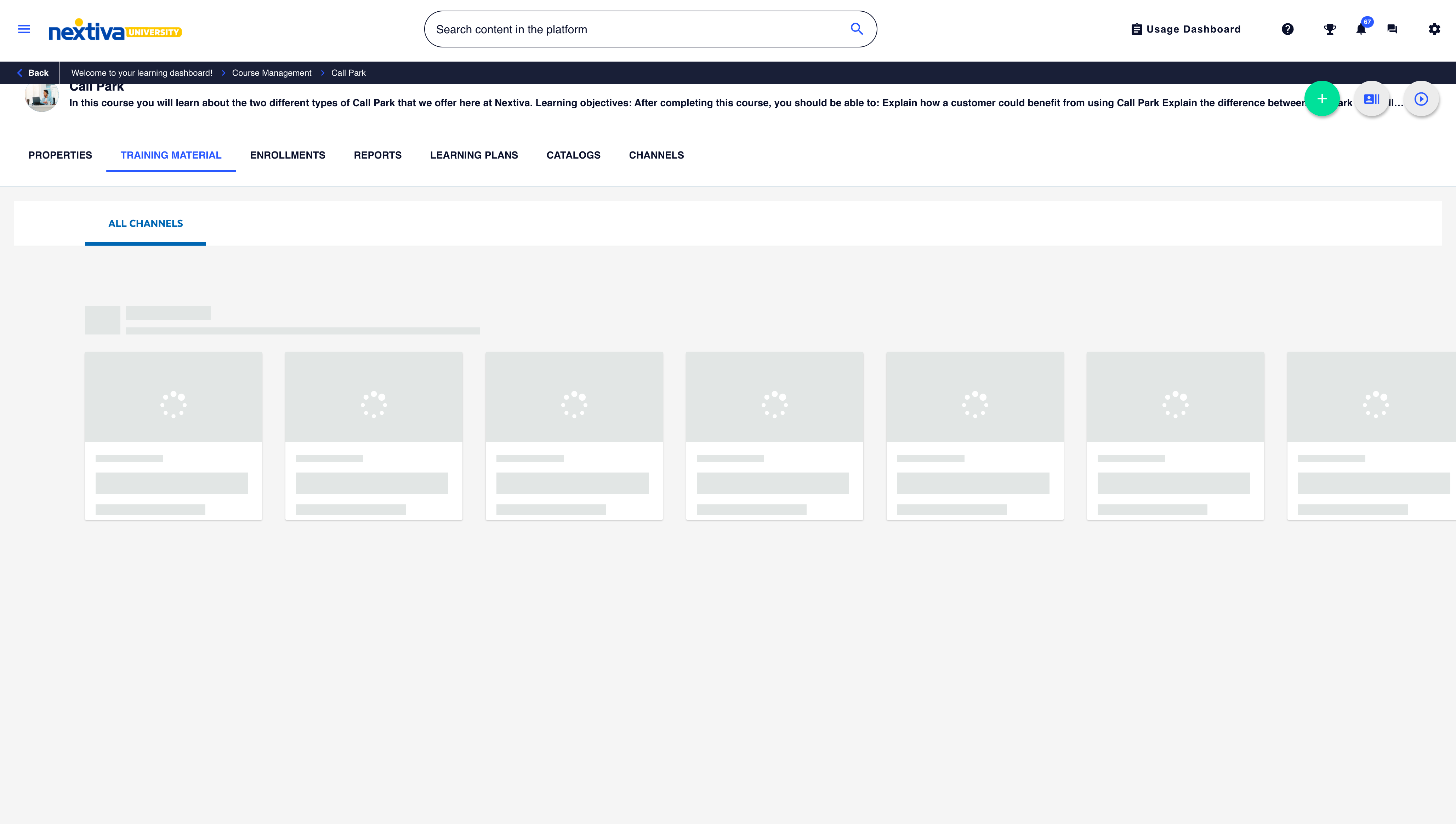
I am seeing an issue with this also. When attempting to access the Training Material tab from a course, I am getting the All Channels content showing up.

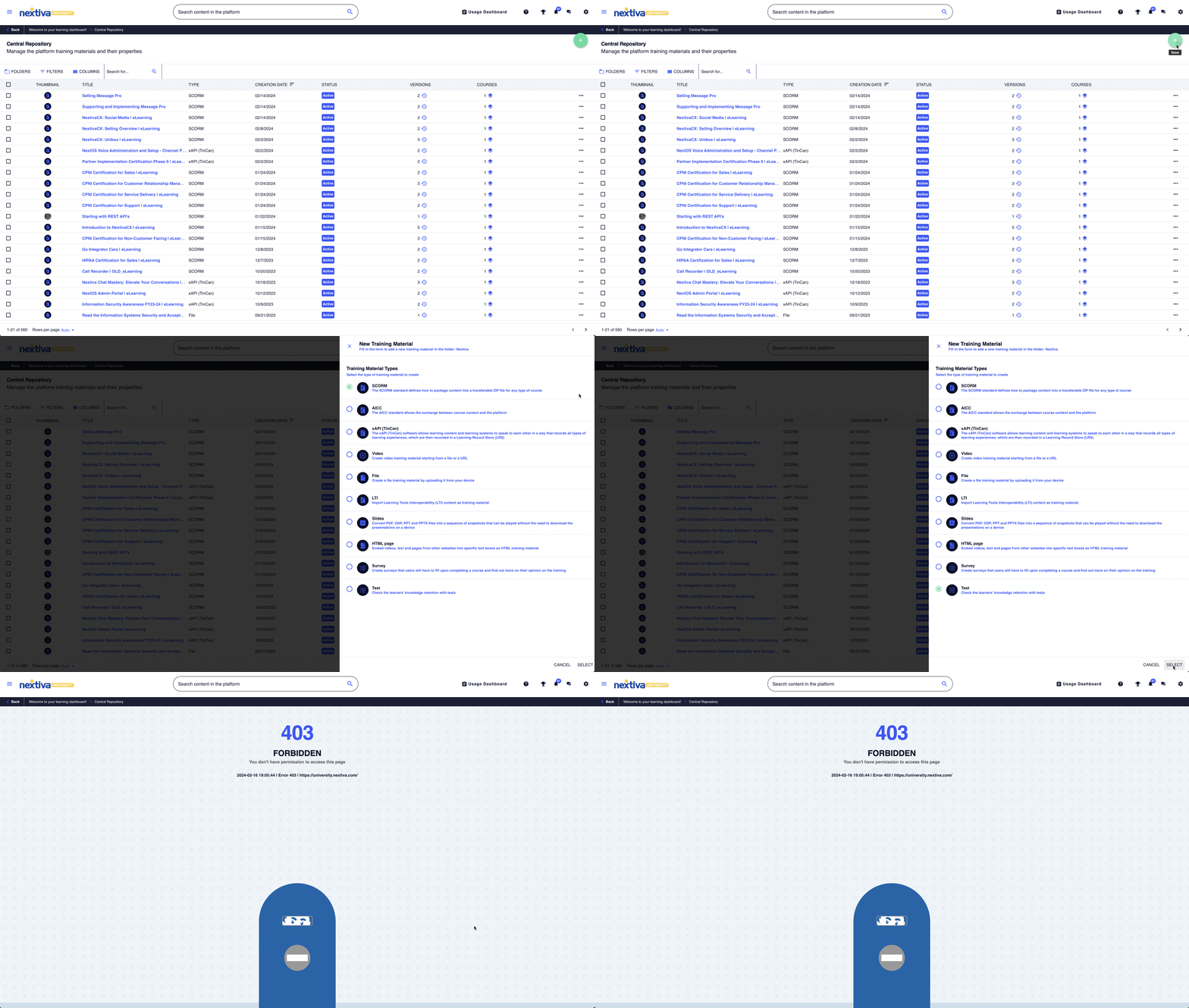
When I try to create a training material through the Central Repository, I am getting an error.