

Answer

XLS of Branches and Groups

  • March 8, 2023
  • 3 replies
  • 50 views

Nicole
Helper II
Forum|alt.badge.img+1

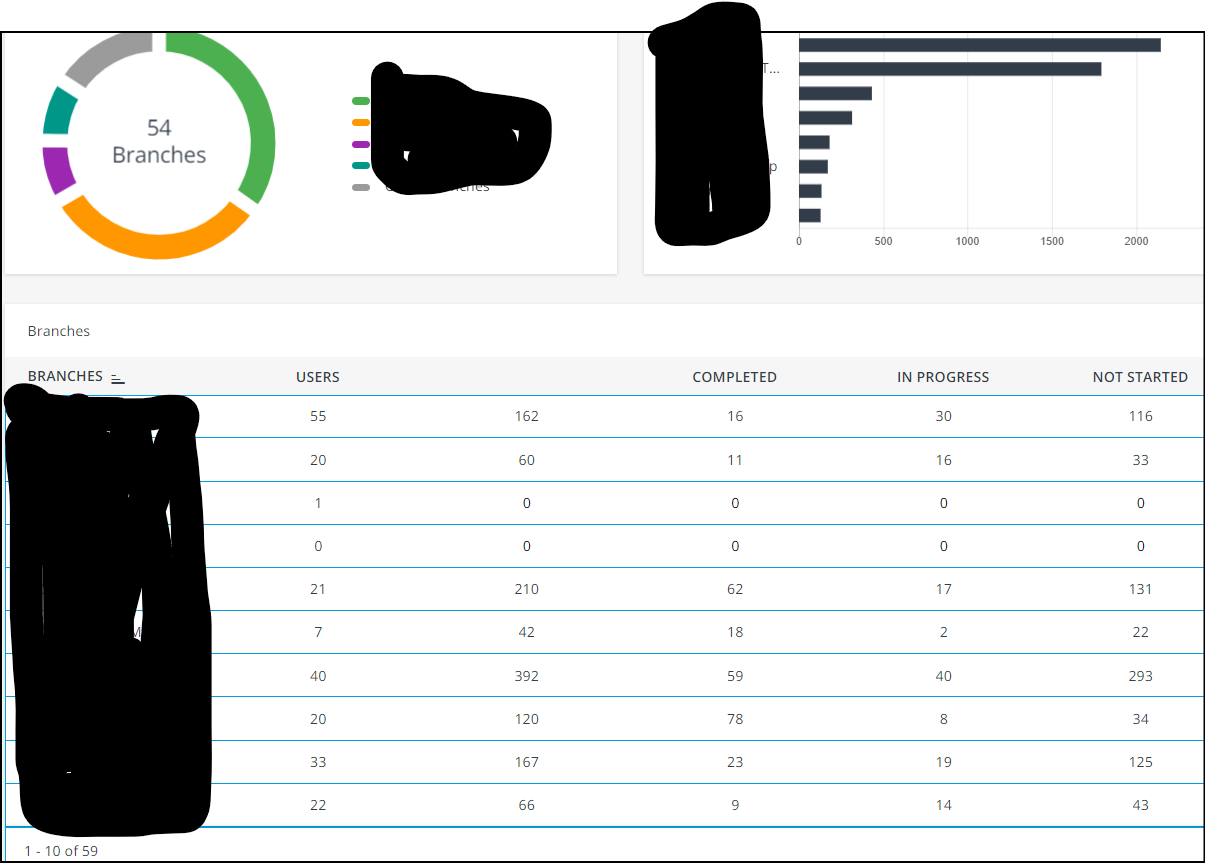
I’d like to be able to access a quick XLS report on the number of Groups that are on the platform for an in-house report. This gives me the number of Branches (named after our clients), but I need the number of Groups (aka cohorts) that we provide for our clients. 
 

Has anyone been able to achieve this? It seems that I have to do it by counting manually. It also seems odd that I can’t get a Group count… 
 

Best answer by Nicole

I just found it by fluke! 
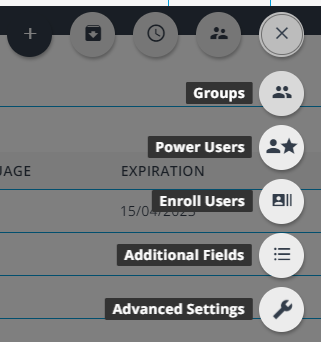
For those who also want to know, go to your Users then click on the three dots icon (in scree shot it’s now changed to an X, then select Groups. 
Mystery solved, Scooby Snacks for all. 


3 replies

Nicole
Helper II
Forum|alt.badge.img+1
  • Author
  • Helper II
  • Answer
  • March 8, 2023

I just found it by fluke! 
For those who also want to know, go to your Users then click on the three dots icon (in scree shot it’s now changed to an X, then select Groups. 
Mystery solved, Scooby Snacks for all. 


Nicole
Helper II
Forum|alt.badge.img+1
  • Author
  • Helper II
  • March 8, 2023

It’s not a perfect solution, I’d still like to have an .xls download rather than calculating the math myself on how many pages there are of groups and how many groups are on a page. It’d be great if it just listed the Branch and the groups associated with the branch in an .xls


Forum|alt.badge.img
  • Helper II
  • March 9, 2023

You might be able to extract the data through the API and then do some excel magic to sanitise it into a format that you require.