Question

Certificate creation help

  • May 30, 2023
  • 1 reply
  • 67 views

mwilliams
Novice II

Can someone help me with a certificate design question?

How can I duplicate or upload a certificate we current have ooutside Docebo?


Thanks!


Mike

1 reply

Rosalie
Guide II
Forum|alt.badge.img+1
  • Guide II
  • May 31, 2023

Hi @mwilliams 

  1. Go to Admin > Settings > Certificate template
  2. Press “New certificate”
  3. Fill out the information.
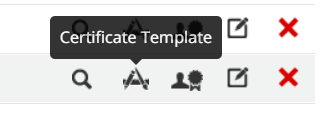
  4. Once created press “Certificate template” 
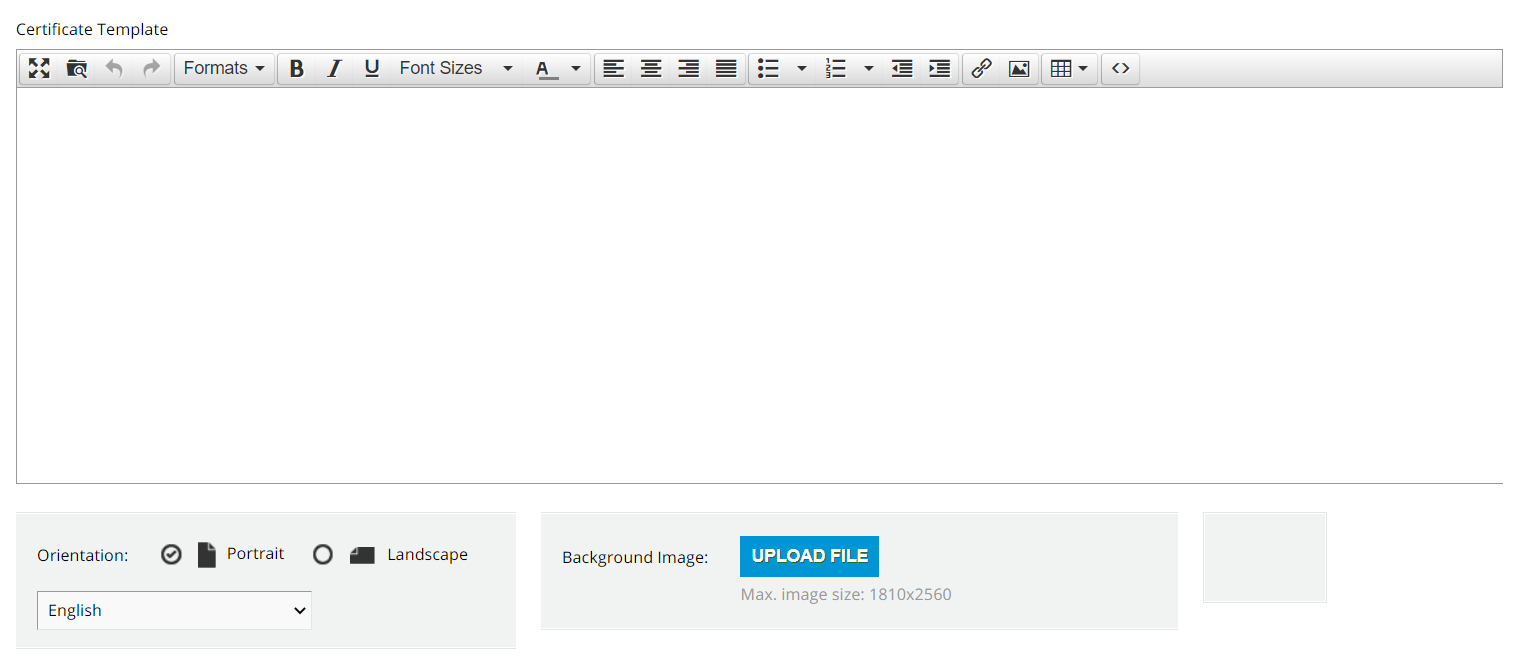
  5. Here you can design your template. 
  6. In the Certificate template area is where you type the information you want to appear in the certificate itself. It is a WYSIWYG and you can adapt it based on your needs.

    1. Upload a background image. If you have created your certification in other platforms you can upload your image here

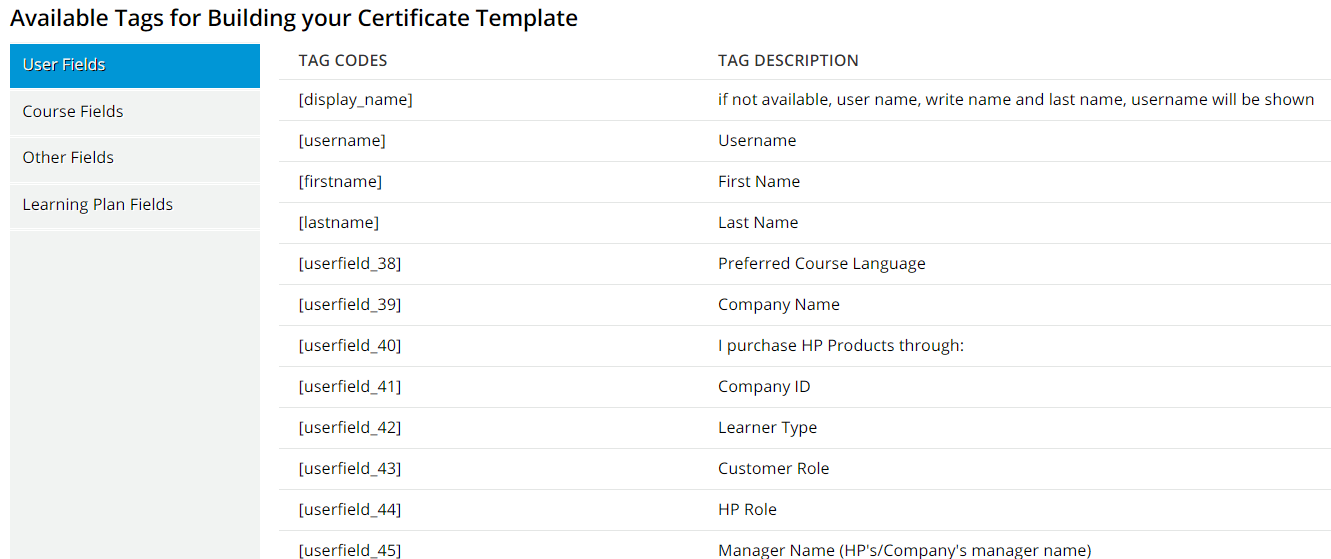
    2. Use the available tabs to include automatically:

      1. user information

      2. course information

      3. other relevant information such us dates or final scores

I hope it helps.