Hi,
is it possible to “invite to watch” an asset posted in learning communities to a branch and/or sub-branch of users? the only options I see is under “invite to watch” is either to a community or individuals.
Thank you

Hi,
is it possible to “invite to watch” an asset posted in learning communities to a branch and/or sub-branch of users? the only options I see is under “invite to watch” is either to a community or individuals.
Thank you
Best answer by lrnlab
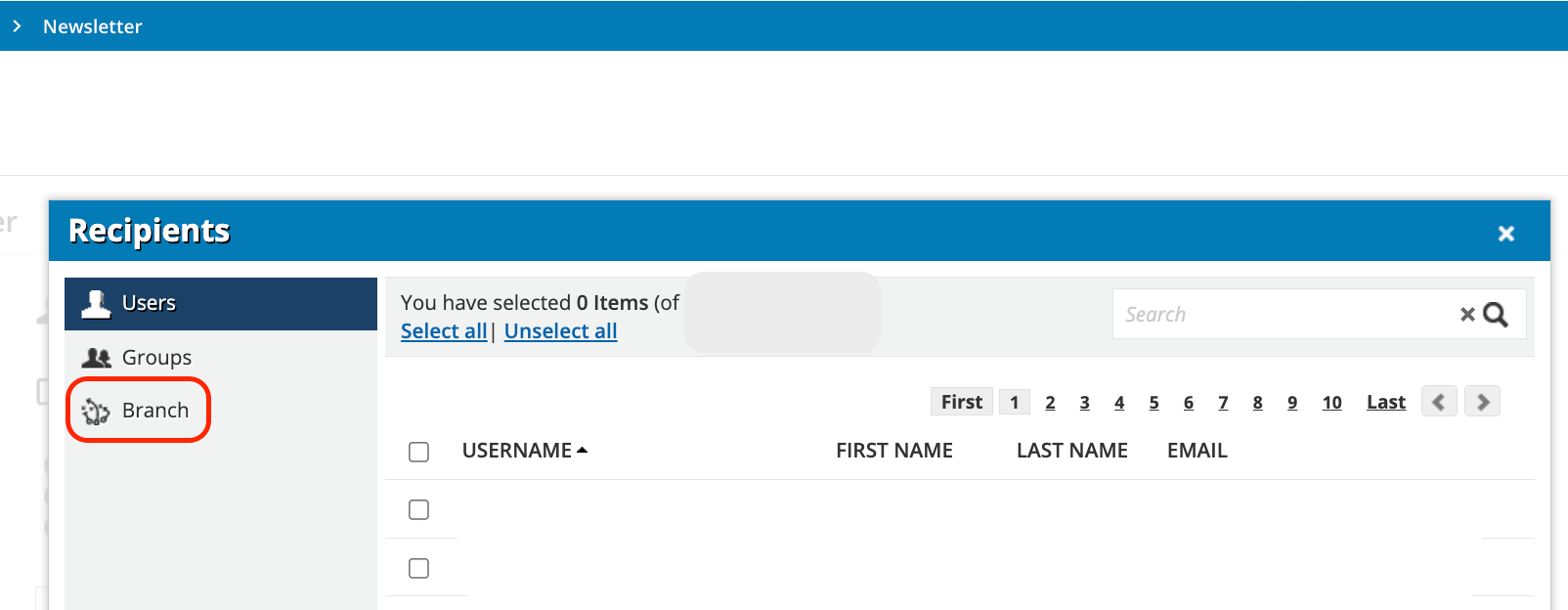
Unfortunately you cannot...I would suggest you look at using the Newsletter app. There you can craft a message with the link to the asset/channel and select the users individually, by group(s) or by branch(es).
Enter your email address or username and password below to log in to Docebo Community. No account yet? Create an account
Enter your E-mail address. We'll send you an e-mail with instructions to reset your password.