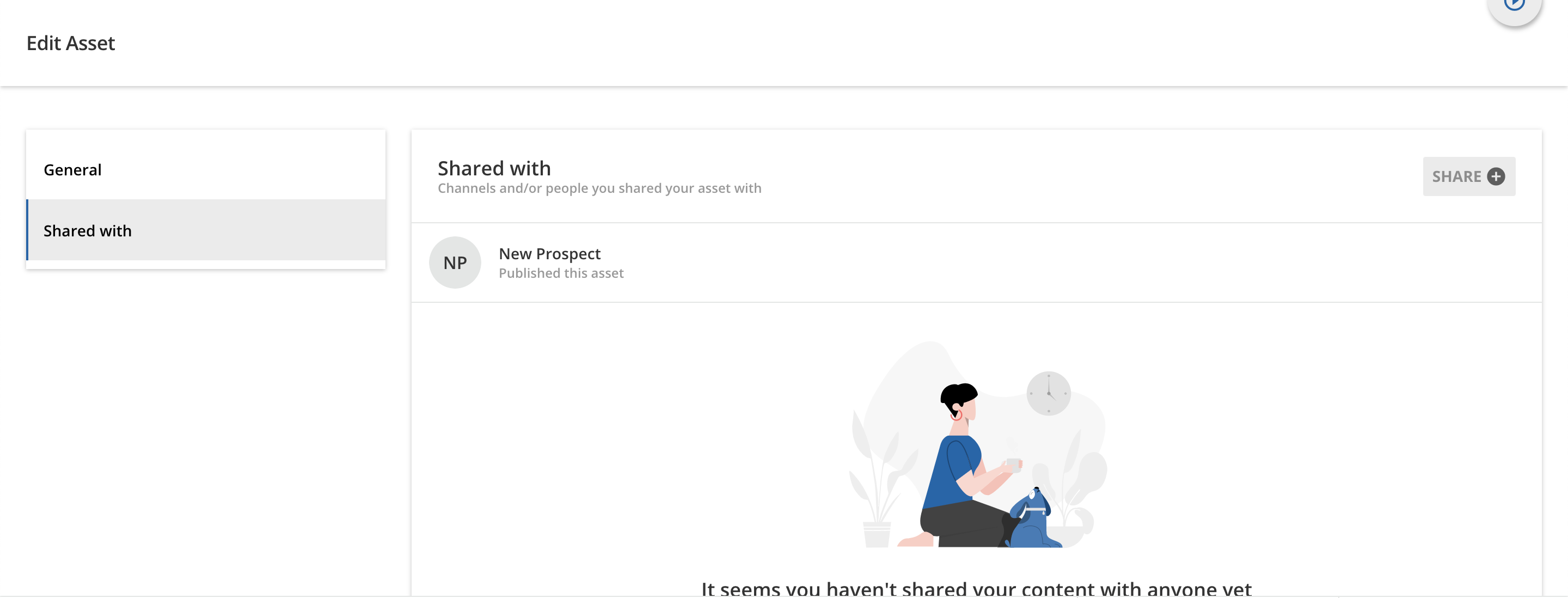


A subject matter expert uploaded a video to a Coach & Share channel and marked the asset visbility as private. He shared it with me but I don’t see an option to make the visibility public to all. Can someone point me in the direction to change this setting?
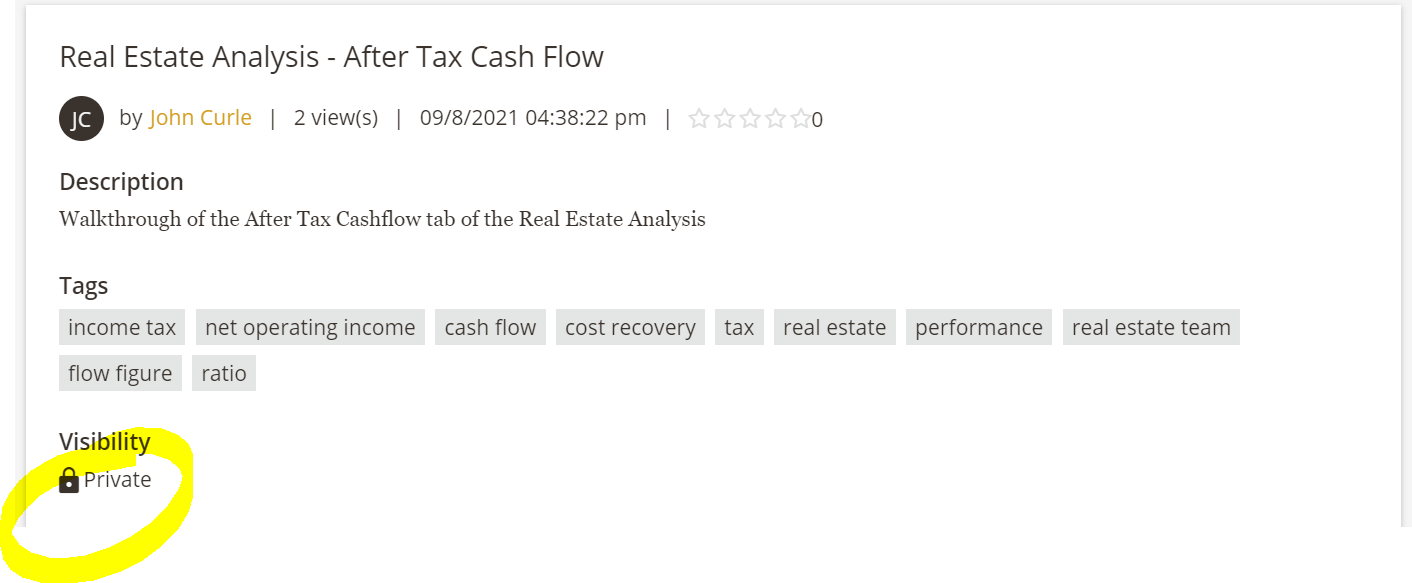



 Have the individual who originally shared the asset edit the asset’s visibility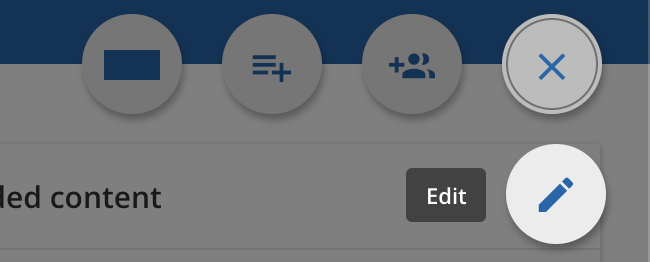
 Have a Superadmin edit the asset’s visibility
 Admin Menu > Channels > Assets, then select the ellipsis on the right side of the asset they’d like to edit, and select Edit.