


Answer

Rise Videos Cannot Enlare

  • May 11, 2023
  • 3 replies
  • 279 views

ktbadham
Helper I
Forum|alt.badge.img+1

I am coming across a surprising issue.

I have SCORM that I built in Rise that includes a video. When I upload that SCORM the button to enlarge the video is grayed out. This button works fine outside of Docebo, so it seems to me something in Docebo is causing it to not work. Screenshot below.
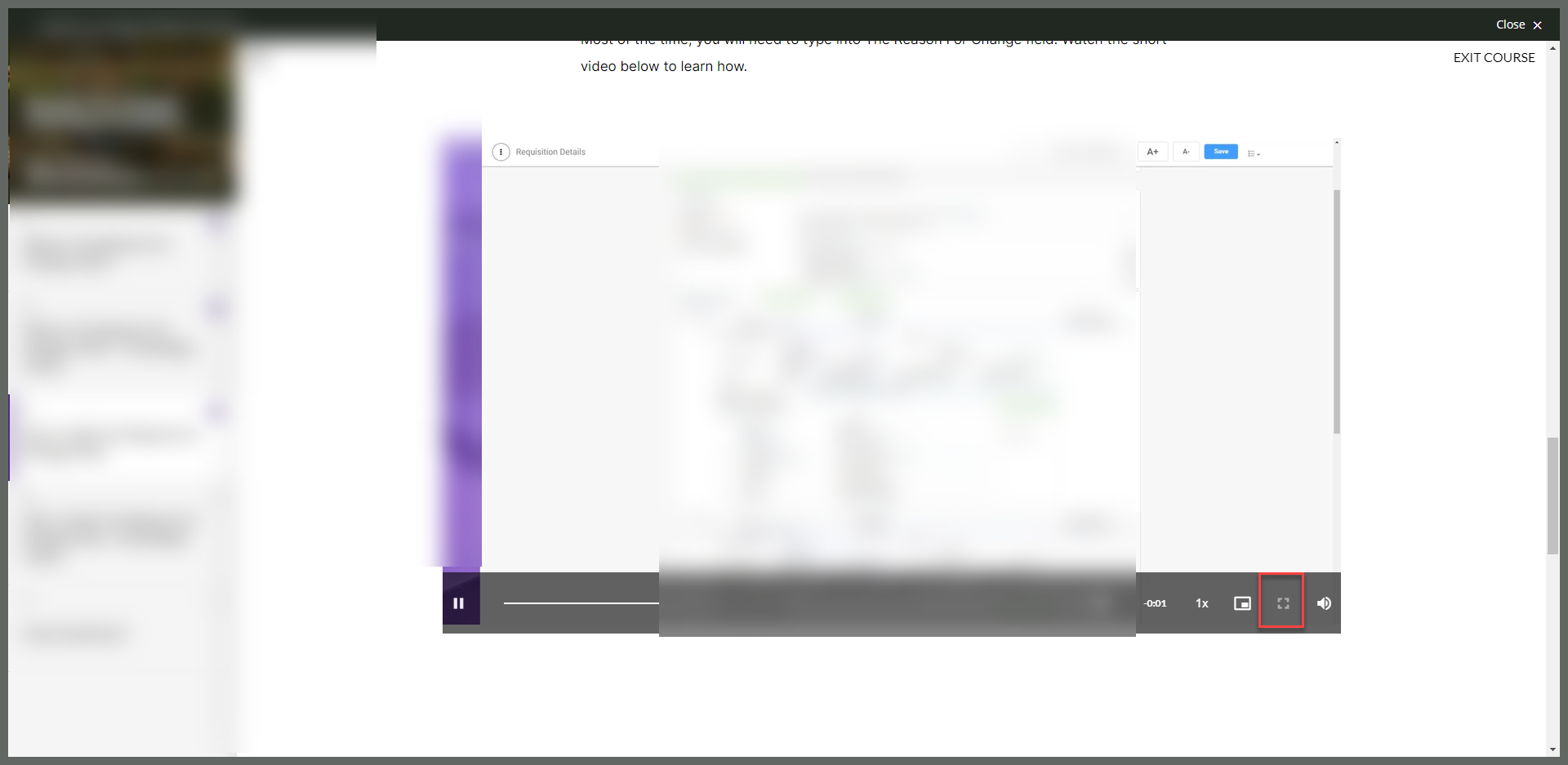
Has anyone experienced this? Is there a fix?

Best answer by Allan

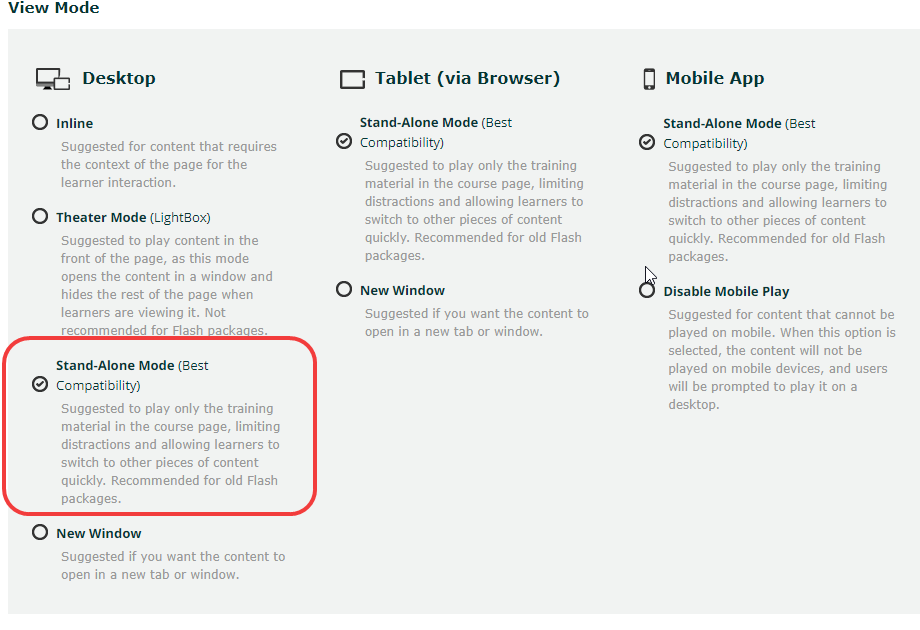
Hey @ktbadham - Ran into this myself some time ago and happy to share that you can fix this by editing training material in docebo (either at or after upload) and ensure the “Stand-Alone Mode” is set for the Rise authored content.


3 replies

Allan
Novice II
Forum|alt.badge.img
  • Novice II
  • Answer
  • May 12, 2023

Hey @ktbadham - Ran into this myself some time ago and happy to share that you can fix this by editing training material in docebo (either at or after upload) and ensure the “Stand-Alone Mode” is set for the Rise authored content.


ktbadham
Helper I
Forum|alt.badge.img+1
  • Author
  • Helper I
  • May 15, 2023

You’re right! It was the lightbox. If I do standalone mode it works fine.


For anyone else that comes across this in the future, the above screenshot is not what it looks like my my system. In mine it’s called “Play in New Window” but the functionality is the same.


IanMonk
Helper III
Forum|alt.badge.img+2
  • Helper III
  • August 25, 2025

Hey! Reviving an old thread. Has anyone uncovered a workaround for this? What’s the reason that we cannot open videos in full screen in theater mode?