

HI
Has anyone come across this error message when a manager tries to access their reports?
If you have, what does it mean and how did you solve it?
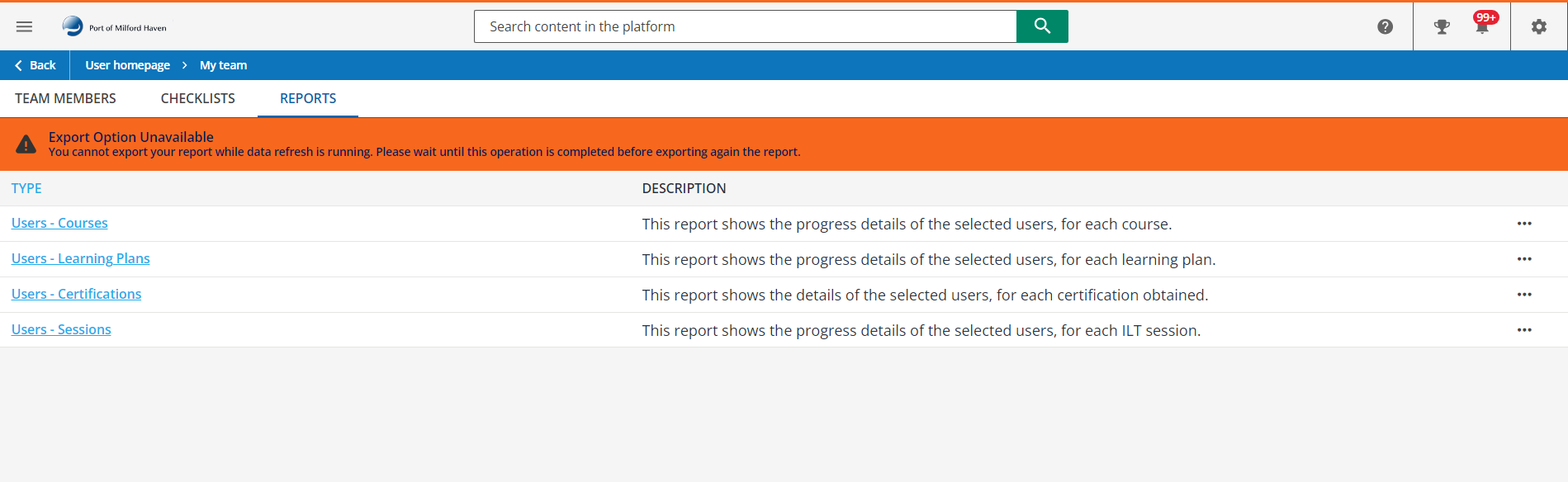
I’ve never seen it before and the issue is across all our managers.
Many thanks
Sarah

HI
Has anyone come across this error message when a manager tries to access their reports?
If you have, what does it mean and how did you solve it?
I’ve never seen it before and the issue is across all our managers.
Many thanks
Sarah
Enter your email address or username and password below to log in to Docebo Community. No account yet? Create an account
Enter your E-mail address. We'll send you an e-mail with instructions to reset your password.




