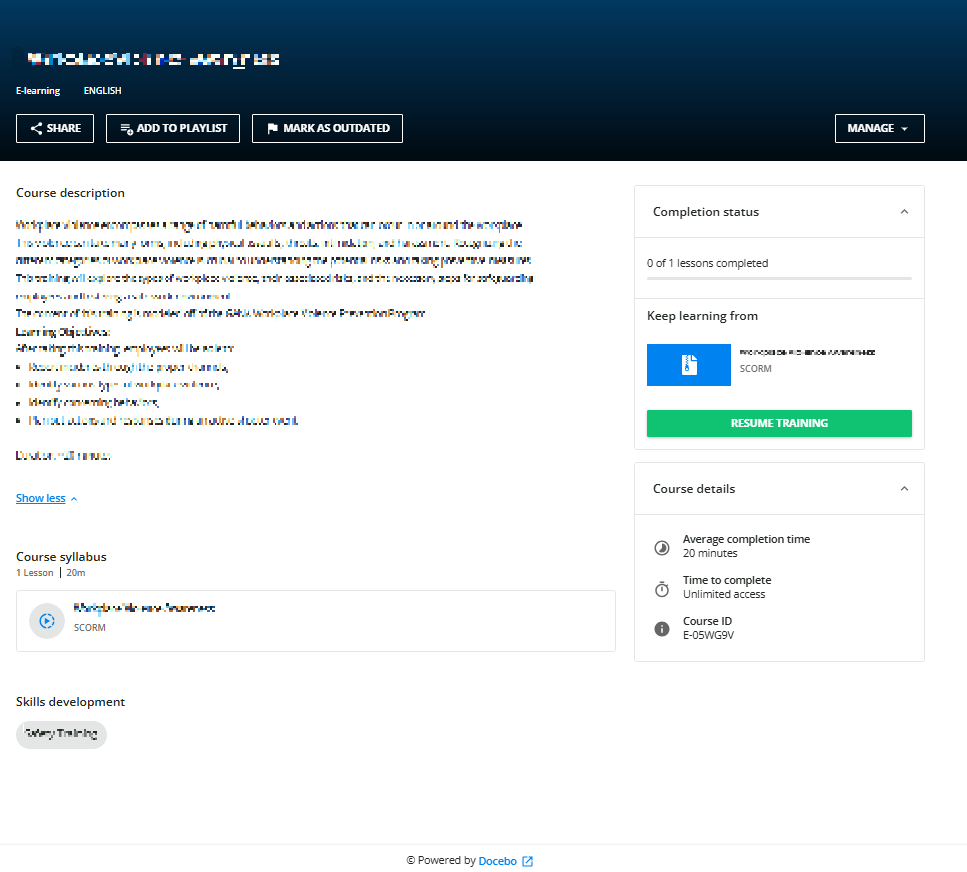
Question

Can I place a Q&A widget on the course overview page?

  • March 13, 2025
  • 4 replies
  • 54 views

Forum|alt.badge.img+1

I want to put an easily-findable Q&A widget inside a course. I would like it on the overview page because I find it not intuitive on the course content page: the UX for many users is that the course is full-screen and is the only thing on the page so they immediately navigate away when a course is finished.  According to this page, this is how it should work.

 

However, when I enable the overview page, and add the Q&A widget under the Training Material tab, the Q&A widget appears under the course content, NOT on the course overview page. There is also no Q&A tab as referenced above.
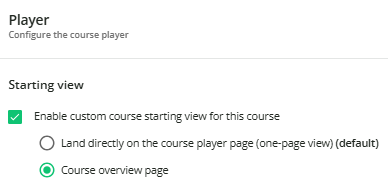
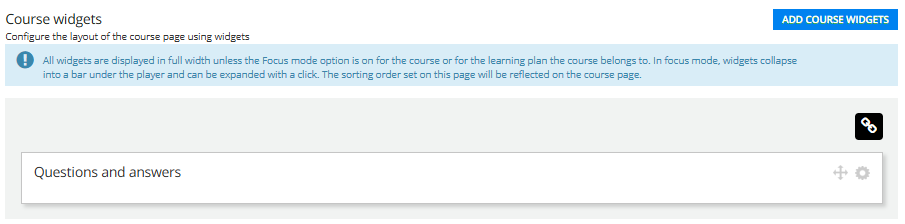
Course overview page is selected
Q&A widget added in the Training Material tab
I am expecting it to appear here but it does not, it appears on the course content page instead.
​​​​​


4 replies

lrnlab
Hero III
Forum|alt.badge.img+10
  • Hero III
  • March 14, 2025

Think we have an issue with the widgets...I cannot any of them to show on the Course overview page...Seems the entire widgets ribbon that should appear under the header image is no longer appearing at all. I will be opening a ticket and suggest you do the same.


lrnlab
Hero III
Forum|alt.badge.img+10
  • Hero III
  • March 14, 2025

Support came back to say that the widgets and ribbon will only appear once the user is enrolled and accessed the training materials. I search through some older screen shots we had when we were preparing to enable the new player and it seems that is the case. The KB article seems to be incorrect or not clear. Sent them the article and the highlighted text to see what they have to say.


lrnlab
Hero III
Forum|alt.badge.img+10
  • Hero III
  • March 25, 2025

Hi ​@ChrisBurton heard back from support to say that this is expected behaviour and the Q&A widget does not appear on the Overview page. They will be updating the KB Article to reflect that. 😐


Forum|alt.badge.img+1
  • Author
  • Influencer I
  • March 25, 2025

Hi ​@ChrisBurton heard back from support to say that this is expected behaviour and the Q&A widget does not appear on the Overview page. They will be updating the KB Article to reflect that. 😐

I heard the same. Thank you for following up.