

I changed the colour on the UI status badge (One colour for not started, in progress and completed). Like shown on the picture underneath with the badge for in progress:
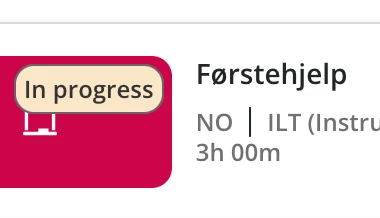
It did change to the colours that I wanted, but not on the icons:
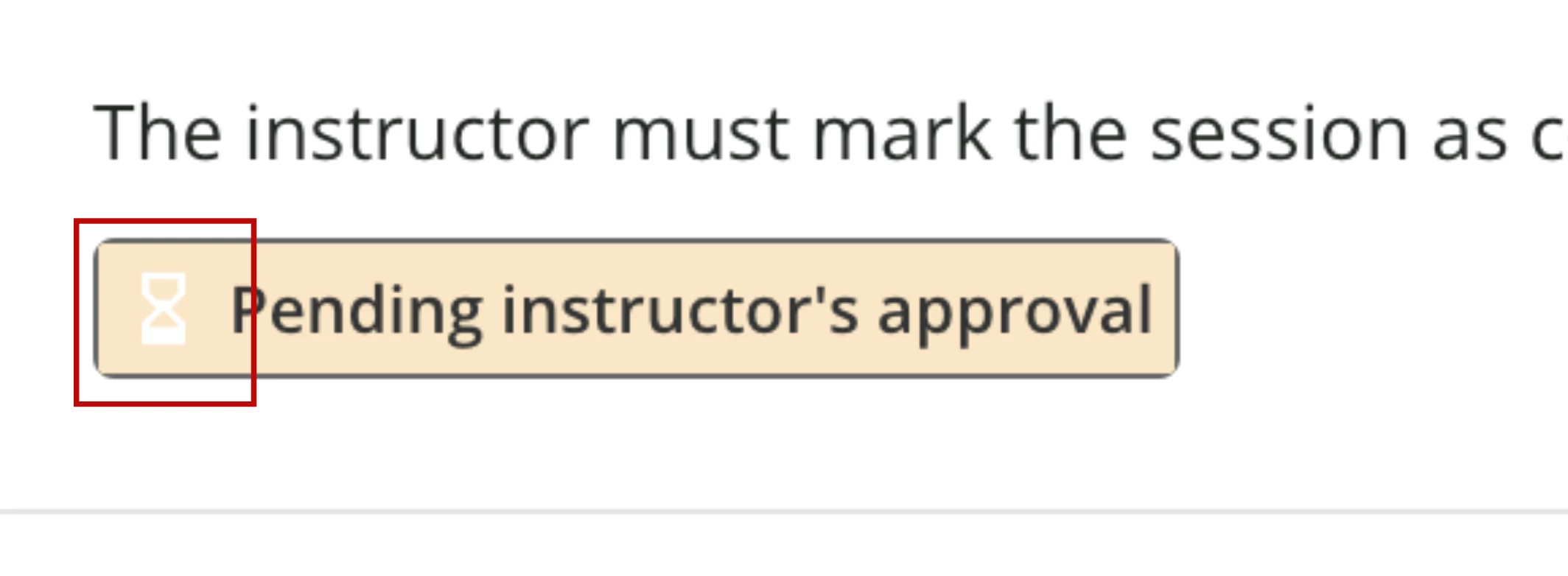
I tried to change the colour, but with no luck. Anyone who knows how to change the colour on icon only within the UI bagdes?
Underneath is the code I used a from another community thread (with some additional css added) to add new colour to the badges:
/* *********************************************** */
/* Course Status Label Colors - Card, List, Channels */
/* *********************************************** */
/* Not Started */
.ui-badge-status-success,
.ui-list-item-status-not_started .ui-badge-status-success {
background-color: #FAE4E2 !important;
border: solid 1px #666666;
color: #333333 !important;
}
/* In Progress */
.ui-badge-status-neutral,
.ui-list-item-status-in_progress .ui-badge-status-neutral,
.ui-card-status-in_progress .ui-badge-status-neutral {
background-color: #FAE6C6 !important;
border: solid 1px #666666;
color: #333333 !important;
}
/* Completed */
.ui-card-header:has(+ ui-card-content span.color-accent-tertiary) .ui-badge-status-neutral,
.ui-list-item-status-completed .ui-badge-status-neutral,
.ui-card-status-completed .ui-badge-status-neutral {
background-color: #DAEDDD !important;
color: #ffffff !important;
}

