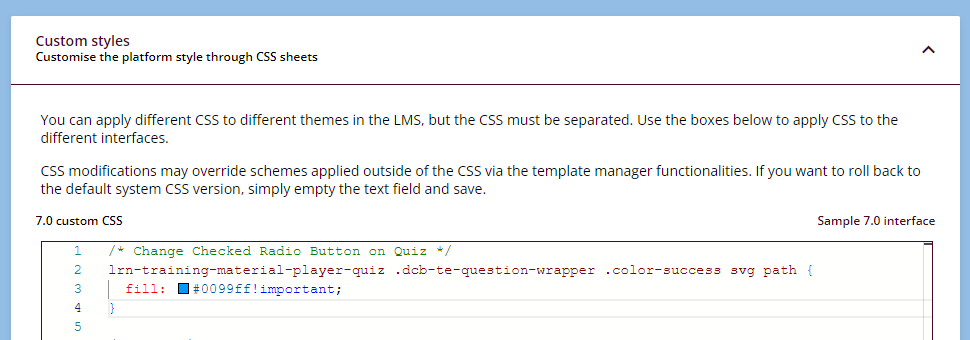
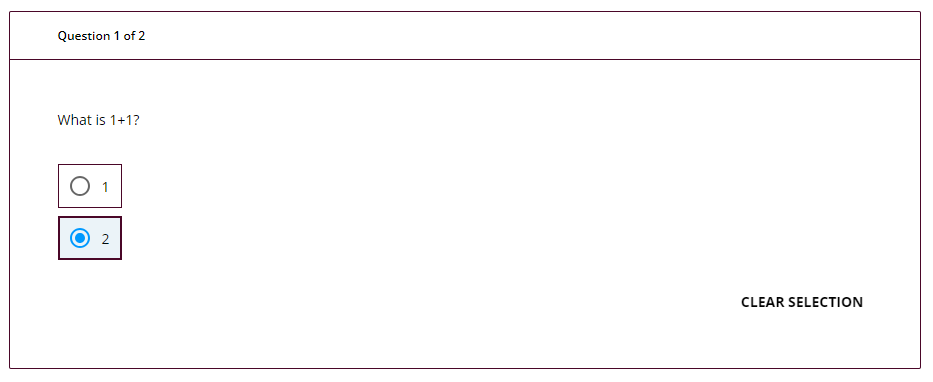
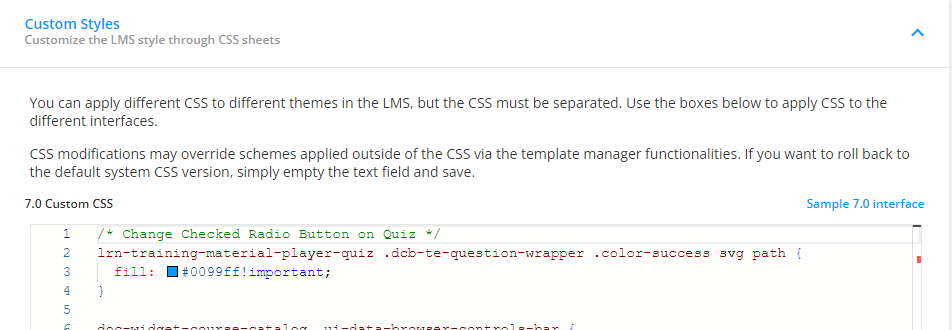
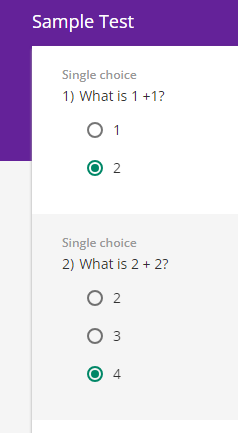
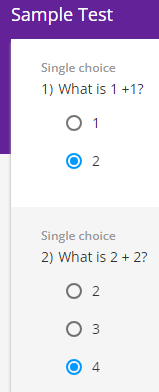
How can I change the checked radio button color for the Single-Choice test questions in Docebo? I need help in CSS or other settings that I can change the checked radio button from system green to blue (#0099ff) . Thanks.


How can I change the checked radio button color for the Single-Choice test questions in Docebo? I need help in CSS or other settings that I can change the checked radio button from system green to blue (#0099ff) . Thanks.
Best answer by DPatel
Hi there,
I think you are using the Old Course Player maybe?
If so try the following code. Change the Hex Code as necessary
/* Target the outer circle when the radio button is selected */
.question-block input[type="radio"]:checked ~ .mdl-radio__outer-circle {
    border-color: #0099ff!important;
}

/* Target the inner circle when the radio button is selected */
.question-block input[type="radio"]:checked ~ .mdl-radio__inner-circle {
    background-color:#0099ff!important;
}
Enter your email address or username and password below to log in to Docebo Community. No account yet? Create an account
Enter your E-mail address. We'll send you an e-mail with instructions to reset your password.