Best Answer

CSS to hide lesson details, tags, etc. in new course player

  • April 11, 2024
  • 4 replies
  • 512 views

Hello,

I’m looking for a little CSS help to hide the “Lesson Details” block of metadata and tags in the course player. I saw in a related post that someone shared code a year ago to hide tags appearing in chapters, but I don’t believe that will work with the current course player?


Any advice?

Thank you!

Best answer by Meira Osishkin

Hi @cfranklin, I found a related post by @gstager which solved this for me:

/** Remove Tags **/

.lrn-course-player-lesson-info {
display:none;
}

/** End Remove Tags **/


4 replies

Hi @cfranklin, I found a related post by @gstager which solved this for me:

/** Remove Tags **/

.lrn-course-player-lesson-info {
display:none;
}

/** End Remove Tags **/


jungerer
Contributor II
Forum|alt.badge.img
  • Contributor II
  • September 13, 2024

Hello.  I’m looking to hide the short description from the course player.  Would that be:


.lrn-course-player-short-description{

    display:none;

}


jungerer
Contributor II
Forum|alt.badge.img
  • Contributor II
  • September 13, 2024

We have found this to work but don’t know the impact of it.


Forum|alt.badge.img
  • Novice II
  • January 10, 2025

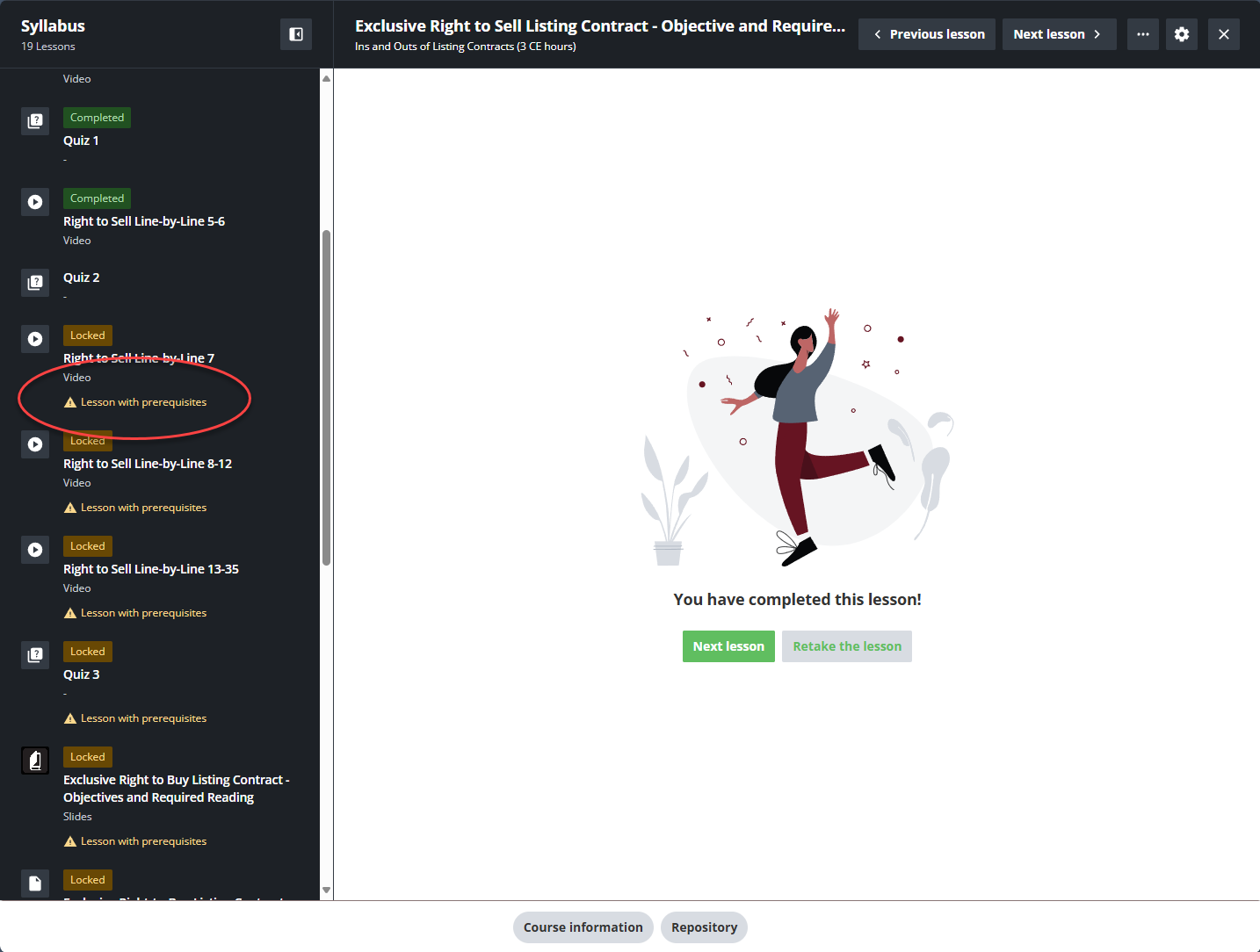
Anyone know how to hide the “lesson with prerequisites” tag in the menu?