
Hi -
Is anyone else experiencing this?
We use 1 service email account for our Outlook Connect Integration.
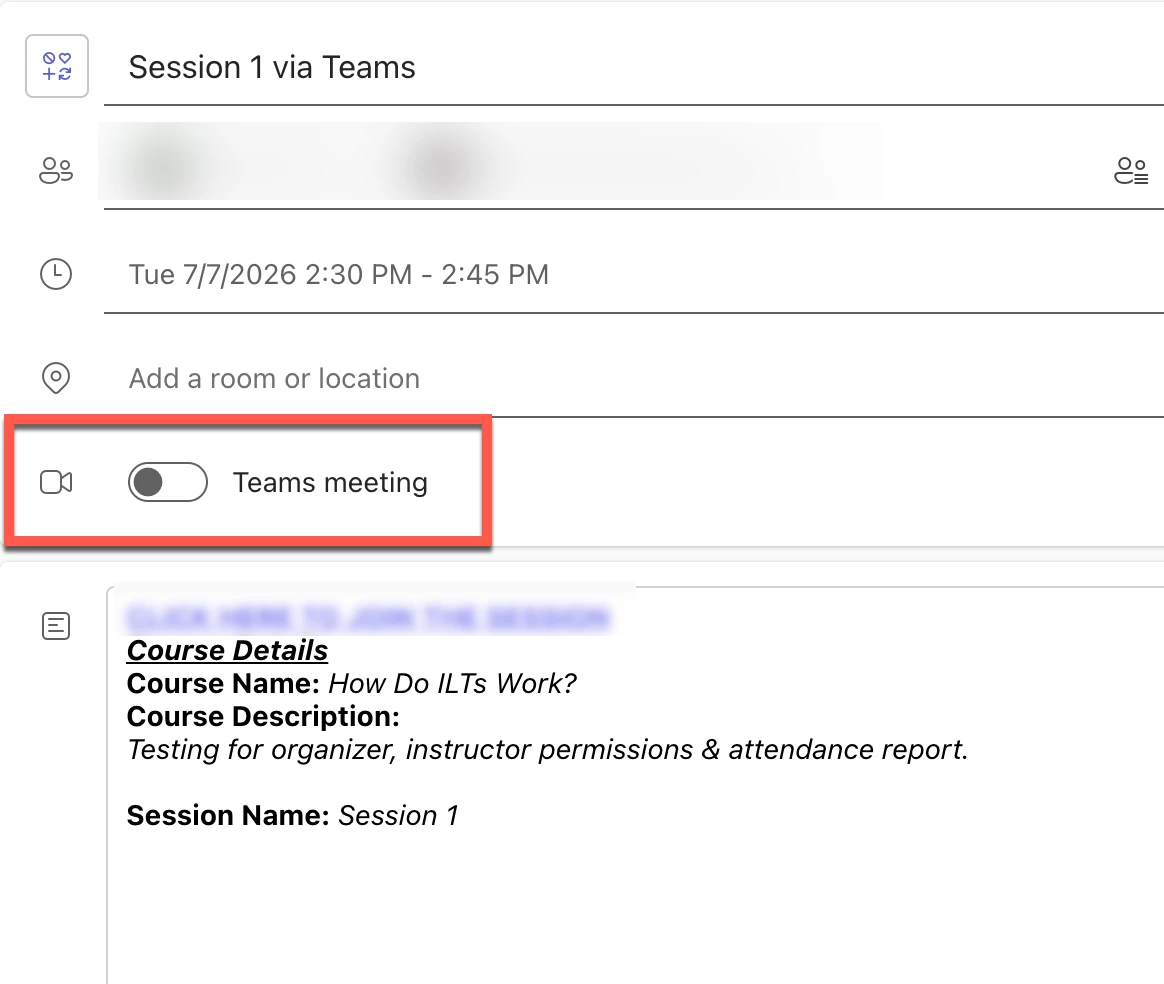
We paired that MS Teams account in Docebo VILT Microsoft Teams to automate the meeting link process.
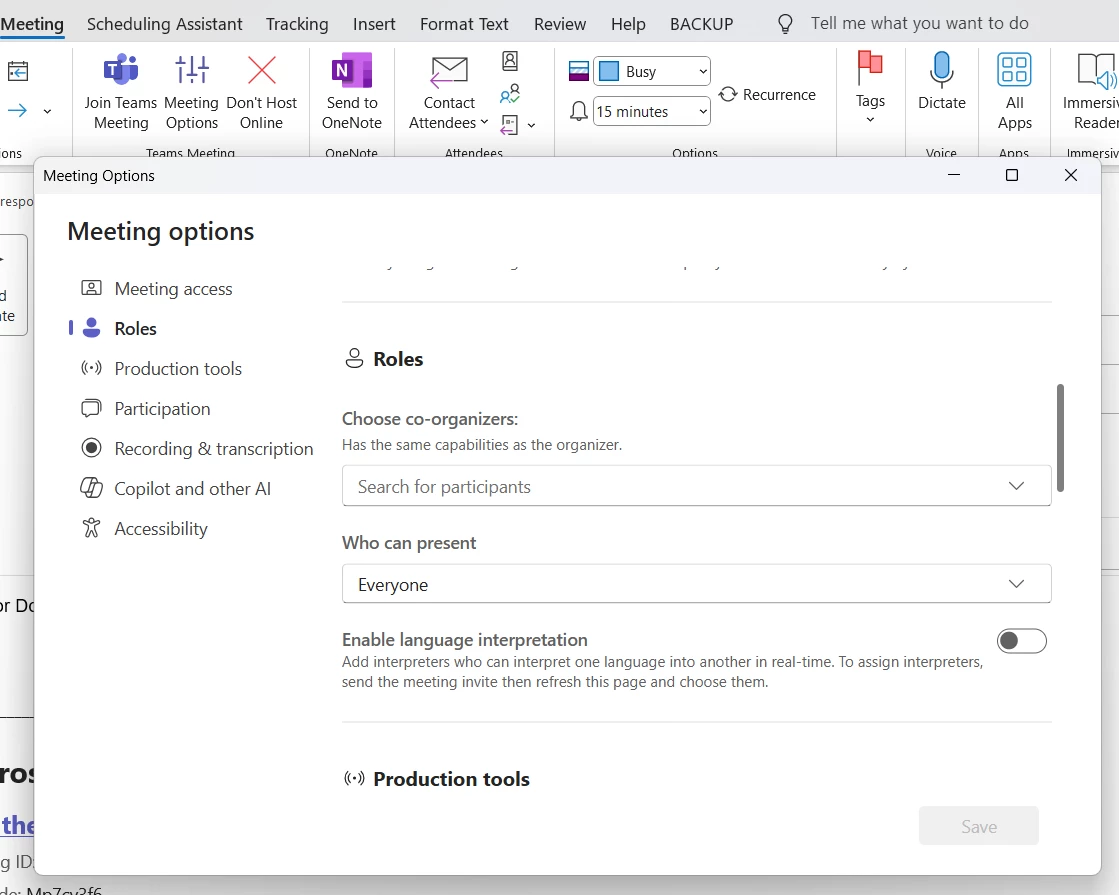
The generated meeting invites (Outlook and MS Teams) are missing Meeting Options. Having the options would allow us to assign instructors and others as co-organizers so they can start and manage the meetings on their own. As it is now, we have to start EVERY meeting for them.
The alternative to bypass this
- We have to manually create all invites and paste the meeting link URLs using the custom tool
- this creates 2 identical invites on our calendar for every meeting
- it turns an automated process into a manual one
- Even if we use the instructors created meeting links instead, it creates 2 invites for them and it’s confusing to maintain and change manage with a large instructor schedule.
- We have 30-40+ individuals who will be creating ILT courses, sessions and events. Individually pairing each account still presents a change management challenge if the meeting owner changes or they need to substitute an instructor because the original owner also will not have meeting options for any invites generated with the outlook integration.