Question

LinkedIn Learning Catalogue Browsing through Docebo - without import!

  • September 26, 2024
  • 3 replies
  • 107 views

We have the LinkedIn Learning integration with around 400 courses imported into our platform and weaved throughout our learning plans etc. 

We’d like to explore the option of learners browsing the LI library of courses THROUGH docebo without having to import a course into the platform, similar to how we browse as administrators. 

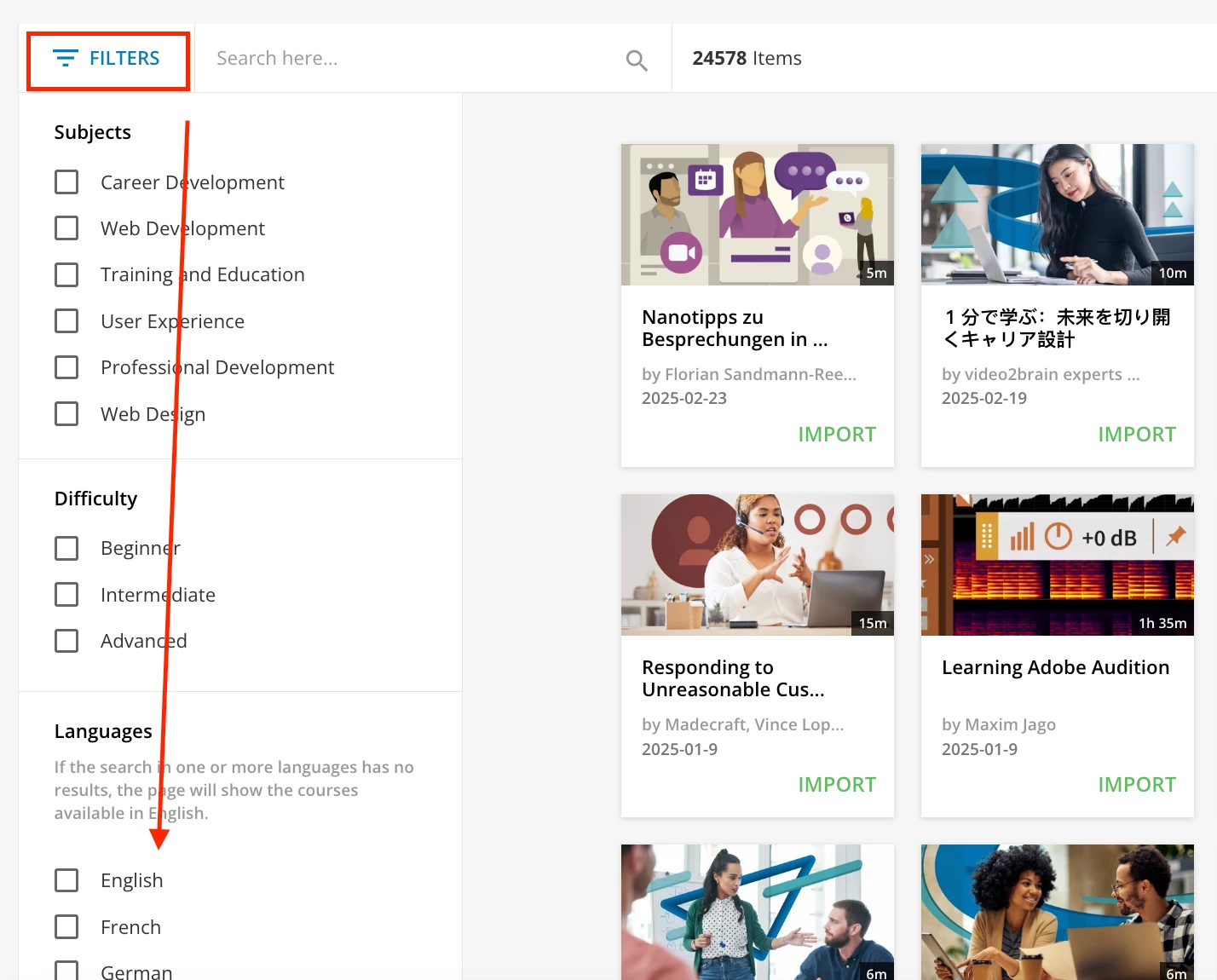
Essentially, we want the experience of THIS page without the import option for them and serve as a window. 
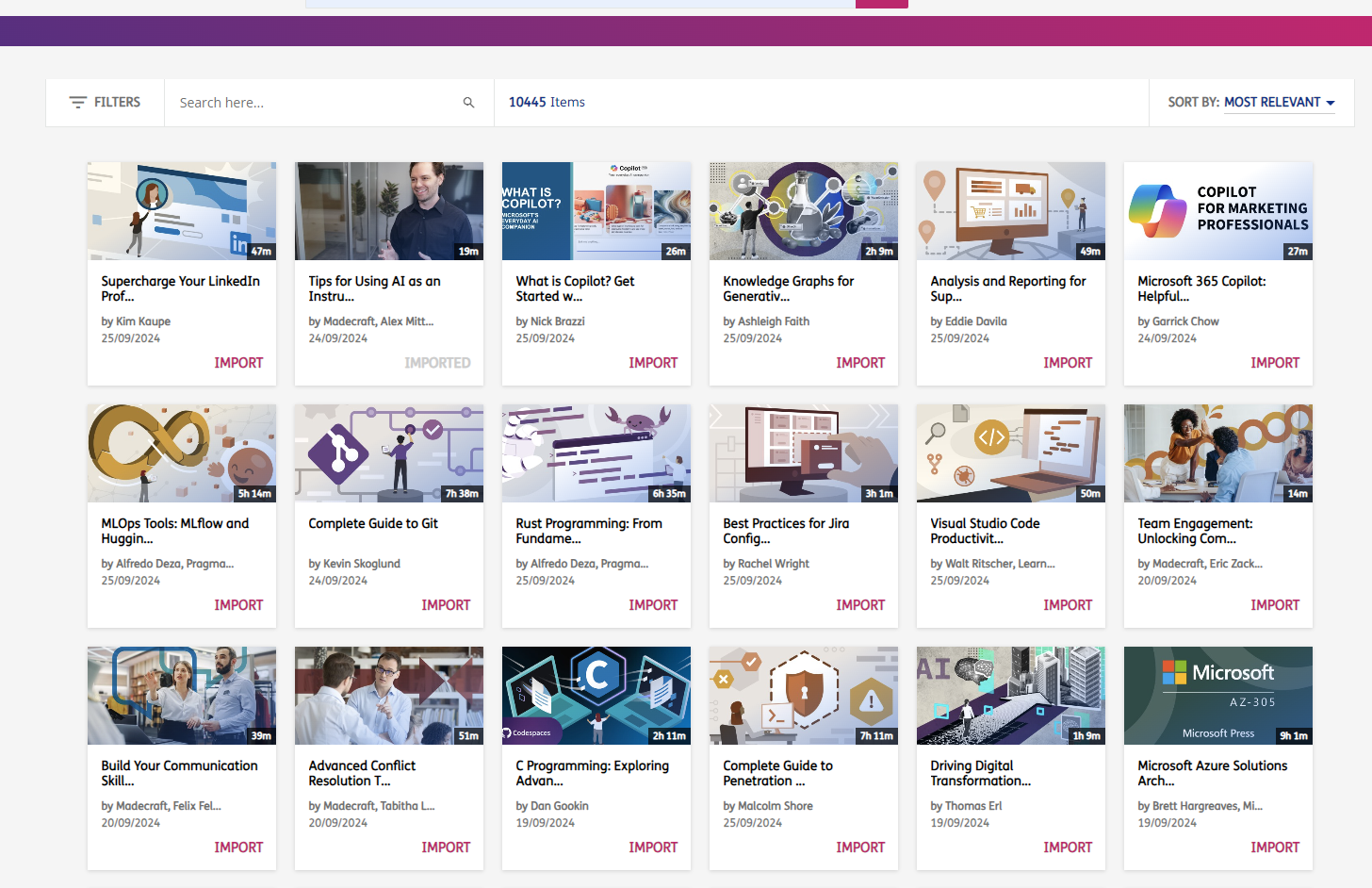


Additionally, we’ve created a LinkedIn Learning Catalogue which surfaces all 10,000+ courses, but when they are imported they don’t align with our metadata and we’re aware that LI courses aren’t updated automatically etc and risk duplication if imported courses. 
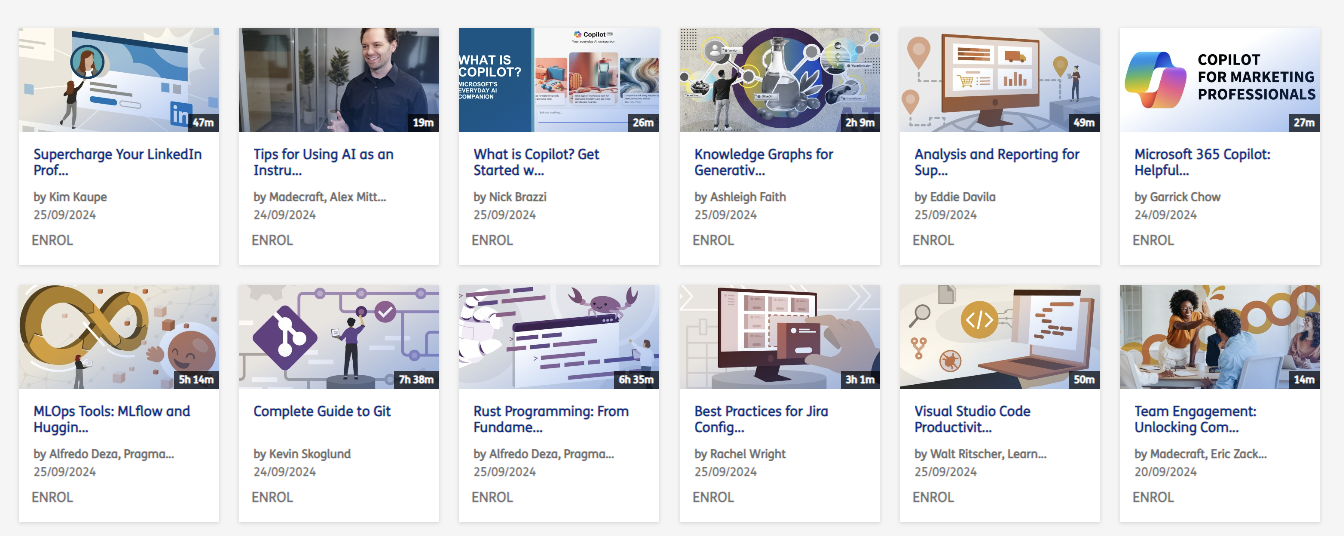


This is becoming a bit of a headache, and wondered if anyone has experienced the same OR if mass import is the way to go OR just let learners run free and put processes in place to maintain data integrity. 

Thanks all!

(We also toyed with applying code to hide the import button, but was told this would be for ALL which would mean we, as admins, would not be able to import either!)


3 replies

lrnlab
Hero III
Forum|alt.badge.img+10
  • Hero III
  • September 26, 2024

We have imported all English courses from LI and regret it...clean up is huge...sadly there is no way for your users to review the content marketplace as you do as a super…

If you want your users to browse the LI courses without importing, your best bet is to create an External page linked to the LI course catalogues...users can choose to login or not...you would still need some kind of process if a user see a course they want but you haven't imported in the LMS…


Forum|alt.badge.img
  • Novice II
  • February 24, 2025

@lrnlab Did you execute a massive import of english courses from Linkedin Learning? It doesn’t look like I’m able to filter by language in the massive import function. Appreciate your feedback!


lrnlab
Hero III
Forum|alt.badge.img+10
  • Hero III
  • February 24, 2025

@lrnlab Did you execute a massive import of english courses from Linkedin Learning? It doesn’t look like I’m able to filter by language in the massive import function. Appreciate your feedback!

That could be linked to what your contract with LinkedIN includes. The filter is located on the left - do you not see this?

Since the filters are very limited, know that using the massive import will bring in ALL “English” courses so choose wisely...we use the option to create courses when importing and have regretted it since we have about 8,000 courses we need clean out manually. Not a fun task.