Answer

CSS for catalog widget - hide details everywhere

  • May 16, 2023
  • 12 replies
  • 591 views

Hello! I’m looking for CSS support in eliminating the details from the course cards in the catalog and learning plan. For example, I’d like to remove the footer, type description, and language.
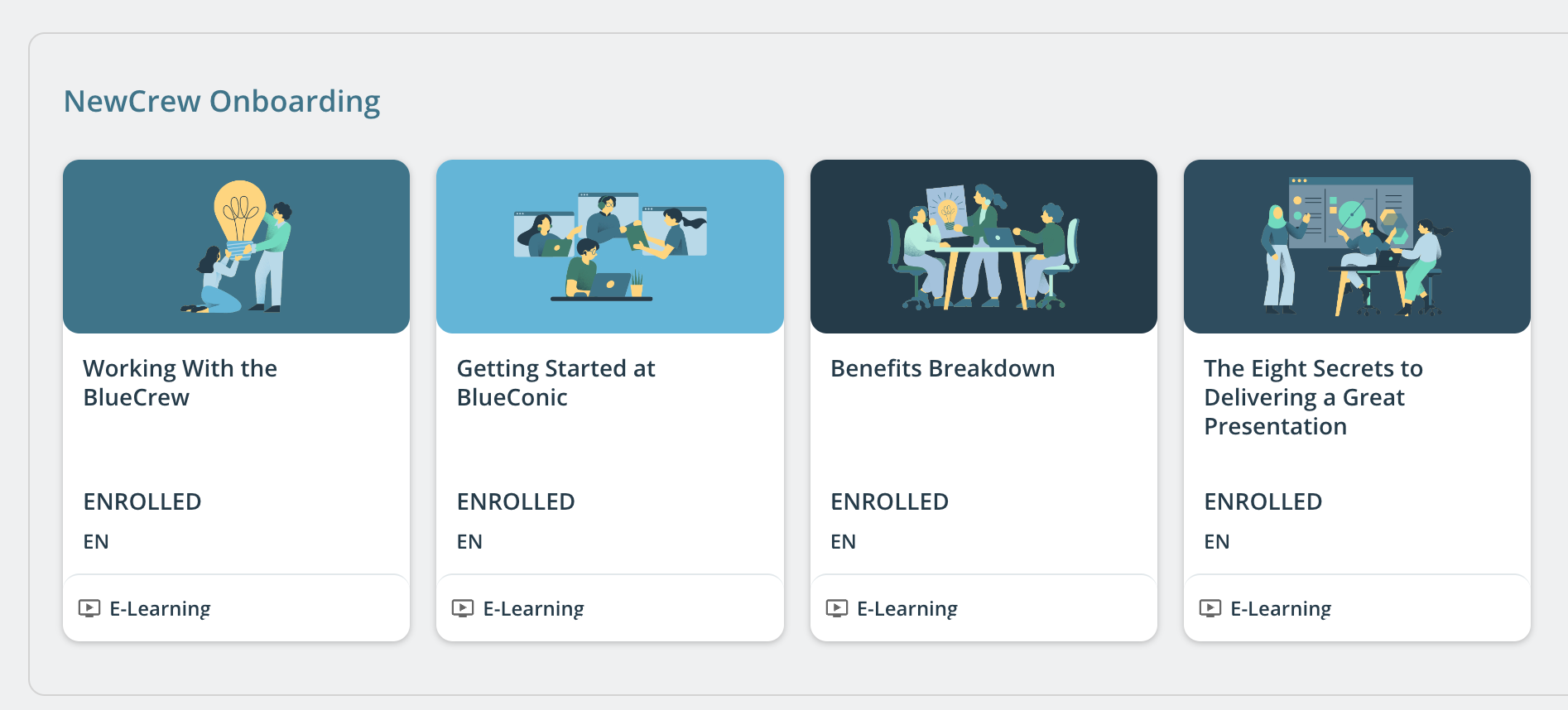
 

I’ve checked fark.tools and there is nothing included regarding these items. I’ve also found a thread elsewhere where someone mentions doing this but the code provided does not work when I adjust it to apply to all pages and all course widgets.

/* Hides 'new' status on course tiles */

.ui-badge-status-wrapper{

   display: none!important;

}

/* Hides enrollment status */ 

#doc-widget-156 .item-status-box{

    display: none!important;

}

/* Hides Course type */ 

#doc-widget-156 .type-box{

    display: none!important;

}

/* Hides language */ 

#doc-widget-156 .course-type{

    display: none!important;

}

/* Hides tile footers */ 

#doc-widget-168 .ui-card-catalog-content .ui-card .ui-card-footer{

   display: none!important;

}

​​​​​​​

Best answer by Chelsy Koshy

@stephanie.pankewicz I was able to hide those using the below css.

/* Hide the footer */
.ui-card-footer{
display:none;
}
/* Hide the language */
.ui-card .ui-card-language{
display: none;
}


12 replies

Forum|alt.badge.img+4
  • Guide I
  • Answer
  • May 16, 2023

@stephanie.pankewicz I was able to hide those using the below css.

/* Hide the footer */
.ui-card-footer{
display:none;
}
/* Hide the language */
.ui-card .ui-card-language{
display: none;
}


Thank you @Chelsy Koshy - that worked perfectly.


Forum|alt.badge.img+4

@stephanie.pankewicz Great to hear that it worked perfectly! I'm glad I could help. 😊


jcellitti
Influencer I
Forum|alt.badge.img+1
  • Influencer I
  • September 7, 2023

this is great, thanks for sharing! is there another one i could add for it to eliminate “free”


@jcellitti can you share a screenshot of where it says “free” on the card? I can’t remember where that was so I’m not sure which code removed it.


archoll72
Novice III
  • Novice III
  • October 10, 2023

I’m having an issue with the NEW title on the cards. If the CSS code that was shared in this thread eliminates the title from ALL of the cards, would it be possible to remove it just for specific cards within a catalogue course listing so the user can see the NEW legend only on certain cards within the same catalogue row?


Txs!


Bfarkas
Hero III
Forum|alt.badge.img+6
  • Hero III
  • October 11, 2023

I’m having an issue with the NEW title on the cards. If the CSS code that was shared in this thread eliminates the title from ALL of the cards, would it be possible to remove it just for specific cards within a catalogue course listing so the user can see the NEW legend only on certain cards within the same catalogue row?


Txs!

Without scripting, while technically possible, this would be an incredibly difficult thing to actually achieve well. There’s no way to identify card contents and apply rules based on it, so at best you could do nth number of card in the carousel, but everyone’s would be different. For just CSS use, this is an all or nothing situation.


Bfarkas
Hero III
Forum|alt.badge.img+6
  • Hero III
  • October 11, 2023

Really like all the customizations to these cards, adding to the backlog for adding to the wizard in Fark.Tools. Getting ready to do an update with a bunch of new items soon.


Isram
Influencer III
Forum|alt.badge.img+1
  • Influencer III
  • May 10, 2024

Thank you @stephanie.pankewicz 

@Chelsy Koshy  That was exaclyt what I was looking for!! 

btw Does anybody happen to have the code for hiding course details in ILT  ?

@Bfarkas 

Thanks in advance


Hi @Chelsy Koshy ,

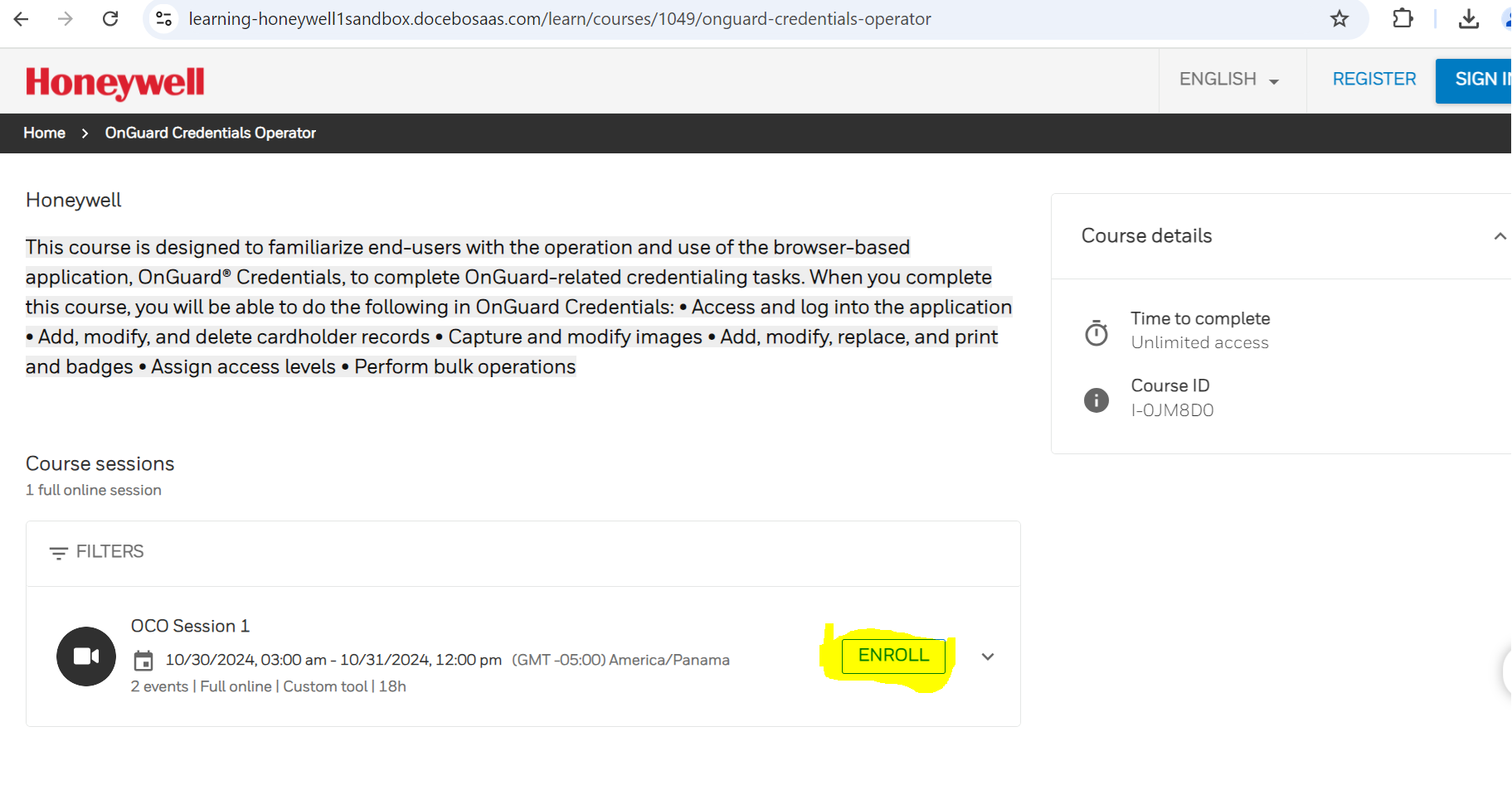
We have tried the remove Enroll Button for the public catalog course.

Adding CSS code in Configure branding and look

/* Hide Enrollment Part on Course. Switch XXX with Course ID START */ .lrn-course-overview-XXX .lrn-widget-content-enrollment { display: none!important } /* H?de Enrollment Part on Course. Switch XXX with Course ID END */


For E-learning, it works well, but for ILT courses, we can remove the enroll button from the course level but not the sessions.

Could you assist with this further?


Thanks in Advance.


Forum|alt.badge.img+4

Hi @Ragnee kumari,

You can hide the enroll button on the public catalog page using the CSS below.

lrn-widget-sessions-list .lrn-widget-sessions-list-secondary-button{
display: none;
}

However, be aware that if the same class name is used for buttons in other areas, applying this CSS will hide all buttons with that class name.


dkraige
Helper I
Forum|alt.badge.img+1
  • Helper I
  • August 18, 2025

Is there a way to:

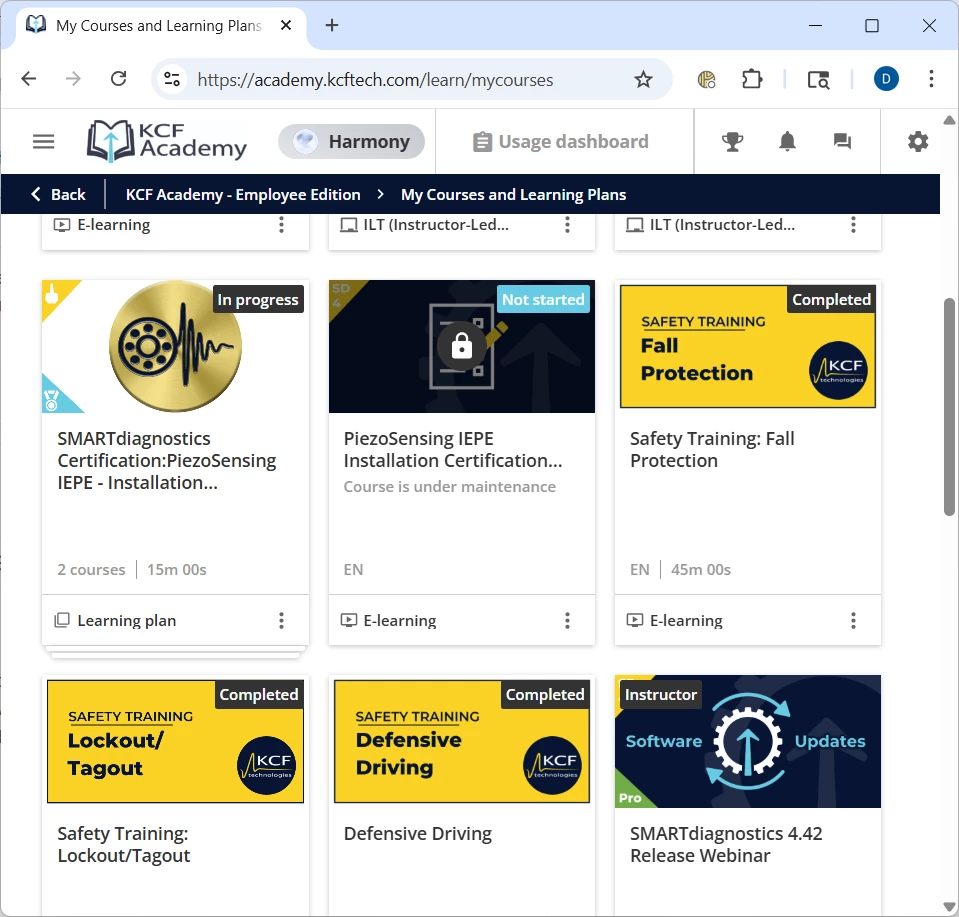
  1. Get rid of the price label on the catalog widget?  This is irrelevant for most of our users, so it is just clutter and raises more questions than it answers.
  2. Is there a way to make catalog widgets show the user’s status (Not Started, In Progress, Completed) on the catalog widgets?  These labels show up on the custom “My Courses and Learning Plans” page, which have very similar widgets, but they don’t show up on Catalog widget pages.