Best Answer

Docebo saas cart address save is not functioning

  • May 28, 2024
  • 3 replies
  • 48 views

james

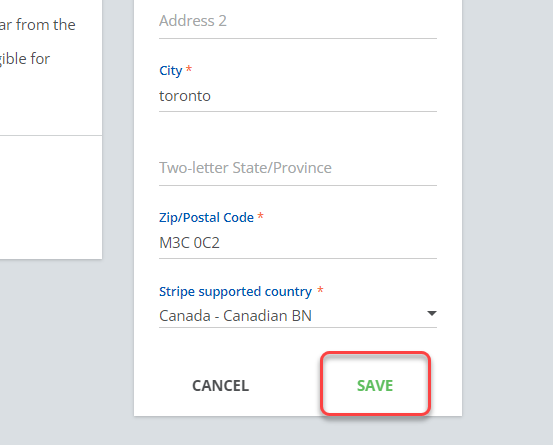
Hi, when filling out an address in the cart in our docebo sandbox, the “save” button is not functioning.  It appears to not fire the click event.  Can you fix this?


Best answer by KMallette

@james Hi, James

There are some functions in the sandbox that don’t operate the way that the LIVE platform would.  You should open a support chat to see if this is one of them.


3 replies

KMallette
Hero II
Forum|alt.badge.img+9
  • Hero II
  • Answer
  • May 28, 2024

@james Hi, James

There are some functions in the sandbox that don’t operate the way that the LIVE platform would.  You should open a support chat to see if this is one of them.


james
  • Author
  • Newcomer
  • May 30, 2024

We’ve identified a difference between whether the address already exists in Docebo’s system or not.  If the account has already pushed an order, the address exists and updates to the address can be saved.  If the account is a new account, it has no addresses and must create an address at this step in the checkout process.  As detailed above, the save event does not fire for new addresses in the checkout process.  Since new addresses cannot be saved, the checkout process is stuck and orders cannot be created for new accounts.


james
  • Author
  • Newcomer
  • June 13, 2024

This was a bug.  Working with Docebo support, they have fixed this bug in the sandbox environment.