

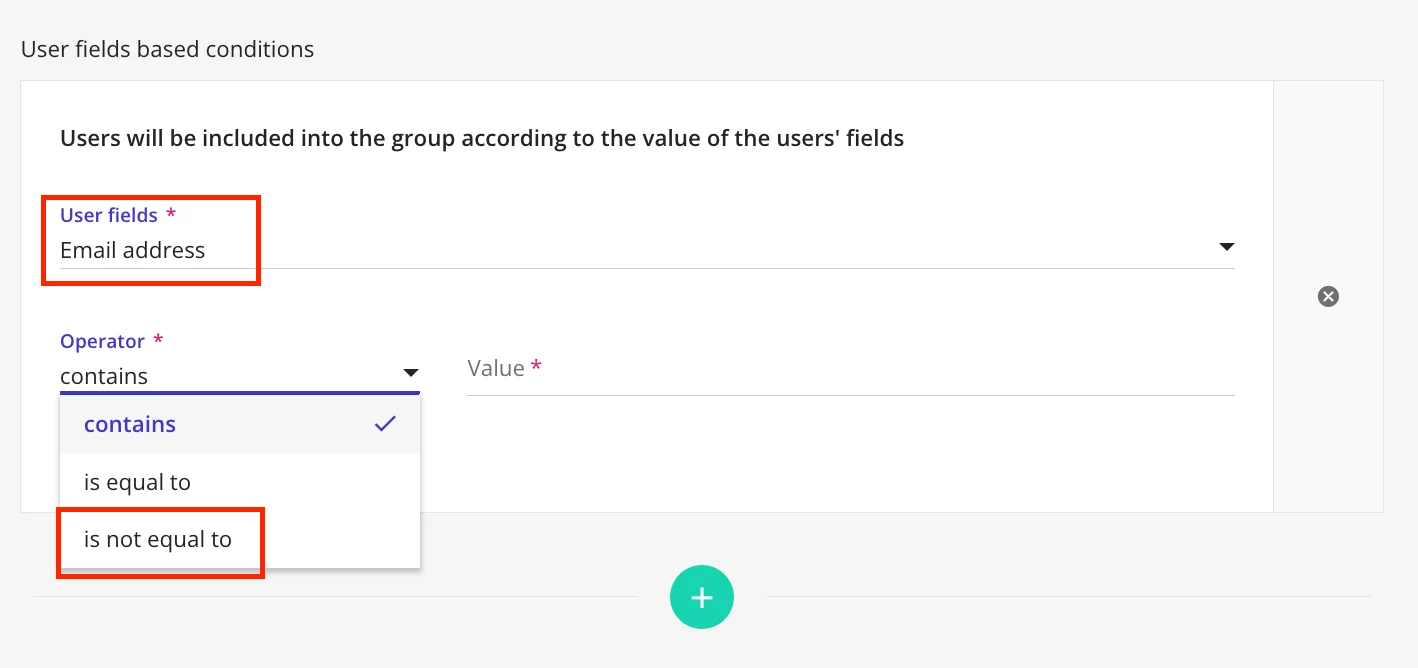
I have created a new group for employees with a certain ending to their email address. However, there are a few employees that i need to manually remove from the automatic group. How can I do this?

Question
Groups



Log in to Docebo Community
Enter your email address or username and password below to log in to Docebo Community. No account yet? Create an account
Docebo Employee Login
or
Enter your E-mail address. We'll send you an e-mail with instructions to reset your password.