


I have a new user additional field that was just added to my platform, and I need to assign a value for that field to over 350 users. I know that this can be done via CSV but can’t find any actual instructions about how to accomplish this. The closest thing I can find is the “Importing and managing users via CSV files” knowledge base article, which says that the user additional field can be entered as a string:
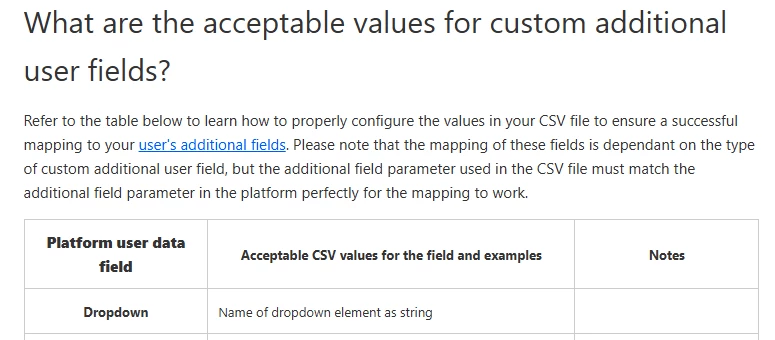
However, I have no idea what that means, and it’s not explained anywhere. I have a CSV file with the username, first name, last name, and email of the users that need to be updated, but I don’t know how to add my dropdown user additional field to that file. The user additional field is called “ASP Level” and has 3 dropdown elements: ASP 1, ASP 2, and ASP 3. Can anyone help me with how to format the data so it uploads correctly? Thanks!


