Hi @JMouatt ,
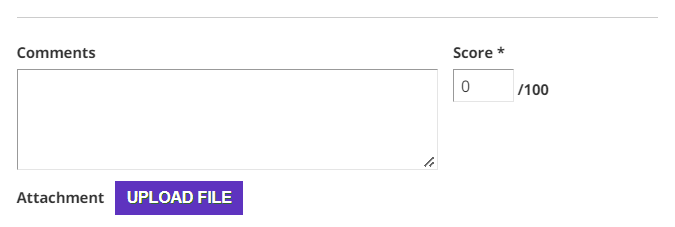
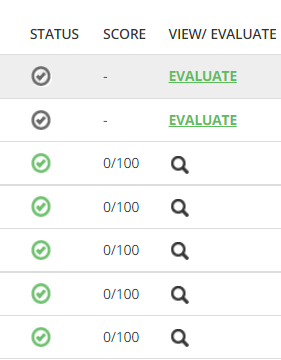
it’s possible to hide the “Score” parts via CSS but pay attention!
Here below the code to remove that parts:
/* MODO: To hide the "Score" header of Reports Tab inside a course */
#player-reports-deliverables-grid_c6{dispaly: none;}
/* MODO: To hide the "Score" row of Reports Tab inside a course. ATTENTION: Right now is the 7th column. In the future could change! */
#report-deliverables-grid #player-reports-deliverables-grid .gridItemsContainer .items tbody td:nth-child(7){dispaly: none;}
/* MODO: To hide the "Evaluation Form" as an Instructor */
.modal-evaluate-deliverable .modal-body .instructor-section .score-wrapper{display:none;}
This code will only “hide” the score form and fields from any browser view, it do not remove it!
That means that the score will always be “0” (zero) for each assignment. So you will probably have to change the “Score & Credit” settings in the Course Properties. Otherwise you will probably see “0” (zero) in the score of Course Reports.
Hope this could help.
MODO