


Answer

Managing and customizing reports for multiple customers?

  • May 23, 2025
  • 2 replies
  • 61 views

IanMonk
Helper III
Forum|alt.badge.img+2

Hello!

I’m looking for some outside opinions on the best way to manage reports for multiple customers. 

Currently, when we add new customers to Docebo for product training, we create the users, then create a new customer group, then assign the users to the group, then enroll the group into an onboarding learning plan. The primary reason for creating groups for each customer is to give our account managers, who are configured as power users, the ability to create course reports for each customer by filtering via group in the reports area.

I question the scalability of this approach as we continue to add new customers, which means we are constantly adding new groups, maintaining existing groups, and constantly updating power user resources. Much of the work is done manually and is cumbersome. 

Any creative thoughts on how to approach this?
Best answer by lrnlab

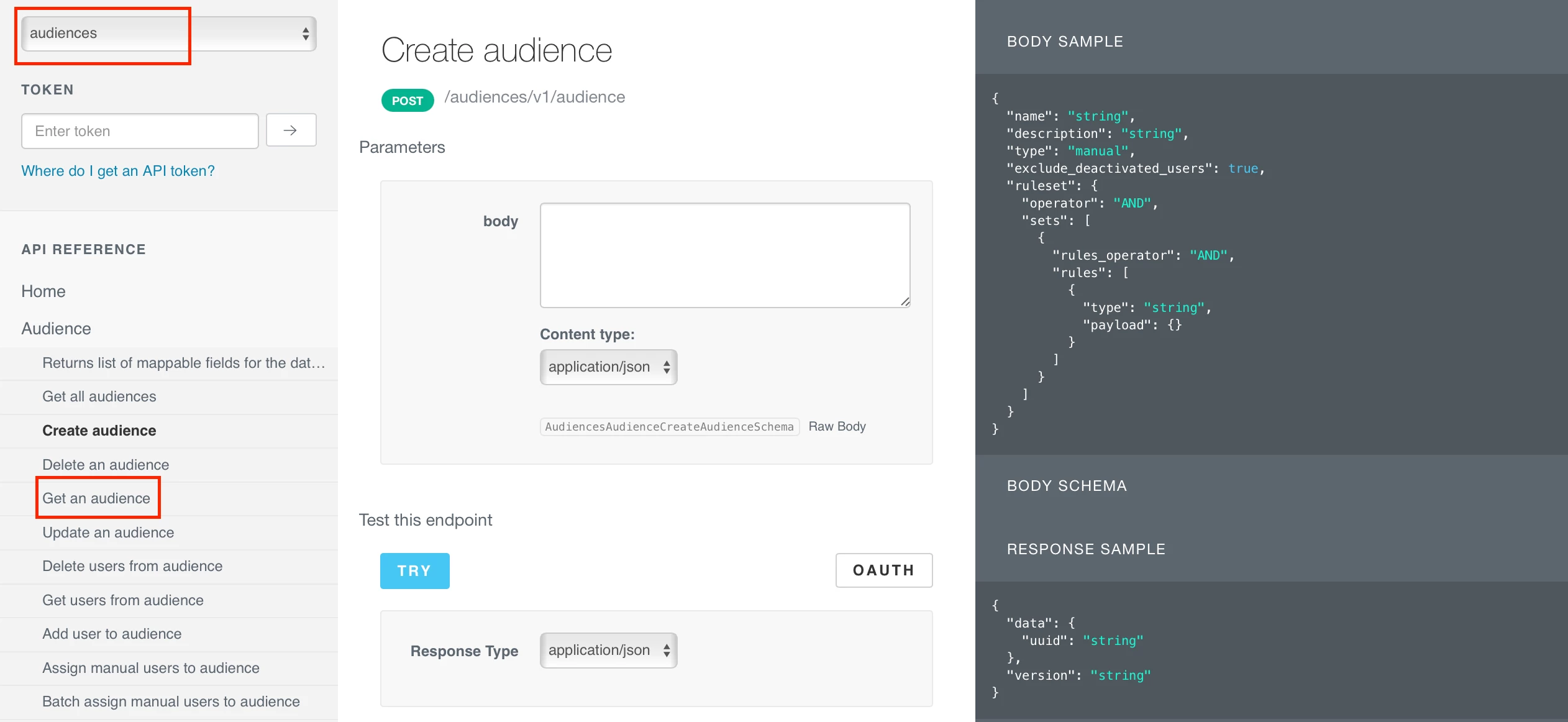
If you know how to use APIs, you could look to write a script that will create your groups based on the data in the user profiles

https://doceboapi.docebosaas.com/api-browser/#!/audiences/Audience/Audience_audiences_v1_audience_0

If you want to browse the optons, look under the “Audience” section


2 replies

lrnlab
Hero III
Forum|alt.badge.img+10
  • Hero III
  • Answer
  • May 23, 2025

If you know how to use APIs, you could look to write a script that will create your groups based on the data in the user profiles

https://doceboapi.docebosaas.com/api-browser/#!/audiences/Audience/Audience_audiences_v1_audience_0

If you want to browse the optons, look under the “Audience” section


Ian
Guide I
  • Guide I
  • May 26, 2025

I’m normally all about the APIs, but here I’m just wondering why My Team couldn’t work for this.

(Side-note: Originally I was going to ask if you’re already using Docebo internally, but having checked the above Knowledge Base article before linking to it, now I’m not sure it even matters. Because I hadn’t even realized you can have more than one Manager type for My Team…)