
Question

Placing an Image In The Sign-In Box

  • February 7, 2025
  • 1 reply
  • 35 views

Hi Everyone! 
 

Does anyone know how to add an image to the sign-in box? Is this possible? 🤔
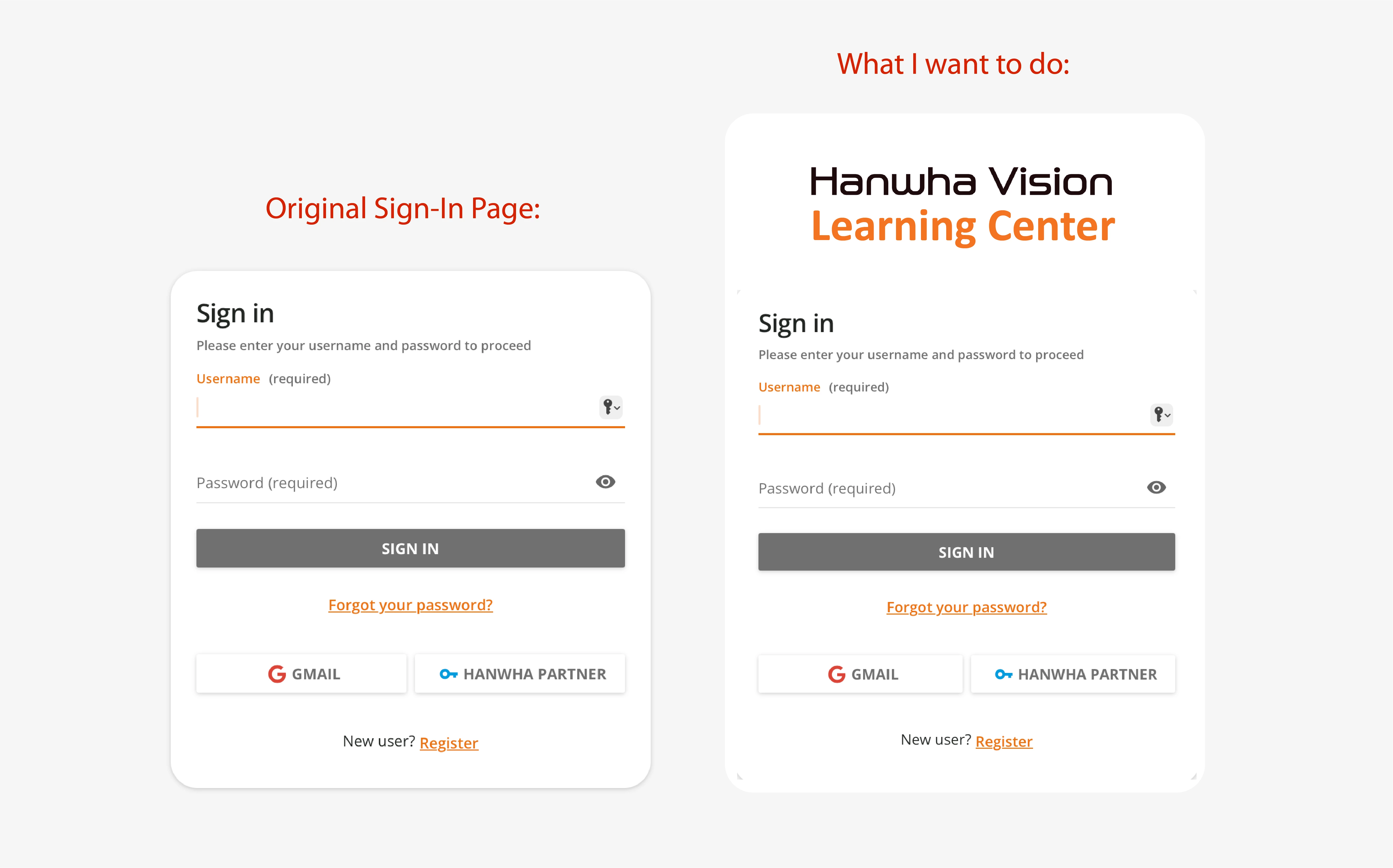
 

1 reply

  • Author
  • Novice I
  • February 11, 2025

I figured it out! 🤠

Step 1: Upload Your Image

  1. Upload your image to Docebo’s Central Repository by creating an HTML page
  2. Insert your image into the page.
  3. Copy the image URL.

Step 2: Apply the CSS
Paste the following CSS into your custom stylesheet, replacing "change this to your image url" with the copied URL:

#doc-layout-login::before {
content: "";
display: block;
width: 300px;
height: 150px;
background-image: url("change this to your image url");
background-size: contain;
background-repeat: no-repeat;
background-position: center;
margin: 0 auto;
margin-bottom: -25px;
}

And there you have it!
