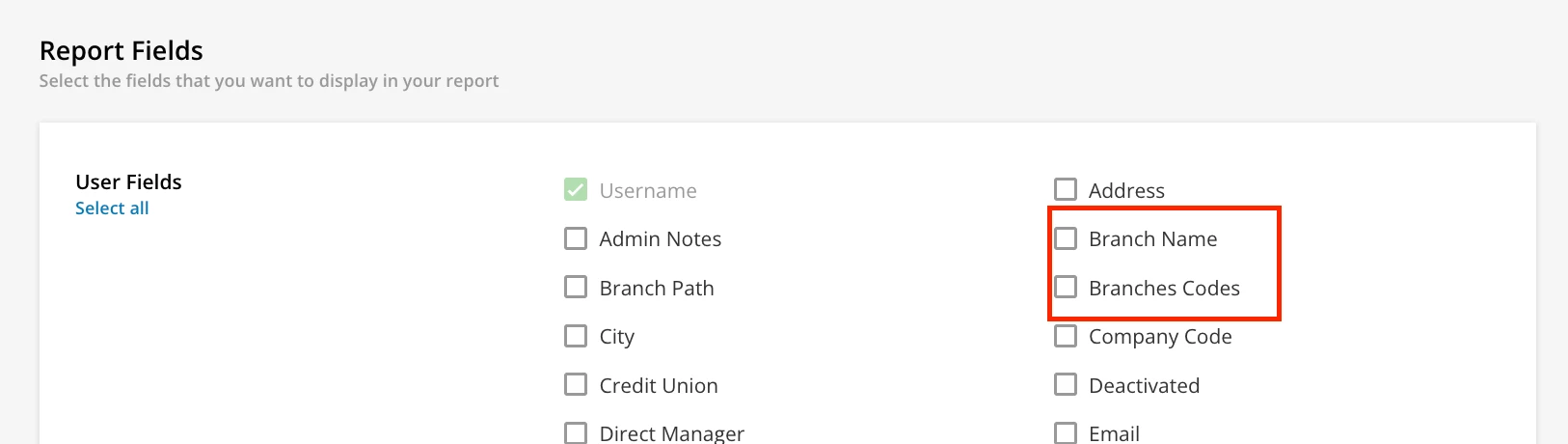
Hi everyone! We’re the corporate office for a gym brand with franchisees around the world. Our Branch Path is structured like this:
Type (Franchise, International, etc) → Region → Franchise Name → Gym Name
When running reports, the only way we’ve found to pull the Franchise Name is by using the full “Branch Path” field—but that shows the entire path, which isn’t always helpful.
Right now, I’m using a “Text to Columns” workaround in Excel to extract just the Franchise Name, but that’s not scalable—especially since not all our report users are Excel-savvy.
To add more context: users are added via an automation that imports a CSV file from each franchise’s payroll system. We have over 60 franchise groups, and asking each one to have their payroll company update their custom report to include the Franchise Name in a custom user field would be an incredibly heavy lift.
Is there any way to either:
-
Automatically populate a custom user field with the Franchise Name based on the Branch Path?
OR -
Include only a specific level of the Branch Path (just the Franchise Name) in reports?
Looking for any easier or quicker options—thank you in advance for your help!