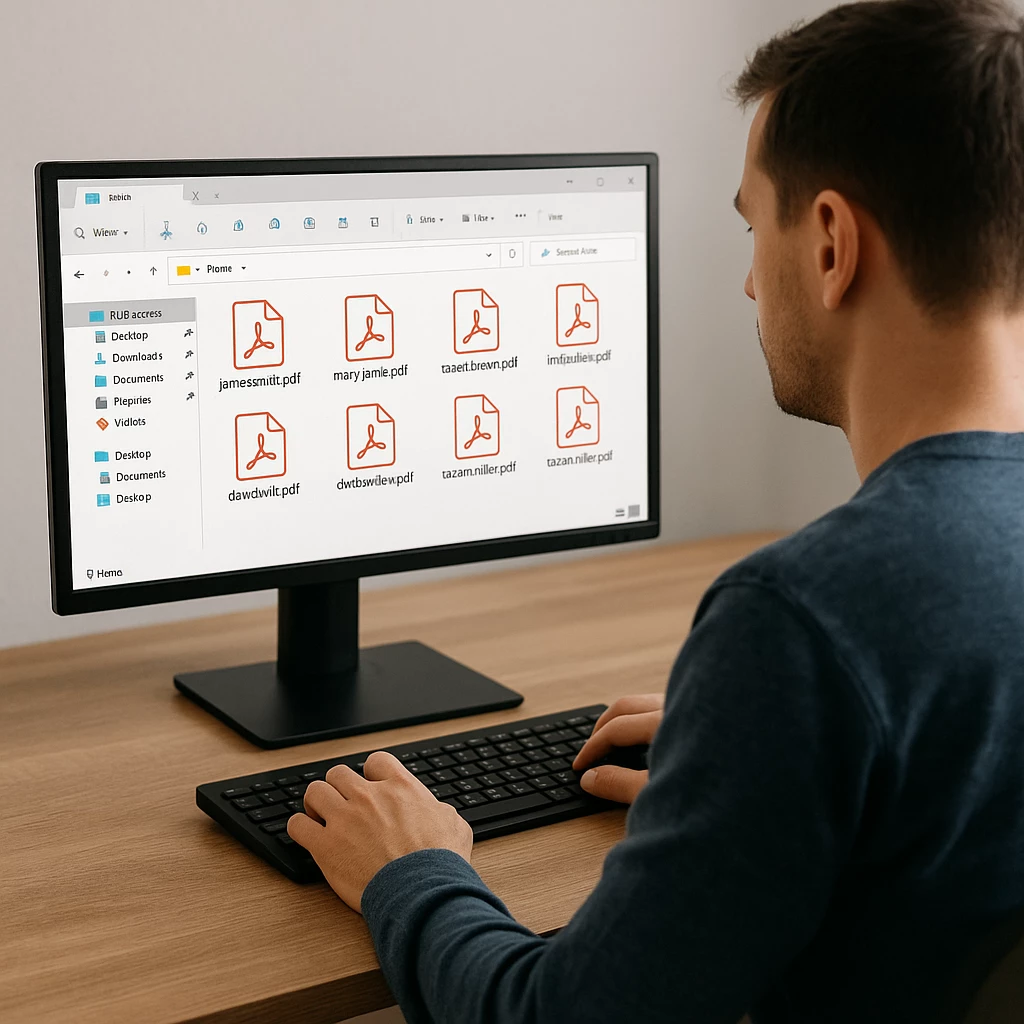

📊→📄
Hi everyone! New to the community and wanted to share a solution I developed for a common reporting challenge.
The Situation: Client needed individual activity reports for 150 users for physical filing. Docebo's export gave me one comprehensive Excel file with all users combined. Of course, there is always the option to view and download a certificate manually per user or by clicking on "User Personal Summary" - but doing this 150 times manually wasn't practical for the client's timeline and budget.
The Challenge: Manual separation would take days, and custom development was out of budget.
My Solution Using Existing Tools:
Step 1: Leverage Excel's Pivot Table Feature 🔄
- Started with standard Docebo user activity export
- Created Pivot Table with users as filter
- Used "Show Report Filter Pages" to automatically generate 150 separate worksheets
- Formatted all worksheets simultaneously by selecting "All Sheets" and setting consistent print layout: landscape orientation, centered, fit to one page, with uniform headers and footers
- Each worksheet now contained one user's data with professional formatting ready for viewing and printing
Step 2: Automation for File Creation 📁
Developed a VBA macro with the help of (claude.ai) to:
- Convert each worksheet into a separate Excel file
- Auto-name files based on sheet names (which contained the usernames)
- Preserve all formatting and print settings
- Process all 150 files automatically
Step 3: Format Conversion 📄
When client requested PDF format instead, created additional macro for batch Excel-to-PDF conversion.
Results:
- ⏱️ 20 minutes total vs. days of manual work
- 💰 Zero additional cost vs. expensive custom development
- 🎯 Exact client specifications met
- 🔒 All data stayed secure on local machine
Key Benefits of This Approach:
- Works with Docebo's existing capabilities (no system modifications needed)
- Leverages standard Office tools most admins already have
- Easily reproducible for similar requirements
- Scalable for different user volumes
Note: This solution uses tools outside the Docebo platform but works with standard exports.
We all know Docebo's strengths in customized reporting capabilities - no need to elaborate on that. But sometimes we encounter highly specific custom requests, and that's where we can leverage AI tools combined with a bit of creativity and basic technical knowledge to create perfect solutions.
Happy to share the macro details with anyone who might find this useful - feel free to reach out.