Question

Docebo trainings

  • September 25, 2025
  • 7 replies
  • 50 views

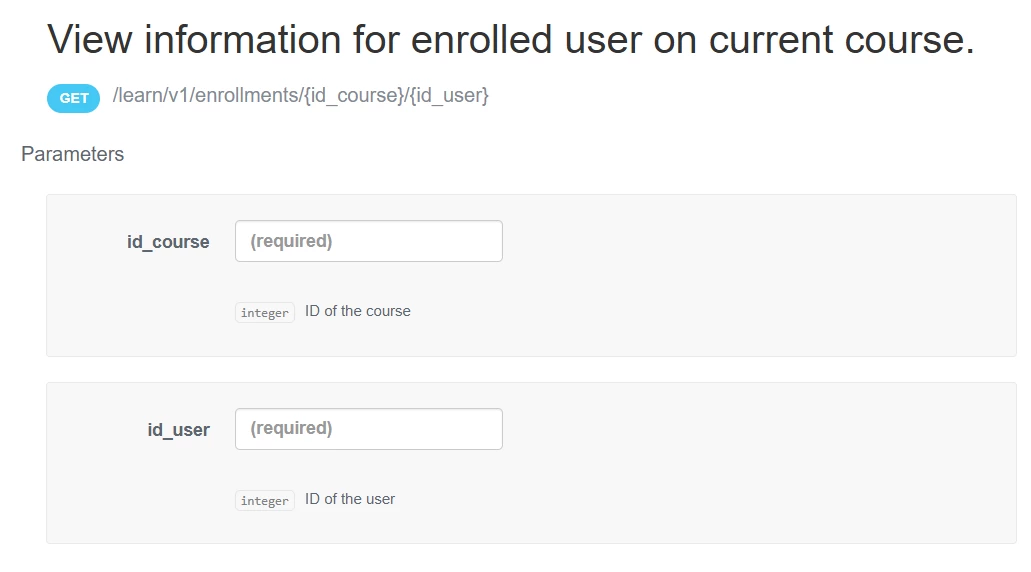
Hi Team, anybody help me to find enrolled user for a course , I ‘am trying with this endpoint this provides all the enroll-able user list of all cousers.

 

get /course/v1/courses/{id}/enrollments

7 replies

Forum|alt.badge.img+1
  • September 25, 2025

Hi ​@Swapna try this…


  • Author
  • Novice II
  • September 25, 2025

Hey ​@mstrom But I need to get the list of enrolled users for a course. in above case I’ am not aware of user details. pls suggest


elamast
Hero I
Forum|alt.badge.img+7
  • Hero I
  • September 25, 2025

How about this one?

GET  /course/v1/courses/enrollments?course_id[]=COURSE_NUM_HERE


Forum|alt.badge.img+1
  • September 25, 2025

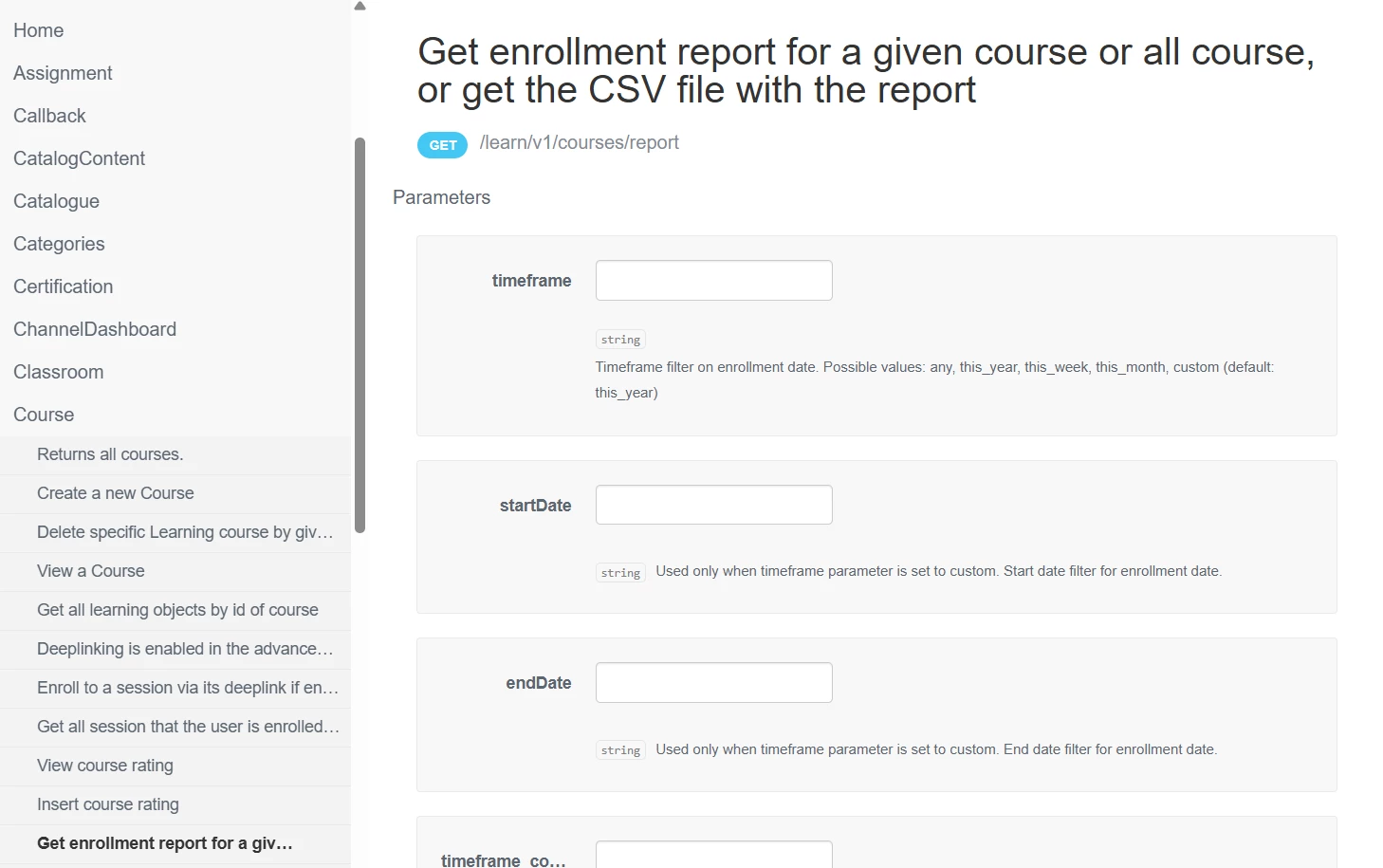
Also this one /learn/v1/courses/report?idCourse=12345&page_size=200&page=1

There’s more params available...take a look in the Docebo API Browser for documentation.


  • Author
  • Novice II
  • September 25, 2025

Also this one /learn/v1/courses/report?idCourse=12345&page_size=200&page=1

There’s more params available...take a look in the Docebo API Browser for documentation.


This looks better ​@mstrom Thanks a lot!!!, but its having almost 1000+ pages of records to process huge data challenging and time consuming, will I be able able to get this csv file directly?


  • Author
  • Novice II
  • September 25, 2025

How about this one?

GET  /course/v1/courses/enrollments?course_id[]=COURSE_NUM_HERE

Hey ​@elamast this one I tried, but its giving all the user list as its says enroll able users it provides all the list of users its not filters not only the enrolled one.


Forum|alt.badge.img+1
  • September 25, 2025

Is there a requirement that you need to do this all with API? If not, I would suggest creating a report natively within your platform and exporting it as CSV, or even schedule it. Otherwise you’ll need to create a recipe automation to either loop through the pages, consolidate the data, then export out into a CSV file that can then be sent out.


Other options:

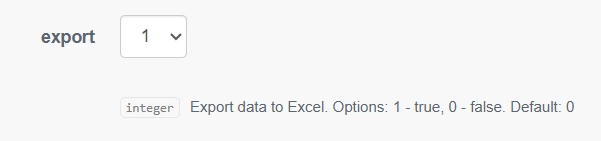
This endpoint does have a param for export but I’ve never tried it. /learn/v1/courses/report?idCourse=12345&export=1


Or change the page number and run for each page, but this is if you have automation software like Docebo connect or Workato.

/learn/v1/courses/report?idCourse=12345&page_size=200&page=1

/learn/v1/courses/report?idCourse=12345&page_size=200&page=2

etc

Max page size for this and most Docebo API endpoints is 200 per call.


There are other API endpoints that allow you to export a native report you have in your platform but you’ll still be faced with processing through all the data, converting to file, uploading to a folder to sending email...all more suited to iPaaS tools, not postman manual processes or the like IMO.

Keep it simple if you can, use native reporting in your platform and export out the csv file.