

Best Answer

Additional Fields in Learning Plan are not shown

  • October 15, 2025
  • 3 replies
  • 141 views

Dear Community,

We have published a learning plan and filled in several additional fields, but these fields are not visible in the learning plan view.

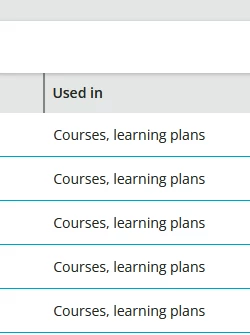
The additional fields are correctly defined as being used for learning plans, as shown in the attached screenshot.

Could you please advise why the additional fields are not displayed in the learning plan view?

Thank you in advance for your help!

Best regards,
Gabriel
 

Best answer by Gabriel Heller

Thanks for your input, Irnlab.
I reached out to our Docebo representative, and we have now received the information that it is expected behavior that the fields do not appear in the Learning Plan overview.

She said, they "confirm that the LP Additional Fields will only be visible under the catalogs as a filtering option."

3 replies

lrnlab
Hero III
Forum|alt.badge.img+10
  • Hero III
  • October 15, 2025

Agree, just tested and do not see them anywhere. the small description does state it should be visible when adding the description widget but that only applies to courses. We do not have the ability to add widgets to a learning plan. I would suggest you open a ticket with support to ask about this. Perhaps it’s a gap when the new LP pages were created.


  • Author
  • Novice I
  • Answer
  • October 30, 2025

Thanks for your input, Irnlab.
I reached out to our Docebo representative, and we have now received the information that it is expected behavior that the fields do not appear in the Learning Plan overview.

She said, they "confirm that the LP Additional Fields will only be visible under the catalogs as a filtering option."


lrnlab
Hero III
Forum|alt.badge.img+10
  • Hero III
  • October 30, 2025

Good to know. thanks ​@Gabriel Heller


