Great question — and a common ask!
Unfortunately, Docebo doesn't natively support dynamic variables (like <<learner name>>) in hero banner text on custom landing pages. The banner text field is static.
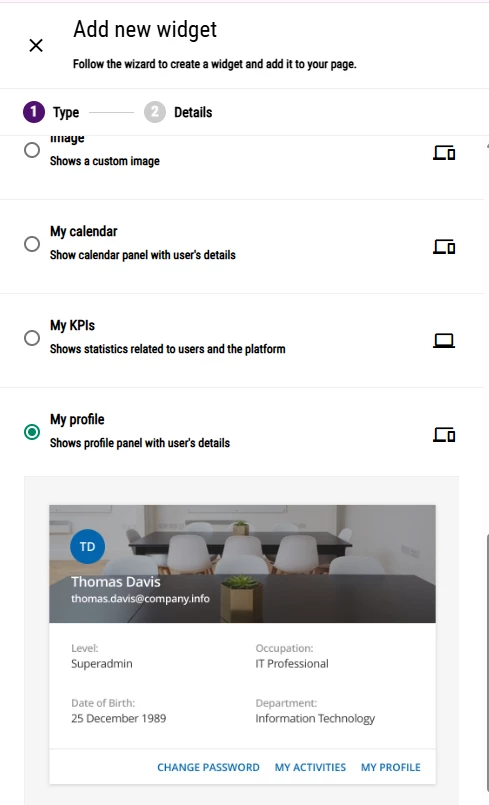
The workaround: My Profile widget + CSS
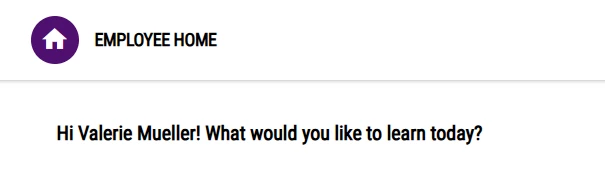
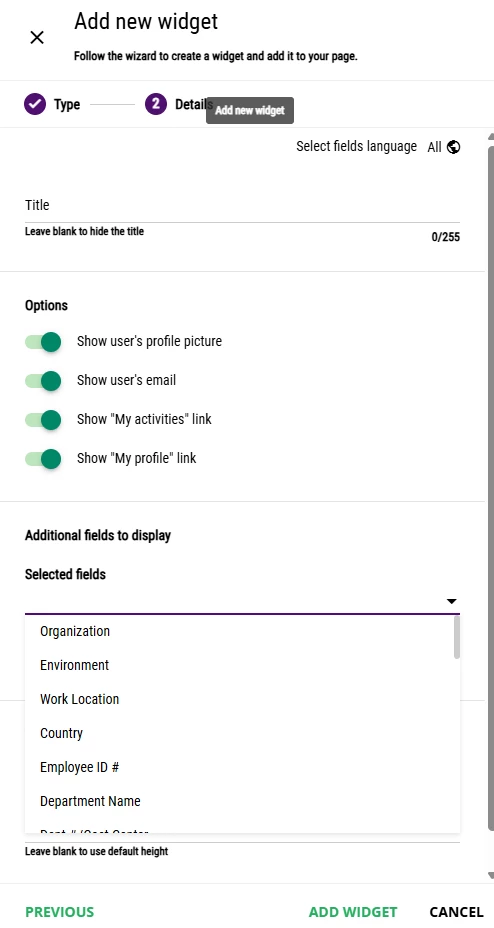
Add the My Profile widget to your custom page, then use custom CSS to hide everything except the learner's name, and prepend your welcome text. Something like:
css
.FullName::before {
    content: "Welcome, ";
}
You can also suppress the profile picture, email, and password reset button so only the name shows — making it look clean and intentional as a greeting.
If you only want the first name displayed, make sure users have a Preferred First Name populated in their profile, then target that field instead.
A few caveats to keep in mind:
- This relies on CSS styling, not native personalization tokens, so it may need adjusting if Docebo updates its widget markup
- The widget will need to be positioned/styled to visually fit within or below your banner
It's not a perfect native solution, but it's the closest you'll get without custom development.