Question

Edit Self-Registration Page?

  • August 7, 2026
  • 1 reply
  • 16 views

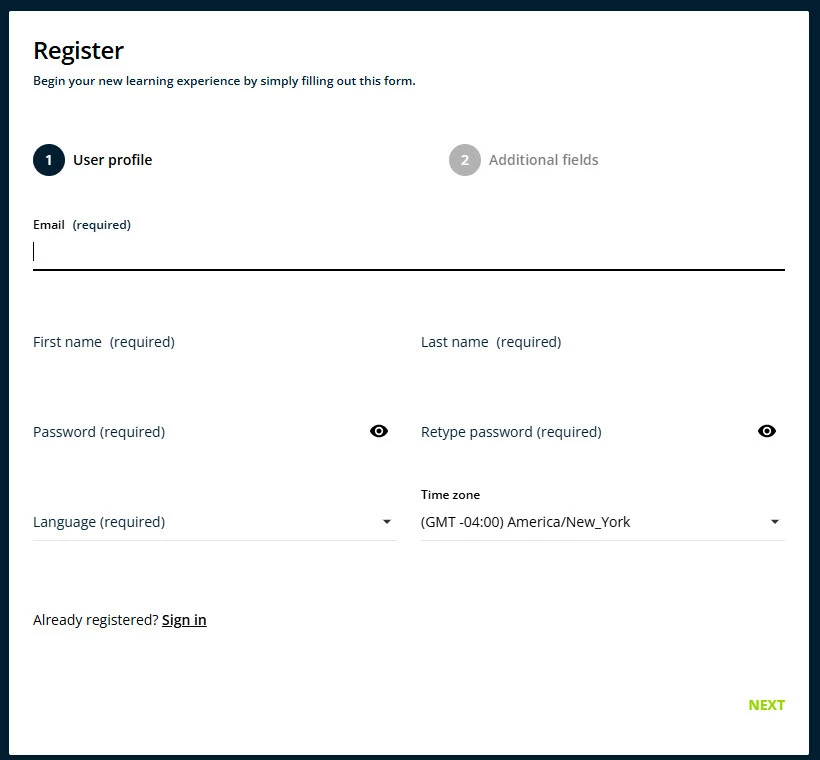
The new menus and reorganization of the super-admin functions is not ideal. Can anyone help me find where to modify the fields on the self-registration form? I cannot find any menu or page that holds any of the options that I KNOW I had prior to the updates. 
 

1 reply

Forum|alt.badge.img

Hello K_Shaw. 

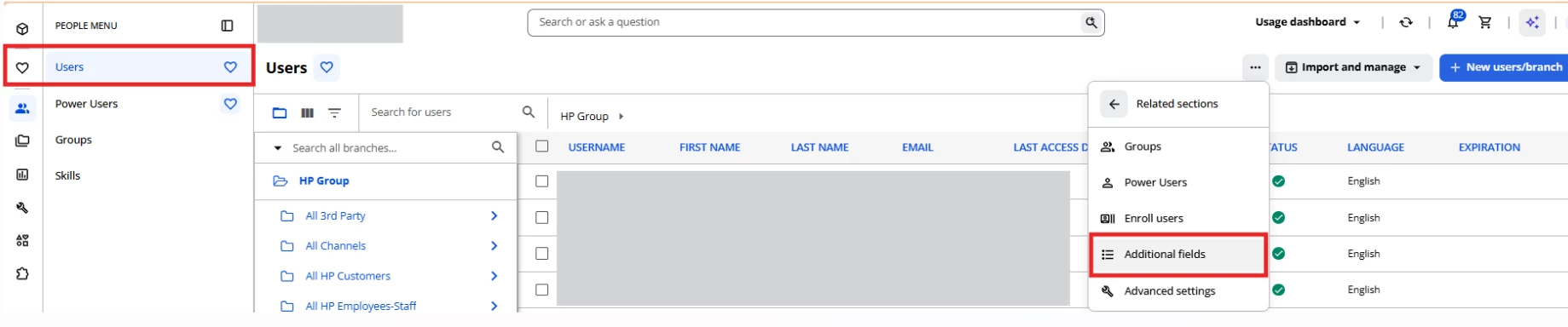
All the additional fields for registration are now handled inside the People Icon menu. 

  1. Hit on People Icon and go to users.
  2. Then in the ellipsis icon a menu will be displayed. 
  3. Click on additional fields. 
  4. There you will find all the field you have created. 

Let me know if have further questions, I hope this is what you are looking for.