How to teach Docebo to our Members

  • June 10, 2026
  • 9 replies
  • 81 views

dlucas
Novice I

Wondering what other did to ensure your users understood how Docebo functions? I’ve been thinking about making a video and are curious what others have done.

9 replies

JZenker
Guide II
Forum|alt.badge.img+2
  • Guide II
  • June 10, 2026

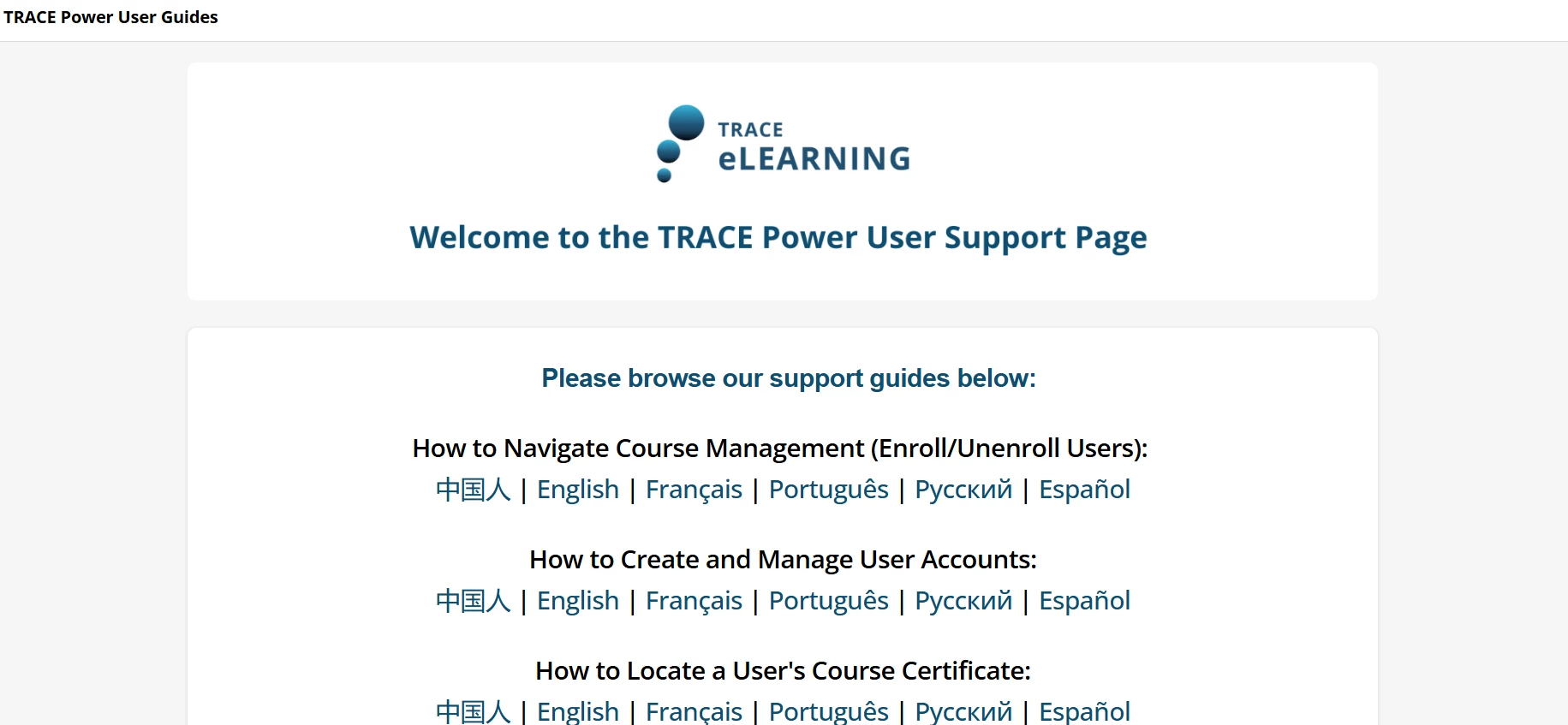
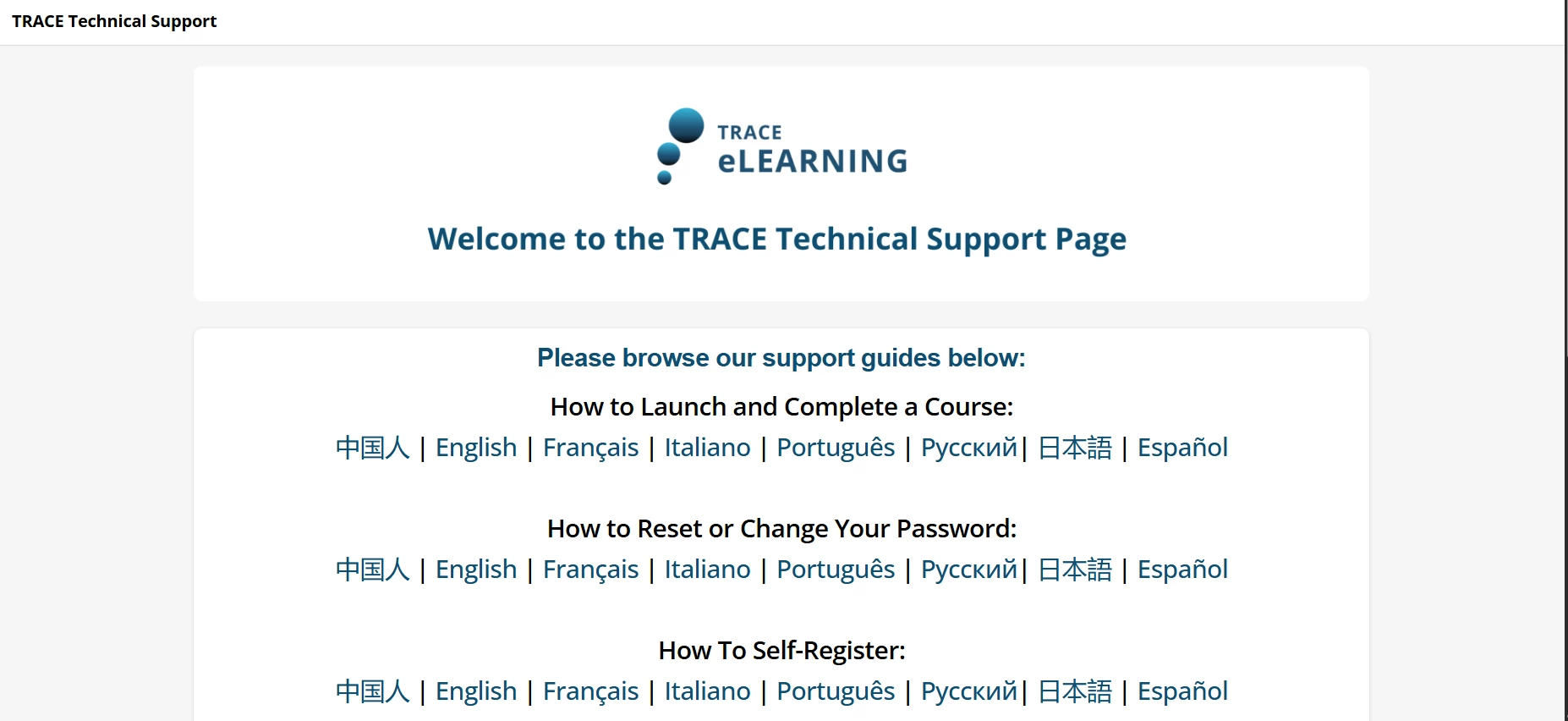
We created a full KB article area full of How To documents - one area for Power Users and one for regular users. We also created an FAQ on our home page. 


Aegesi
Novice II
Forum|alt.badge.img+1
  • Novice II
  • June 10, 2026

Hi DLucas,
We had a very similar need for our company.  We needed PowerUser training and nothing really exists that is super informative and PowerUser focused from Docebo University or other Docebo resources.  We had to create E-Learning Modules, Videos, and Guides for our PowerUsers.  We have a defined process that puts them through all our E-Learning along with Sandbox testing before being granted permissions.  

For end users, we did a short introduction video on key features we wanted to highlight to support their use of the platform.  Roughly 3 minutes in duration.


Let me know if you would like to know more.  Hope this helps.


dklinger
Hero III
Forum|alt.badge.img+13
  • Hero III
  • June 10, 2026

Hi ​@dlucas - have done the video path. I think people like to lean into videos alot and they will be welcomed.

We did get a bit more formal for our people leaders. We put together a course in Docebo on how to leverage My Team in the system as well as explain some of the assets available and navigation. We map that on hire.


Wondering what other did to ensure your users understood how Docebo functions? I’ve been thinking about making a video and are curious what others have done.

We use Scribes for any “help” items like this. Highly recommend! 


Forum|alt.badge.img
  • Novice II
  • June 10, 2026

We created a library of tutorials using the tool iorad.


emily.mccarthy
Guide II
Forum|alt.badge.img+5

I created a page called the start here page. It was the first page on the user menu after the welcome page on the navigation bar and I also added a widget for it on the welcome page. It included thumbnails that linked to assets showing users how to complete tasks in the platform. 


Forum|alt.badge.img
  • Novice II
  • June 10, 2026

Hi DLucas,

We did a few things:

  •  Created a User Guide in PDF format and an introductory course for everyone when it launched, and it is part of our onboarding for new hires. The User Guide was included in the course, and is also available separately if people want to search for it in PEAK.
  •  We created a separate user guides for Power Users and Leaders. We used Scribe to record what steps Power Users/Instructors needed to take for specific tasks. For our Instructor group, we put links to the various scribes into a PDF document for them, so that they would always get the most up-to-date version. I found this to be helpful as we worked with them to finesse what they needed to do, and what functionalities they wanted to be activated, etc. Things were pretty fluid for the first 6 months, but have stabilized now.
  • ​​​​​​​We created an optional course available for the first 30 days that included a fun scavenger hunt-type activity. We called it an Exploration Passport. There were tasks such as uploading a profile picture, setting their preferred language, searching for and viewing a resource, enrolling in a course and taking one, etc. They submitted their completed passport as a course assignment for an entry into a draw for a prize. Part of the passport included a section for them to enter feedback about what they really liked about the new system, and what they would like to see incorporated in the future. This provided us with really valuable feedback, without making people do a survey. I have included the Passport Challenge document for reference.

JKolodner
Helper III
Forum|alt.badge.img+7
  • Helper III
  • June 10, 2026

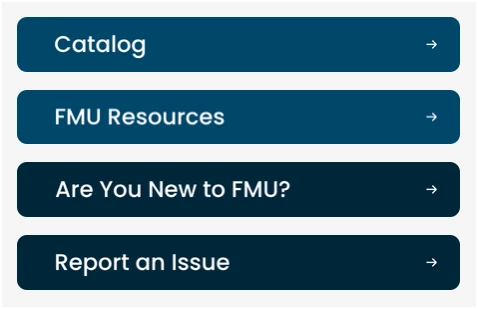
Initially we held Lunch and Learn sessions to help show people around and answer their questions. Now, we have a button on the home page that says “Are you new to FMU?” which leads to a series of Getting Started videos. We also have a variety of resource documents housed in our company’s Knowledgebase and linked to from a widget page; learners can access them the FMU Resources button on our homepage.


  • Newcomer
  • June 10, 2026

We implemented a similar approach to those that have already posted.

  • On-Demand Learning: We created eight on-demand modules bundled into a Learning Plan assigned to all current and new users.

  • Centralized Documentation: We maintain a searchable Google Drive document that includes a menu, terminology, and an FAQ page.

  • Webinars and Training: From January through March, we hosted 52 webinars for each district at various times each week, followed by final sessions at our spring conferences (April -June). These sessions were recorded and provided to districts after there sessions. We found this helpful to address specific questions in smaller groups.

  • Education Resource Page: We developed a dedicated education department page where users can access all of these resources in one location, as well as our contact information.

  • Onboarding Package: All new users receive an onboarding email containing this content.

I also offer one on ones to those that may need additional training. Very few have taken me up on this.