Best Answer

Other manager fields

  • November 27, 2023
  • 3 replies
  • 84 views

Forum|alt.badge.img+1

Hi!

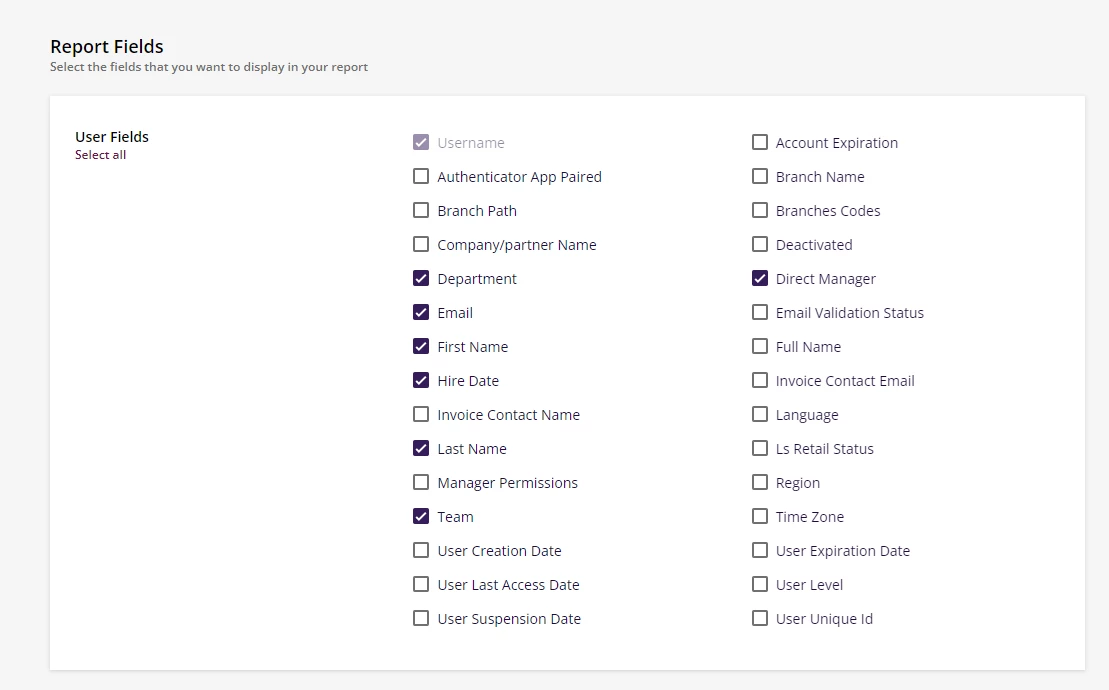
I am downloading the users report to show which user accounts are missing team managers (not direct managers) but I can’t seem to find it available to select. 

Anyone else know how to run a report for the additional manager fields?


Best answer by maricela.jimenez

You can do this under your ADMIN view instead of REPORTING 

  • Go to the Admin section in the Docebo LMS.
  • Click on "Users" to access the User area.
  • Select the specific users you want to review from the list.
  • Locate the green "Choose Action" dropdown at the bottom right corner of the page.
  • Click on the "Choose Action" dropdown.
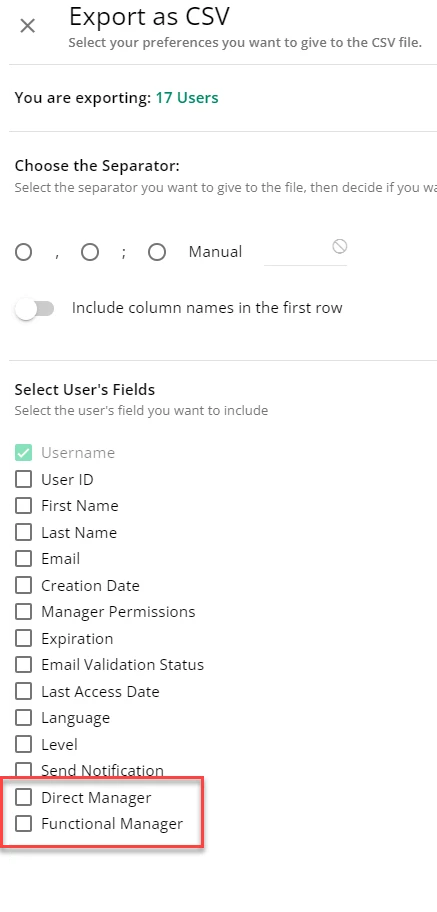
  • From the dropdown menu, choose the option to export the selected users.
  • Specify the desired export format, either XLS or CSV.
  • If needed, select multiple manager fields.
  • Specifically, choose the "Functional Manager" field for our recommended usage.

3 replies

dwilburn
Guide III
Forum|alt.badge.img+4
  • Guide III
  • November 27, 2023

In the User area (Admin > Users) select the users you want to review. Then select the green Choose Action dropdown in the bottom right corner, and export as XLS or CSV. You can then select multiple manager fields. The one we use is Functional Manager.


maricela.jimenez
Contributor I

You can do this under your ADMIN view instead of REPORTING 

  • Go to the Admin section in the Docebo LMS.
  • Click on "Users" to access the User area.
  • Select the specific users you want to review from the list.
  • Locate the green "Choose Action" dropdown at the bottom right corner of the page.
  • Click on the "Choose Action" dropdown.
  • From the dropdown menu, choose the option to export the selected users.
  • Specify the desired export format, either XLS or CSV.
  • If needed, select multiple manager fields.
  • Specifically, choose the "Functional Manager" field for our recommended usage.

Forum|alt.badge.img+1
  • Author
  • Influencer III
  • November 27, 2023

@maricela.jimenez perfect, thank you! I remember seeing an export function in the user area before but couldn’t find it. I forgot to select the users first so the Action dropdown appears. 😊