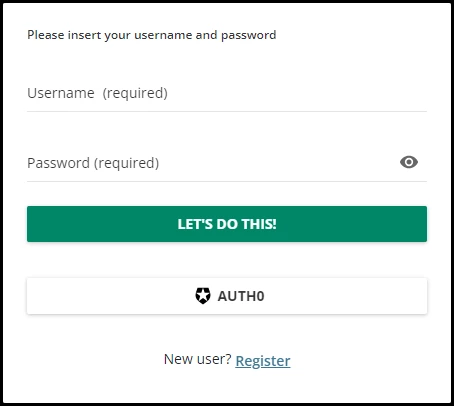
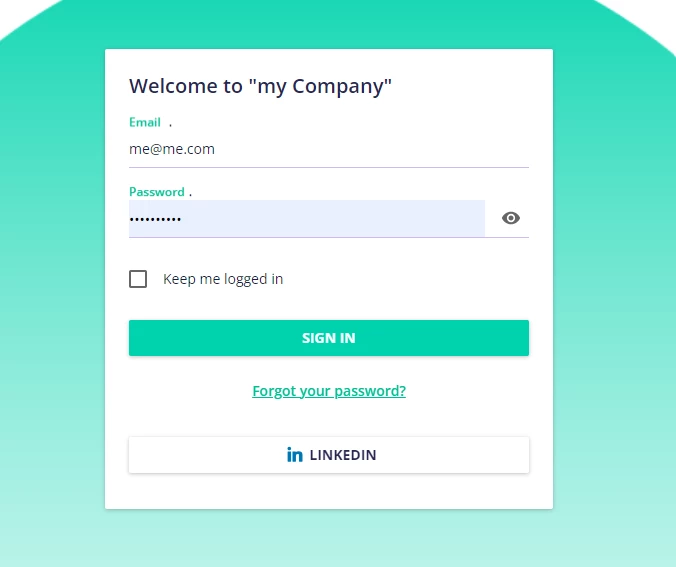
Best Answer

Support in finding the correct "Module" and "Key" in the localization tool to change the sign in button

  • June 5, 2024
  • 9 replies
  • 144 views

Isram
Influencer III
Forum|alt.badge.img+1

Hello Docebins

I need your support in finding the correct "Module" and "Key" in the localization tool to change the title sign in button. This:
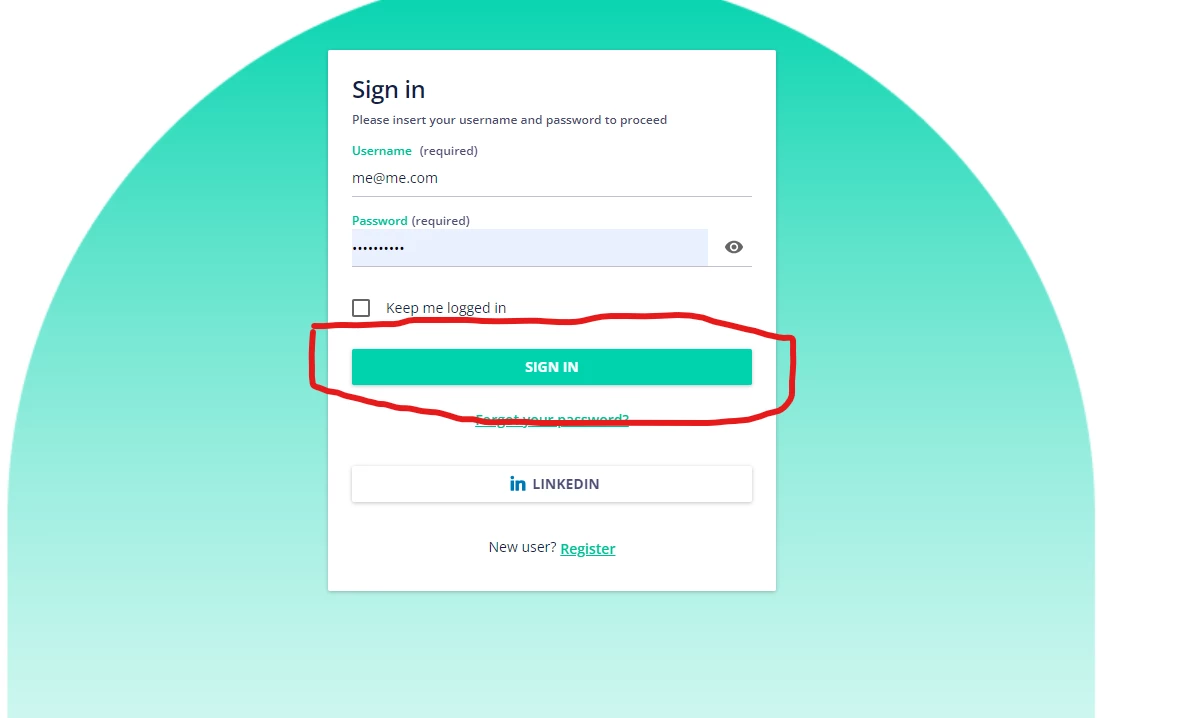


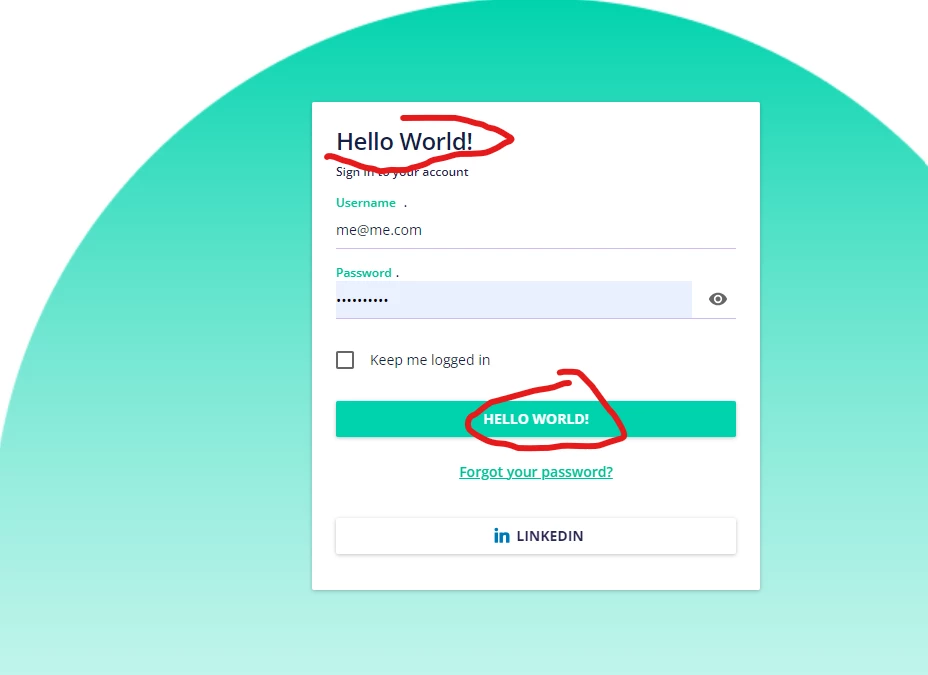
I found this , but when I changed it it, -The legend-  changes the tittle and the button

 

check this out !


Best answer by gstager

Give this a whirl

/** Begin Remove Login Box Title **/

#doc-shared-dialog-title {
display: none;
}

/** End Remove Login Box Title **/

As always - test and be on the lookout for other things that may be affected by custom CSS.

9 replies

Annarose.Peterson
Hero III
Forum|alt.badge.img+7

Yeah, it looks like that specific module/key points to those two parts.  I don’t see another part of localization that will give you an option to change just the button.  

Not sure if there is a way to change that using CSS?


gstager
Hero III
Forum|alt.badge.img+8
  • Hero III
  • June 5, 2024

You’ll find that there are lots of entries in the localization tool that point to multiple spots. It is important to be thorough when making changes so you know all that has been modified and wise to document them.

You might consider hiding the top “Sign In” text completely if you do not like it to be the same as the button.


Isram
Influencer III
Forum|alt.badge.img+1
  • Author
  • Influencer III
  • June 5, 2024

Thank you @Annarose.Peterson and @gstager , I believe in both cases I need CSS


@gstager I like your idea , sorry to ask do you happen to have the CSS code to hide the top text? 

Thank you in advance 


gstager
Hero III
Forum|alt.badge.img+8
  • Hero III
  • Answer
  • June 5, 2024

Give this a whirl

/** Begin Remove Login Box Title **/

#doc-shared-dialog-title {
display: none;
}

/** End Remove Login Box Title **/

As always - test and be on the lookout for other things that may be affected by custom CSS.


Isram
Influencer III
Forum|alt.badge.img+1
  • Author
  • Influencer III
  • June 5, 2024

Thank you @gstager it worked


Isram
Influencer III
Forum|alt.badge.img+1
  • Author
  • Influencer III
  • June 5, 2024

@gstager with your Idea I could manage to leave the title and the button 

 @Annarose.Peterson 


Annarose.Peterson
Hero III
Forum|alt.badge.img+7

@gstager with your Idea I could manage to leave the title and the button 

 @Annarose.Peterson 


🎉🎉 Yay team work!  That is great!


Ben Bauman
Contributor III
Forum|alt.badge.img+1
  • Contributor III
  • June 6, 2024

Great thread.  Funny how i never noticed the login widget and the text on the button is the same as the header.


@Isram did you use CSS to make it say Welcome to “my Company”?


or was there a setting in localization tool that just changed that “Sign In” to “Welcome to “my Company”?


i played around with Localization, and found the setting to change “Sign in”, but it changes the text both at the top of the widget, and also the text on the “Sign in” button.

  • I’d like to leave the “SIGN IN” button as is, and put different text at the top of the widget.

Isram
Influencer III
Forum|alt.badge.img+1
  • Author
  • Influencer III
  • June 6, 2024

@Ben Bauman These are the steps I followed:

  1. Hide the top text using @gstager ´s  CSS code.
  2. Once hidden, the SIGN IN button remains unchanged.
  3. Change the text "Please insert your name and password" to "Welcome to my Company" using the localization tool (you'll find this in the login module).
  4. Increase the text size of "Welcome to my Company" to make it look like a title.


Hope this helps