

Answer

Asset View - Hide Recommended Next

  • March 14, 2023
  • 5 replies
  • 213 views

hwolfehall
Helper I
Forum|alt.badge.img+2

We are using Channels to provide targeted instruction to groups of users. 

The content in each channel is curated to that specific set of users, with specific job roles and access.  

Currently, when a learner is viewing an asset in their assigned channel, there is a “Recommended Next” panel displayed.  And it is showing/recommending assets that are NOT IN THE ASSIGNED CHANNEL. 

How can I disable this?  I cannot have leaners accessing information that does not apply to them.  For instance, User Guides and tutorials for our Power Users on the platform.  They have different Power User profiles.  I don’t want my Schedulers to be recommended to view the Course Development assets.  It is confusing to the users.  

Is there a way to either (1) hide this Recommended Next thing or (2) lock assets to channels so that if you’re not assigned to the channel, the asset isn’t visible in the Recommended panel?

Thanks! 

Best answer by lrnlab

try this


/*Remove recommendations panel*/

section.items-wrapper {

display: none !important;

}


5 replies

lrnlab
Hero III
Forum|alt.badge.img+10
  • Hero III
  • Answer
  • March 15, 2023

try this


/*Remove recommendations panel*/

section.items-wrapper {

display: none !important;

}


hwolfehall
Helper I
Forum|alt.badge.img+2
  • Author
  • Helper I
  • March 15, 2023

@lrnlab That worked!!  

Thank you!  

Will have to see if it produces any unintended consequences elsewhere in the platform.  But, it does solve my immediate challenge.  :) 


lrnlab
Hero III
Forum|alt.badge.img+10
  • Hero III
  • March 15, 2023

glad to hear it…

note that you should check your CSS updates after each major release to make sure things are still working as intended...Docebo does not guarantee that CSS will continue to work following all updates...sometimes we have to adjust them 


hwolfehall
Helper I
Forum|alt.badge.img+2
  • Author
  • Helper I
  • September 14, 2023

For those interested, there is an Idea to upvote regarding the opt-in/opt-out option for AI related elements.  


JEntis
Helper I
Forum|alt.badge.img+4
  • Helper I
  • June 16, 2025

try this


/*Remove recommendations panel*/

section.items-wrapper {

display: none !important;

}


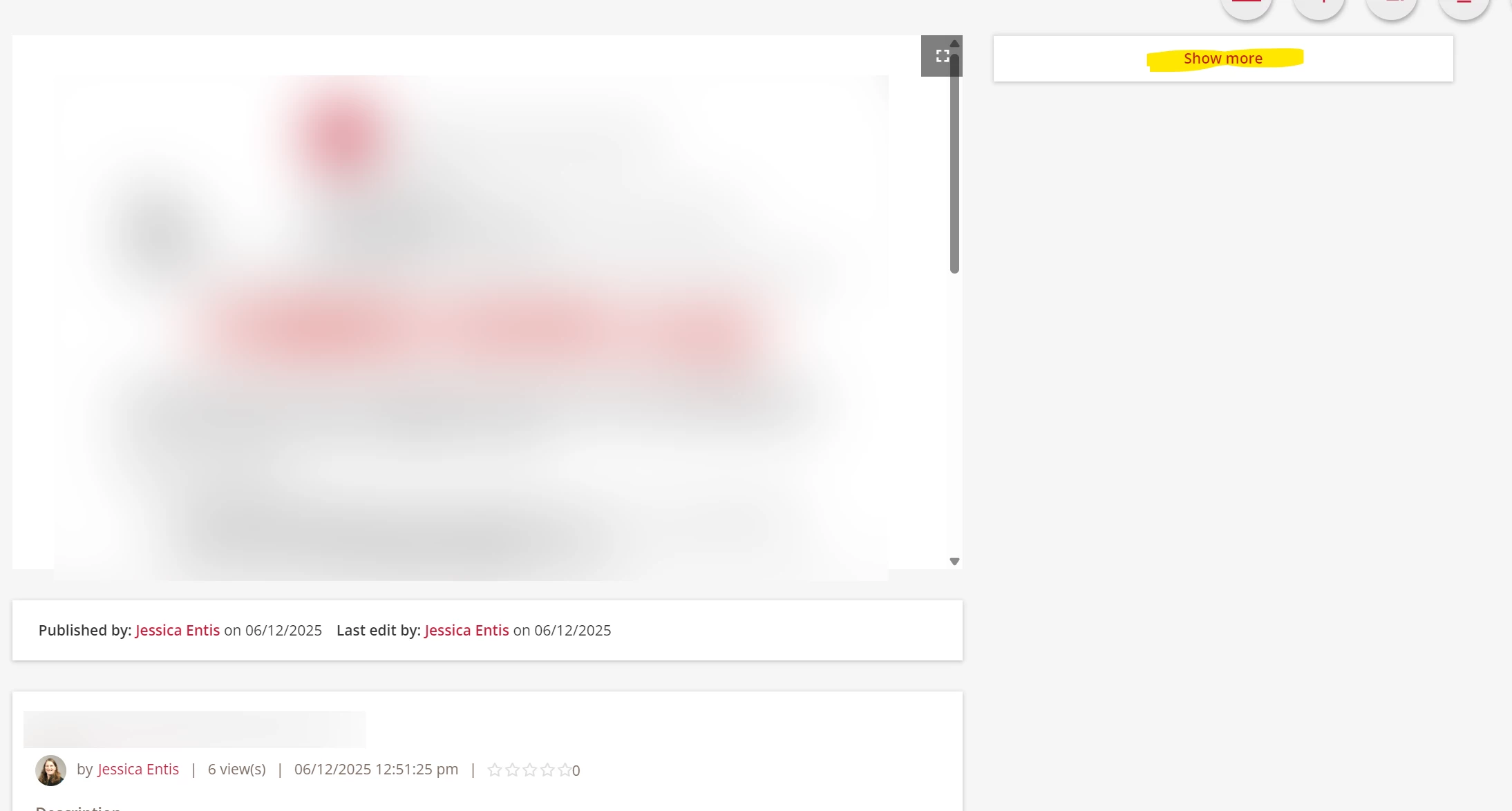
Hey all! I just got a request from my director to find a way to hide the recommendations panel, and this CSS mostly works, but now I’m left with a “Show More” button on the right that doesn’t go anywhere, and that will definitely cause confusion. Any idea how to hide it??

Post-CSS to hide Next recommended content panel, non-functional Show More button displayed instead