

Anyone know how to get rid of the “Optional Courses” section in the learning plan player? We have no optional courses so this is pointless. I also would like to get rid of the time counter as it is not accurate and is causing confusion.
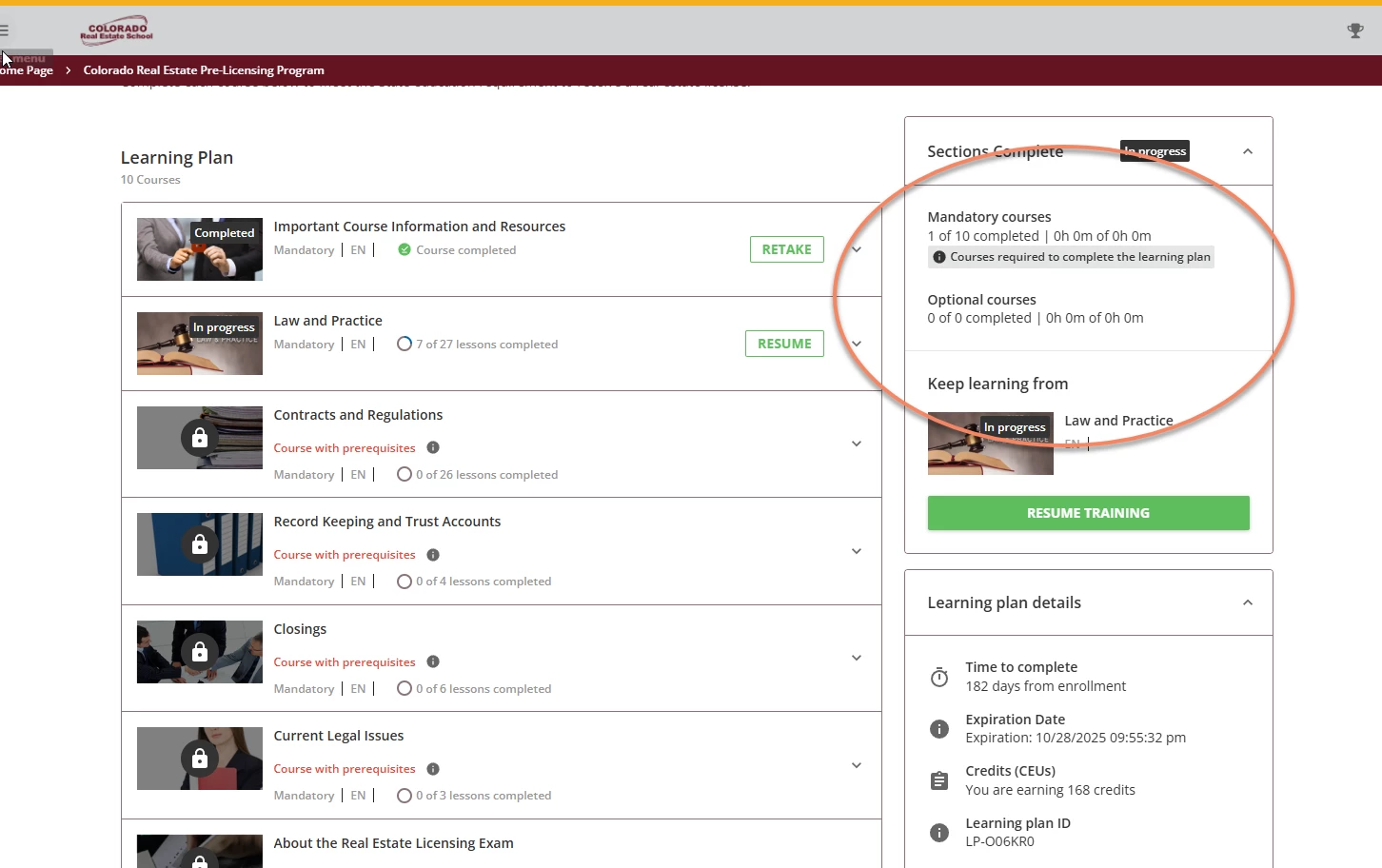

Anyone know how to get rid of the “Optional Courses” section in the learning plan player? We have no optional courses so this is pointless. I also would like to get rid of the time counter as it is not accurate and is causing confusion.
Enter your email address or username and password below to log in to Docebo Community. No account yet? Create an account
Enter your E-mail address. We'll send you an e-mail with instructions to reset your password.