Hello, I have used a GIF instead of an image on a widget but i dont know how to remove the white space at the bottom and also the scroll panel at the side. I have tried resizing but no luck, any ideas?
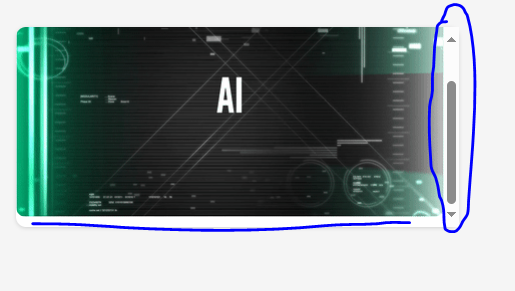

Hello, I have used a GIF instead of an image on a widget but i dont know how to remove the white space at the bottom and also the scroll panel at the side. I have tried resizing but no luck, any ideas?
Best answer by Kelly
I recently ran into this issue using the HTML widget to display a gif that was linked to another page within Docebo - in order to fix it, I had to use CSS. It took me a long while to figure it out, but this is what eventually worked for me:
style.htmlwidget .content-img {
max-width: 100%;
height: 100%;
This worked :)
Enter your email address or username and password below to log in to Docebo Community. No account yet? Create an account
Enter your E-mail address. We'll send you an e-mail with instructions to reset your password.