/*New Visuals*/

/*Woman on Scooter SCORM*/
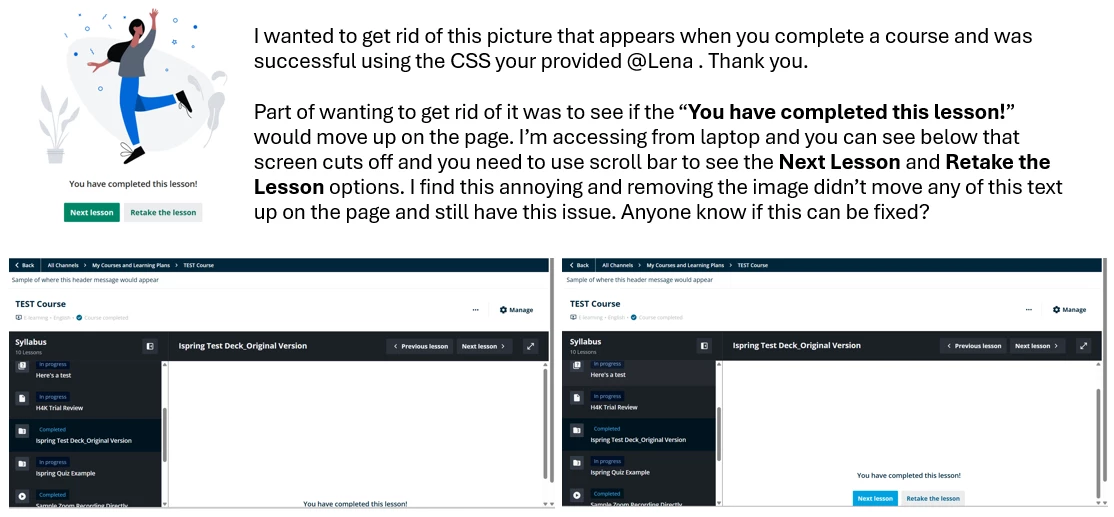
.lrn-training-material-player-embedded-package-lesson-details-wrapper .ui-illustration:has(#well-done-a) {
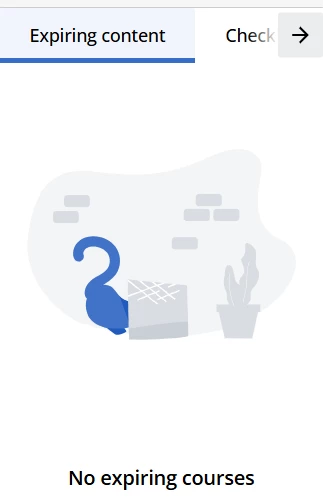
    background-image: url(https://pics.clipartpng.com/midle/Cat_PNG_Clip_Art-2690.png);
    background-size: contain;
    background-repeat: no-repeat;
    background-position: center;
}
/*Woman Party SCORM COMPLETED*/
.lrn-training-material-player-embedded-package-lesson-details-wrapper .ui-illustration:has(#on-the-way-a) {
    background-image: url(https://pics.clipartpng.com/midle/Cat_PNG_Clip_Art-2690.png);
    background-size: contain;
    background-repeat: no-repeat;
    background-position: center;
}
/* Woman Desktop QUIZ*/
.dcb-te-player-quiz-launcher-title-only.ng-star-inserted .ui-illustration
{
    background-image: url(https://pics.clipartpng.com/midle/Cat_PNG_Clip_Art-2690.png);
    background-size: contain;
    background-repeat: no-repeat;
    background-position: center;
}
/*Clipboard Folder FILE */
.lrn-training-material-player-file-illustration .ui-illustration
{
    background-image: url(https://pics.clipartpng.com/midle/Cat_PNG_Clip_Art-2690.png);
    background-size: contain;
    background-repeat: no-repeat;
    background-position: center;
}
/*Desktop Checkmark SURVEY*/
.dcb-te-player-survey-launcher-wrapper.ui-media-lg.ng-star-inserted .ui-illustration
{
    background-image: url(https://pics.clipartpng.com/midle/Cat_PNG_Clip_Art-2690.png);
    background-size: contain;
    background-repeat: no-repeat;
    background-position: center;
}
/*Ufo NO TRAINING MATERIAL*/
.lrn-course-player-no-training-material.ng-star-inserted .ui-illustration
{
    background-image: url(https://pics.clipartpng.com/midle/Cat_PNG_Clip_Art-2690.png);
    background-size: contain;
    background-repeat: no-repeat;
    background-position: center;
}
/*Kneeling Woman NO CATALOG CONTENT*/
.course-catalog-blank-slate.ng-star-inserted .ui-illustration
{
    background-image: url(https://pics.clipartpng.com/midle/Cat_PNG_Clip_Art-2690.png);
    background-size: contain;
    background-repeat: no-repeat;
    background-position: center;
}
/*Hide Docebo Visuals*/
.course-catalog-blank-slate.ng-star-inserted .ui-illustration svg,
.lrn-course-player-no-training-material.ng-star-inserted .ui-illustration svg,
.dcb-te-player-survey-launcher-wrapper.ui-media-lg.ng-star-inserted .ui-illustration svg,
.lrn-training-material-player-file-illustration .ui-illustration svg,
.dcb-te-player-quiz-launcher-title-only.ng-star-inserted .ui-illustration svg,
.lrn-training-material-player-embedded-package-lesson-details-wrapper .ui-illustration svg
{
    visibility: hidden;
}
Hi, here is the code you can use to insert your own images on Docebo 😊
In this example, I've only used the cat image, but you can of course insert links to your own images 😉
I have only included the visuals which are still visible on our platform using our settings and customizations. It is therefore possible that you will see other visuals from Docebo that are not replaced by the code. One example is the visual of the woman with a headscarf, which is displayed when an xAPI learning material has not been passed. Enjoy the code!
P.S.: If the code does not work for you directly, try inserting it at the very beginning of your CSS code. I also struggled with this at the beginning.