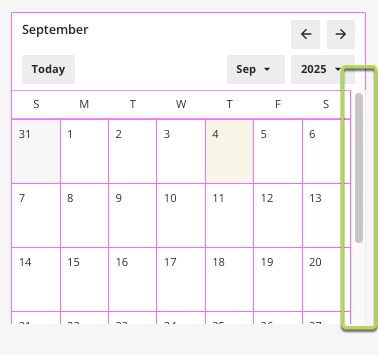


In July 2025, the Calendar Widget underwent significant changes (full article available here). Nevertheless, you can still enhance it with 🖍 Custom CSS.
Below, you'll find a code snippet that you can insert into your Custom Styles 💡:
/* *************** */
/* Calendar Widget */
/* *************** */

/* Hide Calendar Search Bar */
docebo-accessible-calendar-search-bar > .data-browser {
  display: none !important;
}

/* Monthly Calendar Search Bar */
docebo-accessible-calendar-search-bar > .data-browser {
  background-color: #22BA8E;
  border: transparent ;
  color: white ;
}

/* Monthly Calendar Top Banner */
docebo-accessible-calendar-navbar > .navContainer {
  background-color: #22BA8E !important;
  color: white;
}

/* Monthly Calendar Weekly Dates header - Boxes (M, T, W, etc) */
thead > .lmn-typography-label-3 {
  background-color: white !important;
}

/* Monthly Calendar Weekly Dates header - Value (M, T, W, etc) */
thead > .lmn-typography-label-3 span[aria-hidden="true"] {
    font-weight: 900 !important;
    color: #565656 !important;
}

/* Monthly Calendar Dates boxes (1, 2, 3, etc) */
.focus-ring {
  background-color: white !important;
  color: #9b9b9b;
  width: 1.5rem !important; /* you can reduce the size by changing 1.5rem by 1.2 or lower  */
  height: 1.5rem !important; /* you can reduce the size by changing 1.5rem by 1.2 or lower  */
}

/* Weekly Calendar Weekly Dates Header (that includes all the weekly dates) */
.docebo-accessible-calendar-navbar-custom-content {
  background-color: white !important;
}

/* Weekly Calendar Weekly Dates boxes (Mon X, Tue Y, Wed Z, etc) */
.week-button-xs {
  color: #22BA8E !important;
}
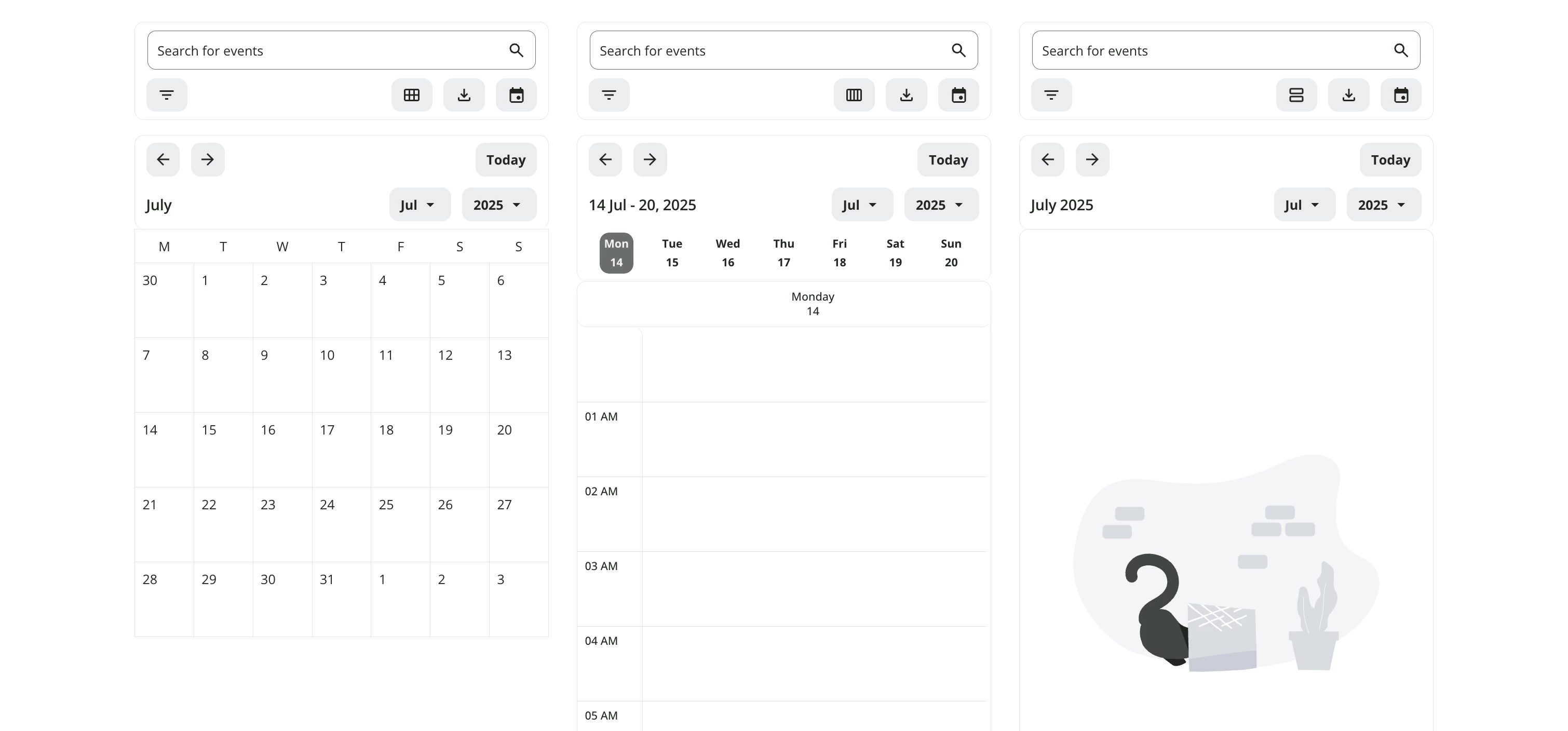
Original Calendar Widget:
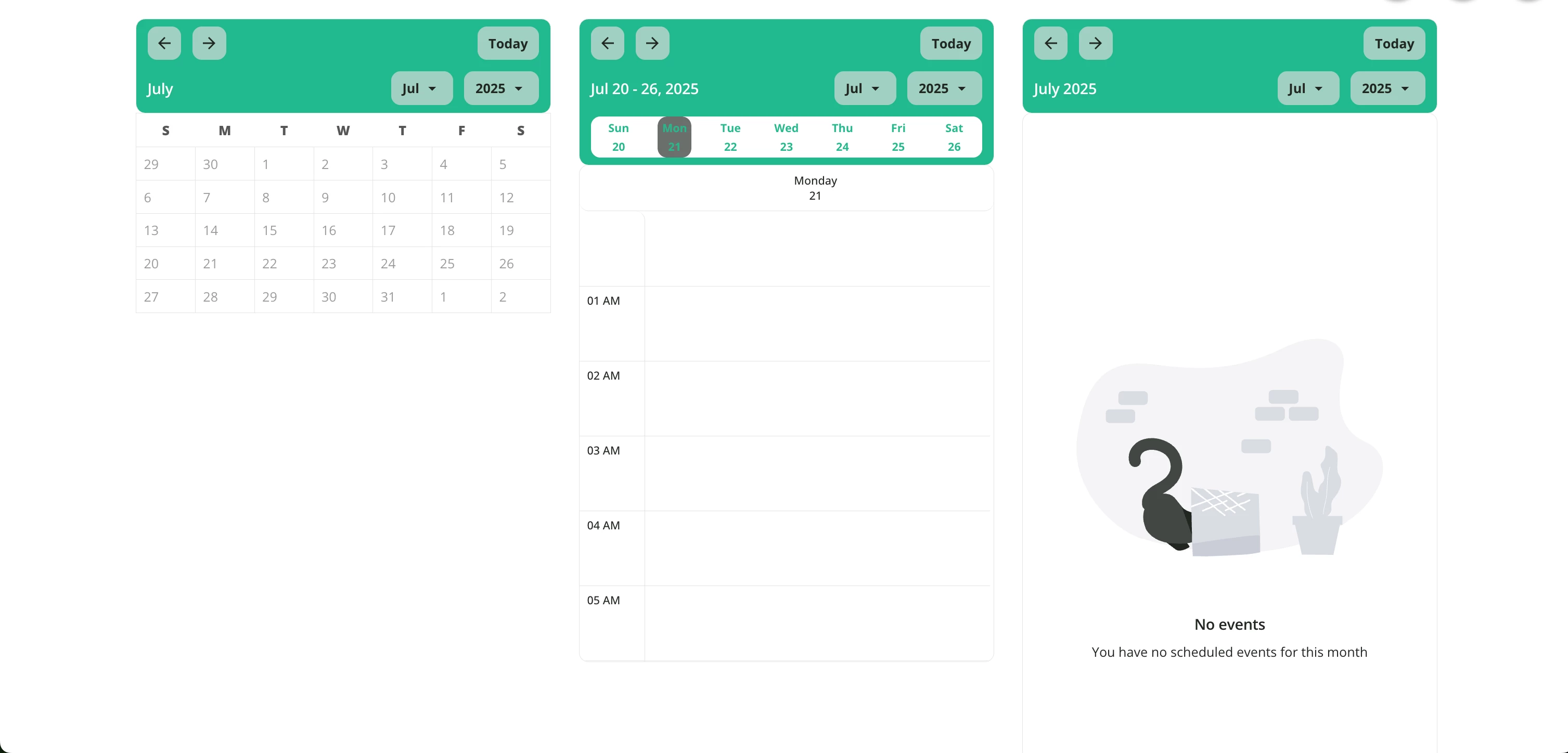
Enhanced one (note that you can change the color):
Please feel free to share if you found this helpful, and let me know if you're interested in any additional modifications that aren't included!
Pierre
Similar articles:
- Change the course status color
- Make your widget with rounded corners
- Hide the Page Title and subtitle
- Hide the language code on courses cards