



Ever wanted to hide all Page titles ? It’s super easy with custom CSS!
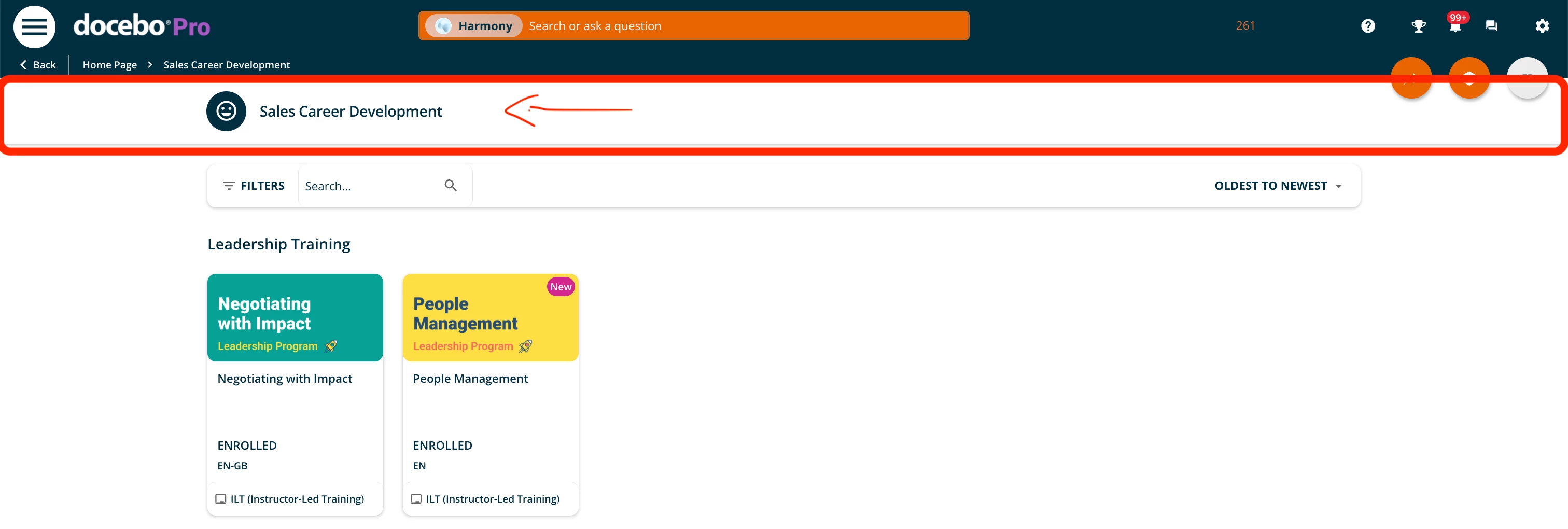
To hide all page titles on your platform, simply add the following code:
/* Hide Page Title and Description*/
#doc-layout-title-bar {
  display: none !important;
}
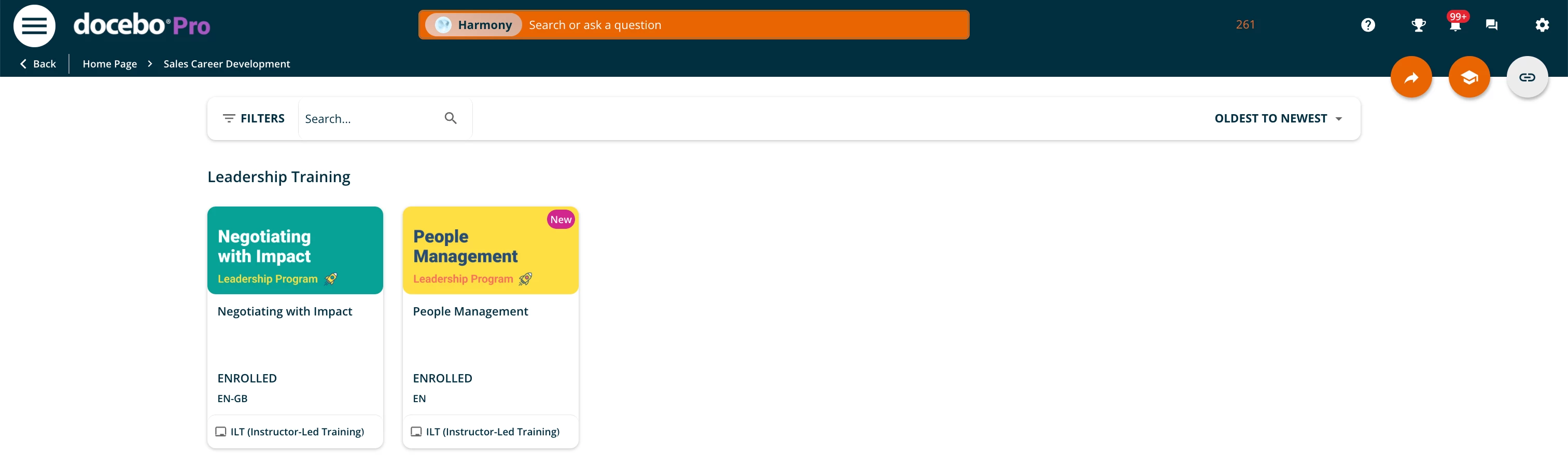
Result below:
Hope that helps!
Similar articles:
- Change the course status color
- Make your widget with rounded corners
- Enhance the new calendar widget
- Hide the language code on courses cards

