Question

How to retrieve a learner deliverable with an API

  • Oct 27, 2026 4:01 PM UTC
  • 1 reply
  • 9 views

xmasrock
Novice II
Forum|alt.badge.img

Hi Community,

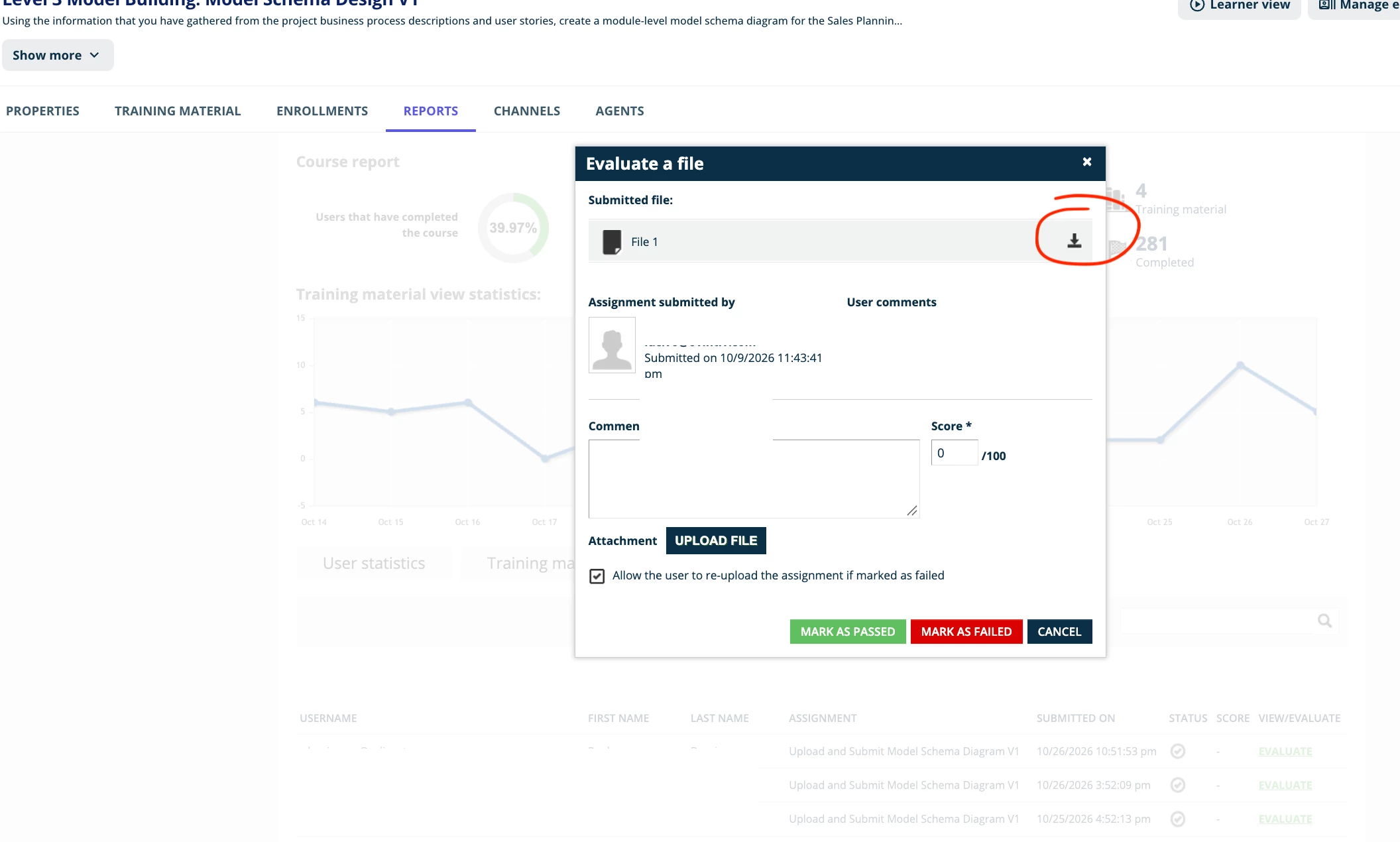
I would like to retrieve the file a learner has provided for an assignment with an API.
Any pointer on how to do this?


1 reply

Hi! Ciaran here from Docebo Support.


You can retrieve assignment submissions through the API instead of downloading each file from the course’s Evaluations page. In your platform’s API Browser, sign in with an account that has permission to view the course and its submissions. See Docebo’s API Browser guide for getting started.

  1. In the Course service, run GET /course/v1/courses/{course_id}/los/assignments, replacing {course_id} with your course’s ID. Find the assignment by its name in the response and note its assignment_id.

  2. Run GET /course/v1/courses/{course_id}/los/assignments/{assignment_id}/attempts, using the same course ID and the assignment ID from step 1. Find the relevant learner’s submission attempt in data.items.

  3. Copy the URL(s) in that attempt’s files array and make a separate GET request to each URL to download the file bytes. These are pre-signed S3 links, so use each URL as returned; no Docebo authorization header is needed for that download. The links expire, so download the files soon after retrieving them.

The API Browser calls return the submission details and download link; the separate GET to the signed link retrieves the actual file.

Please let me know if this works and if this is what you are looking to achieve here