


Question

Forum


Forum|alt.badge.img+2

Hello,


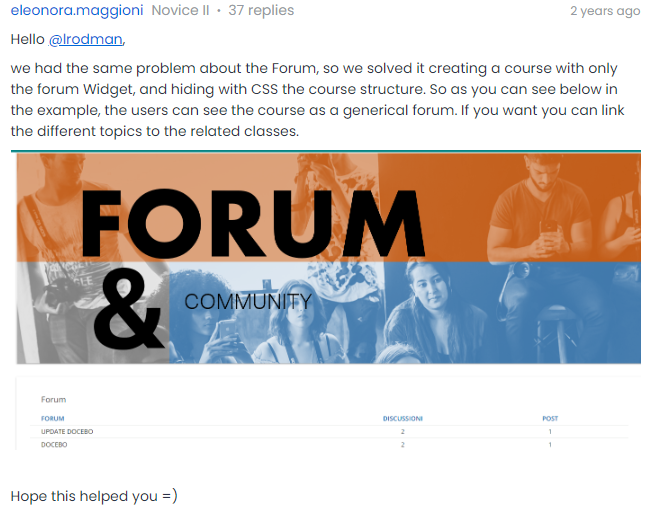
We saw this post in the community and are trying to replicate it because it is exactly what we are looking for. Basically we created an empty course with a forum but we would like to hide the course structure like they did. I followed their instructions and used the same CSS code but it is not working. Does anyone have any suggestions on how we can recreate this or have a CSS code to hide the course structure?
 

3 replies

Forum|alt.badge.img+1

If I understand correctly you only want to see the forum widget.

I achieved this by configuring an empty course with only the forum widget

  • then select “Player” - Tick enable custom course starting view for this course, 
  • select “Course overview page”

Initially the new player Docebo was going to release removed this option, but it’s been working for a few months for me now.


Forum|alt.badge.img+2

Yes, you are correct however, we don't have the option “Course overview page”. Is there another way to do it?


Forum|alt.badge.img+2

If I understand correctly you only want to see the forum widget.

I achieved this by configuring an empty course with only the forum widget

  • then select “Player” - Tick enable custom course starting view for this course, 
  • select “Course overview page”

Initially the new player Docebo was going to release removed this option, but it’s been working for a few months for me now.

Yes, you are correct however, we don't have the option “Course overview page”. Is there another way to do it?