



Hi...I’m hoping someone may be able to save my sanity.
We’re holding a sales conference and have created courses/sessions using the ILT function...so that our attendees know where they need to be. All courses/sessions are fine apart from one.
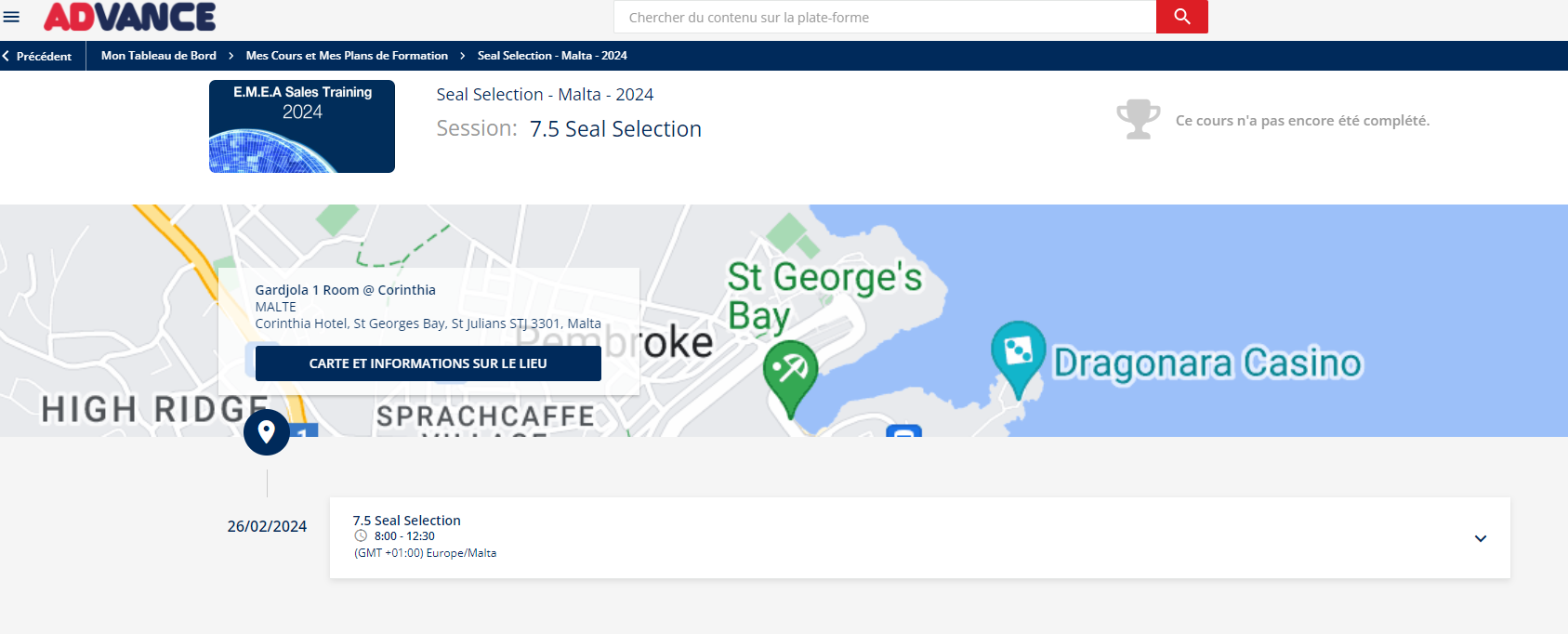
When a user logs into the desktop version of your platform the specific session they’re enrolled in is absolutely fine and visible (as below):
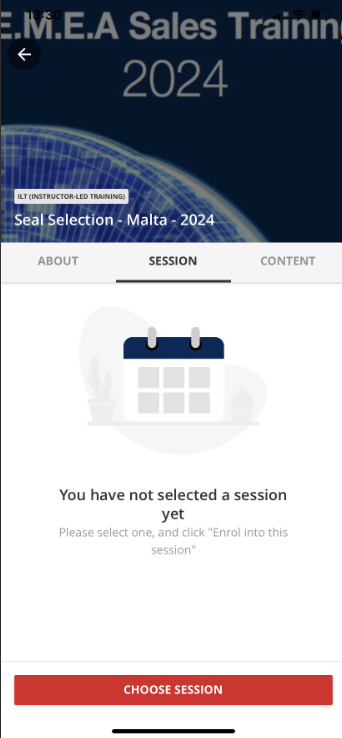
However, when they log into the Go Learn App they see the below:
I can only think it’s a setting issue and I've done something differently when creating this course/sessions, but I’ve gone through and all courses appear to have the same settings.
Has anyone come across this issue before? It’s driving me mad as I can’t find the root cause.
Thanks...Rich