Question

Can't See Trigger Filters

  • June 23, 2025
  • 7 replies
  • 62 views

katherinewarren
Novice III

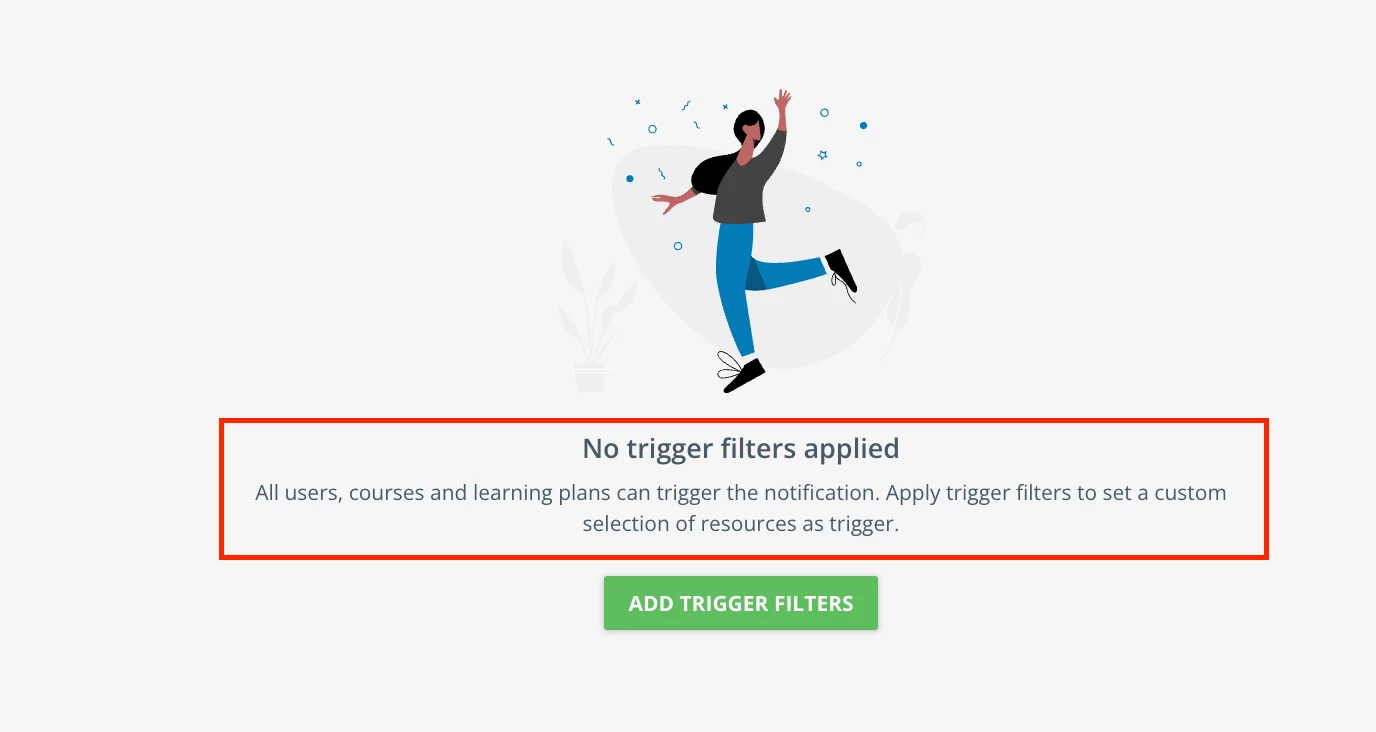
Is anyone else unable to see trigger filters for migrated notifications? We have notifications specific to each course and am unable to even search for that course in the Trigger Filters - it will be excluded from the list of courses. This highly anticipated launch of the new notifications system has been extremely disappointing. 

7 replies

lrnlab
Hero III
Forum|alt.badge.img+10
  • Hero III
  • June 23, 2025

Do you mean you cannot access the tab or the page is empty? can you see the green plus sign at the top right?


katherinewarren
Novice III

Hi ​@lrnlab the trigger filters page is empty for each course even though notifications are being sent. I would imagine the trigger filter for the course should be listed but it’s blank on each notification that was migrated over. I did put in a help desk ticket already.

Here’s an image from the log showing that an email was sent but the trigger filters are not listing anything.


lrnlab
Hero III
Forum|alt.badge.img+10
  • Hero III
  • June 23, 2025

OK I see. You need to click the orange + on the top right of the page to add your triggers, whether for users, groups and/or courses and LP’s, etc.

https://help.docebo.com/hc/en-us/articles/22875539857938-Transition-to-the-new-notification-service


katherinewarren
Novice III

@lrnlab thanks, I know how to add the trigger filters. My concern is why I can’t see existing trigger filters


lrnlab
Hero III
Forum|alt.badge.img+10
  • Hero III
  • June 23, 2025

Are you saying you added them and they don't appear? by default (when you are a super admin) anyone notifications are created with wide open trigger filters so you have to choose them whenever you build a new Notification. It is actually stated on the page. This is new with the updated service.


katherinewarren
Novice III

@lrnlab thanks, yes I am aware of how to create a new notification and add new trigger filters. My concern is that migrated notifications with custom triggers are now not showing what those custom triggers are. I am trying to check that each notification was migrated properly, but they all show no custom triggers. We have course-specific notifications for enrollment and completion.


When I check on the migrated enrollment notification for Course A, the trigger filters are blank. When I search in that notification’s trigger filters for Course A, it does not appear in the list. When I check the logs, the notification for enrolling in Course A is working. 

If I create a new notification and add a trigger, it is listed. Migrated notifications do not have any triggers listed even though they all have a trigger. My concern is that migrated notifications are not listing previously added triggers even though I can see they are going out via the log.


lrnlab
Hero III
Forum|alt.badge.img+10
  • Hero III
  • June 23, 2025

Ok I understand. So it seems like an issue with the migrated templates then. You should definitely open a ticket with support to ask about this. The migration was not great. While we did not have the same issue, we did see some problems.