Hi all -
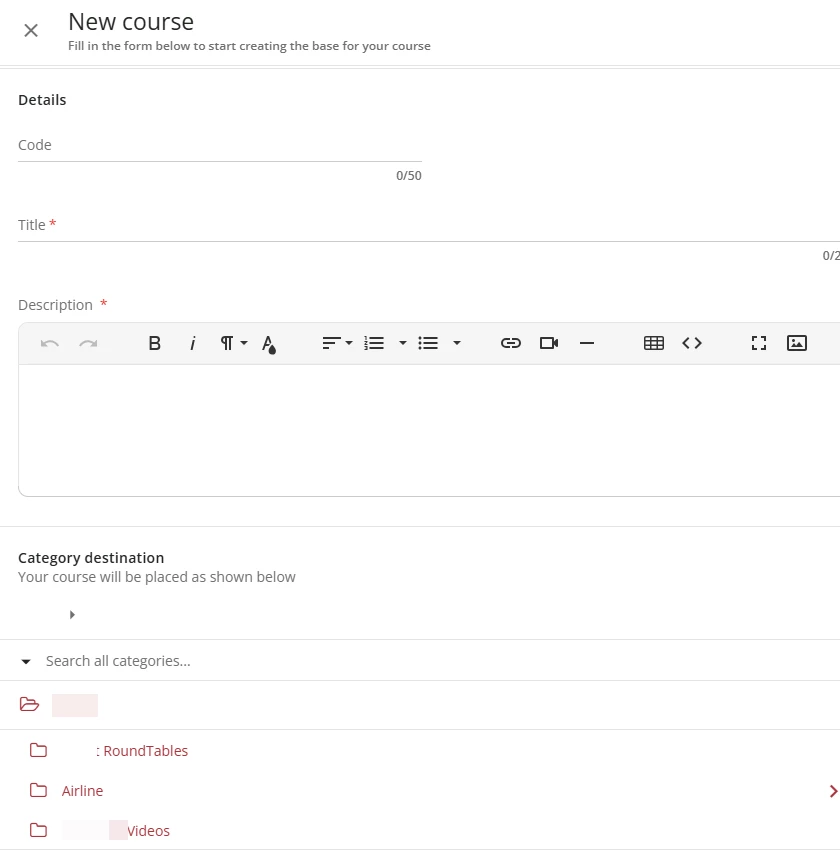
Quick question, when creating a course today I noticed that we have a duplicate category, I am struggling to figure out where to go to delete the duplicate? Thanks in advance for the help!

Hi all -
Quick question, when creating a course today I noticed that we have a duplicate category, I am struggling to figure out where to go to delete the duplicate? Thanks in advance for the help!
Best answer by fjacobs
From Course management, make sure your categories are showing and click on the ellipsis menu to the right of the category name. The three options are Edit/Move, New Subcategory, and Delete.
https://help.docebo.com/hc/article_attachments/6076275354258
Enter your email address or username and password below to log in to Docebo Community. No account yet? Create an account
Enter your E-mail address. We'll send you an e-mail with instructions to reset your password.