Best Answer

Courses with no training material report

  • March 1, 2023
  • 10 replies
  • 180 views

Stephen.Barton
Guide II
Forum|alt.badge.img+2

Hi 


is it possible to run a report or use the Course Management screen to check if there are (accidentally) courses created without any training material ?


Stephen

Best answer by lrnlab

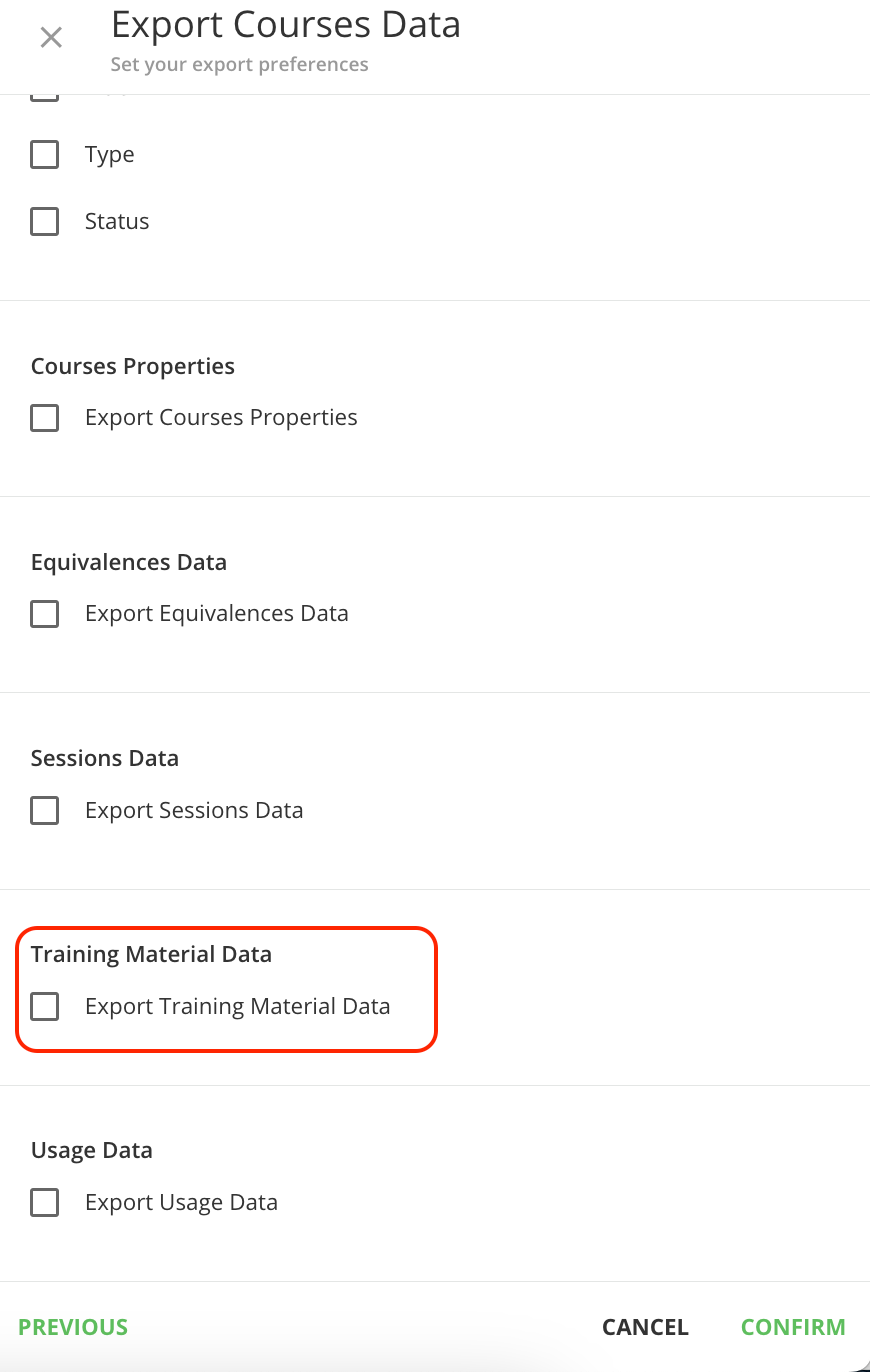
Hi @Stephen.Barton have you tried the Course Export option?
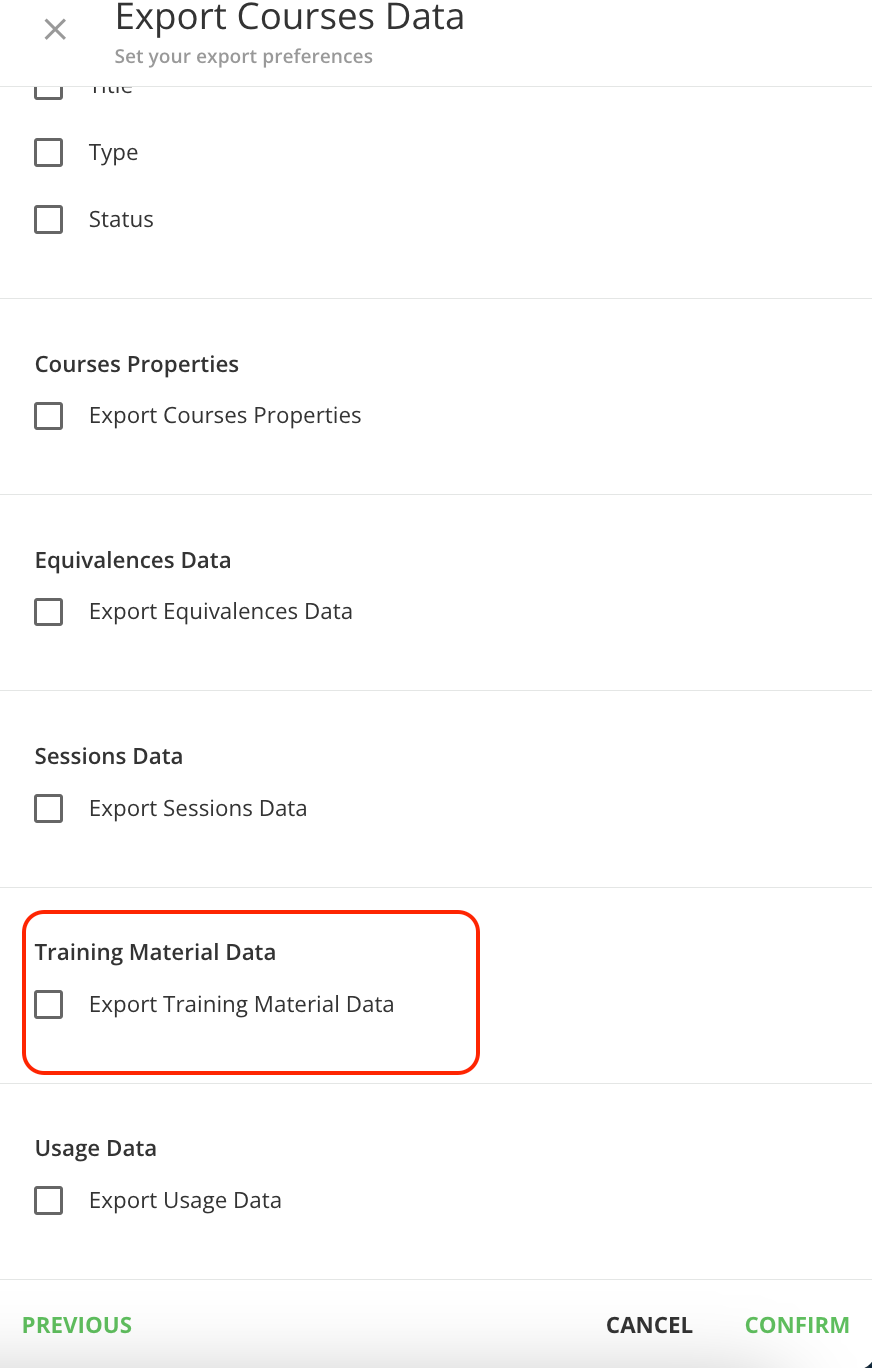
https://help.docebo.com/hc/en-us/articles/8492803992466-Managing-Courses-with-Mass-Actions#subtitle-3


10 replies

lrnlab
Hero III
Forum|alt.badge.img+10
  • Hero III
  • Answer
  • March 1, 2023

Stephen.Barton
Guide II
Forum|alt.badge.img+2

thanks @lrnlab for this valuable insight.


lrnlab
Hero III
Forum|alt.badge.img+10
  • Hero III
  • March 1, 2023

it’s one of the latest new features...love it!


ASykes
Novice III
  • Novice III
  • May 9, 2023

I thought there used to be a filter in the course management area that would allow you to view the list of courses that are empty shells without having to create a report/export data. Has this option been removed?


lrnlab
Hero III
Forum|alt.badge.img+10
  • Hero III
  • May 9, 2023

I thought there used to be a filter in the course management area that would allow you to view the list of courses that are empty shells without having to create a report/export data. Has this option been removed?

no such filter...you can use the course export to see if there are training materials or not


ASykes
Novice III
  • Novice III
  • May 10, 2023

Am I not checking the right boxes or exporting the report properly? When I pull this it gives me no insight about which courses are empty shells. In fact, it almost looks like a bunch of gobbledeegook so I am not sure how to go about it.

I also reached out to support and they had me pull a report that showed training time and said that anything that had no time attached was to be an empty course but I did that too and it was not accurate. It did show courses that were blank in the training time column on that report but when I looked in the courses themselves they did have training material, so I am still searching for a way to find accurate data on my courses. 


lrnlab
Hero III
Forum|alt.badge.img+10
  • Hero III
  • May 10, 2023

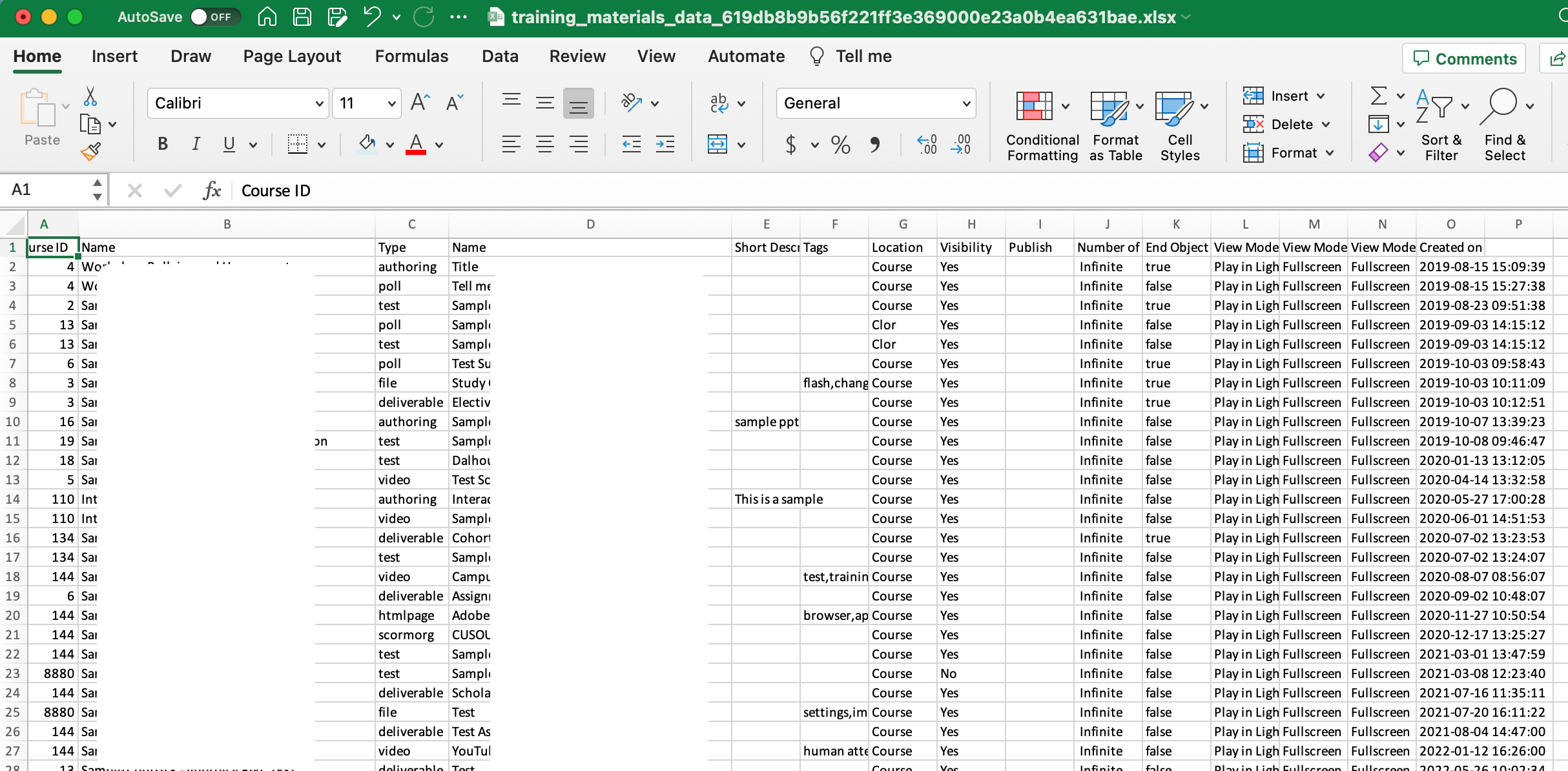
@ASykes the training material file should look like this with the learning object names...courses with no learning objects have no data on the right of the course name

note: names have been hidden in columns B & D


Forum|alt.badge.img
  • Contributor I
  • May 7, 2024

So this does tell you whether or not the course has training material associated with it. However, the Course ID in the xls report does not match the Course ID in Docebo > General Settings > Code or Course ID.

I’m trying to audit our system’s legacy courses to unpublish all the ones with no training materials and was hoping I could use the Code column in the Course page and sort those alpha along with the xls’s code and unpublish in batches, but it seems I have to unpublish about 1000 courses one by one. That can’t be right. What am I missing? 

Anyone know what the exports Code column is referring to?

Thanks!


lrnlab
Hero III
Forum|alt.badge.img+10
  • Hero III
  • May 7, 2024

@rwatkins The course code in the first column is the automatic code assigned by the system...Courses have a numeric counter each time one is created (Docebo course code), + a course ID assigned by the LMS, a course code that can be input by the admin.


Forum|alt.badge.img
  • Contributor I
  • May 7, 2024

Got it! After going back and looking at the field options, Course Code was what needed to be checked.