Question

Deleting Asset Thumbnails in Channels

  • October 7, 2024
  • 5 replies
  • 38 views

Forum|alt.badge.img

Hello!

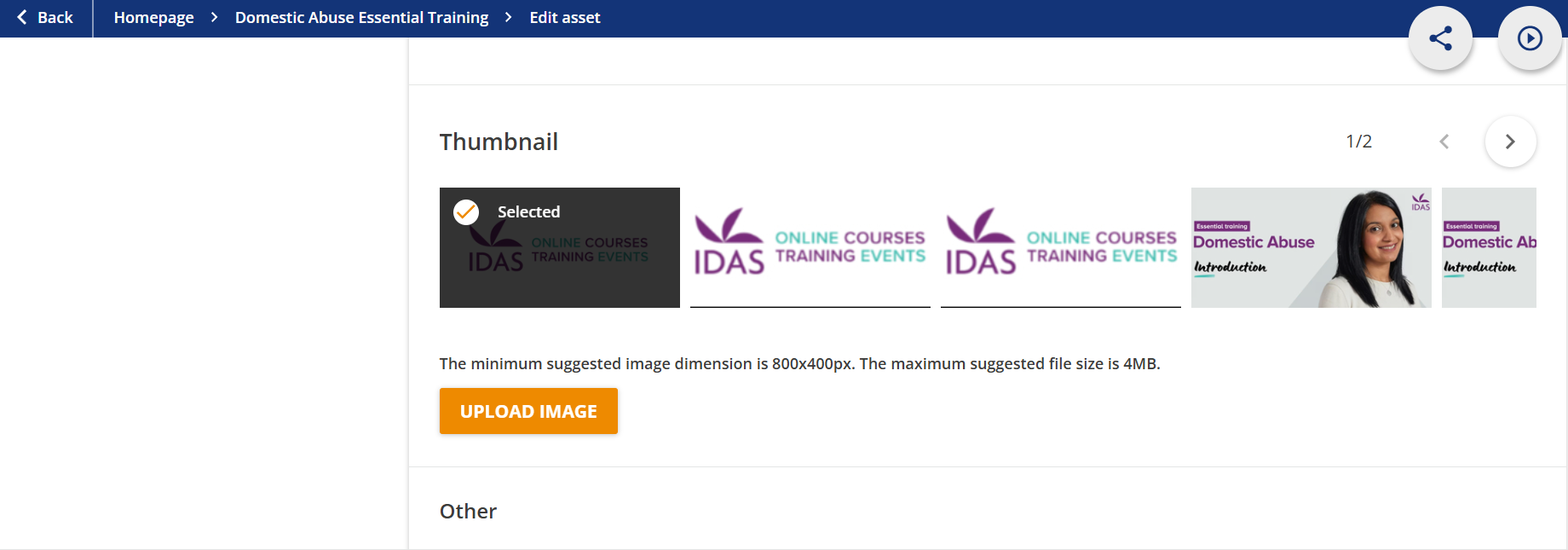
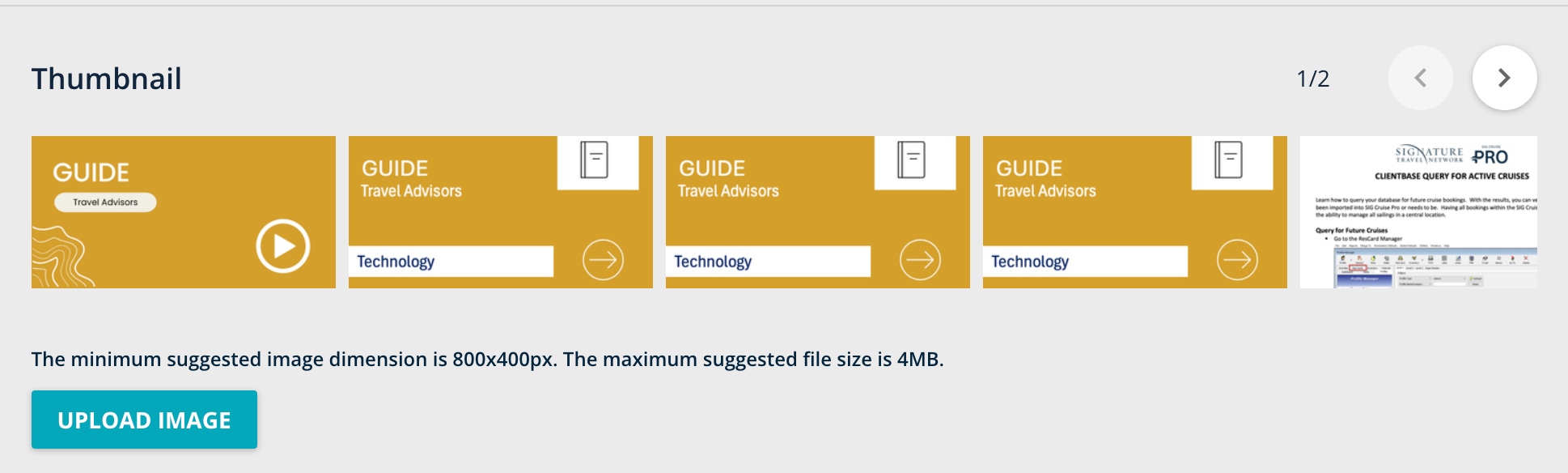
Does anyone know how to delete duplicates of thumbnails when uploading assets to channels? I have changed my thumbnails for my assets several times as I play around with our look and feel, however it is keeping a “graveyard” of my old thumbnails and does not give me the option to delete like the course thumbnails do. 

Thank you in advance!
 

5 replies

lrnlab
Hero III
Forum|alt.badge.img+10
  • Hero III
  • October 7, 2024

If you deleted the asset before attempting to delete the picture, that could be an issue but I would check your permissions to ensure you have the proper authority to manage images (assuming you are not a super admin)


AshlieKnight
Novice II
  • Novice II
  • January 24, 2025

I’m having this issue too.  Did you find a solution?  I’m a super admin and don’t see any options to delete thumbnails from assets, just to replace them and then they stack up as mentioned in the OG post. 


lrnlab
Hero III
Forum|alt.badge.img+10
  • Hero III
  • January 24, 2025

@alexiasmarz where is this screenshot from exactly? That would be helpful. Thx


AshlieKnight
Novice II
  • Novice II
  • February 7, 2025

@lrnlab it’s from the edit asset page.  


lrnlab
Hero III
Forum|alt.badge.img+10
  • Hero III
  • February 7, 2025

Thanks ​@AshlieKnight had a look and do not see any option to manage thumbnails on DCS assets like we do for courses. Think this is a good question to ask support about.